


 Windows XP and above
| Rate this software: | |
| 1405 downloads | |
 View Screenshots(7)
 Comments
 Download




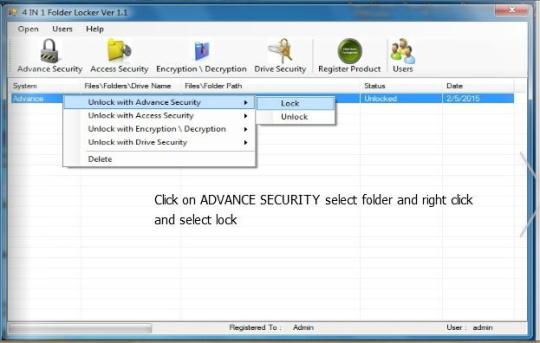
Once you lock a folder/drive, they become inaccessible even to the user who performed the security encryption. The only way to easily unlock them is to use 4 in 1 Folder Locker, since the software can reverse the encryption.
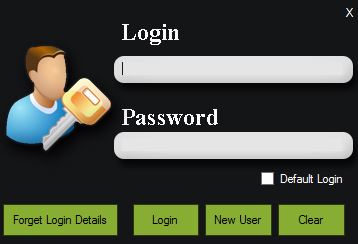
The access to the programs interface is also blocked, thus ensuring a higher folder security. You need to log in in order to gain access to the list of locked folders and to perform the reverse process. The software supports several users, each with a given name and password, but you can only create a new account as long as you are logged in.
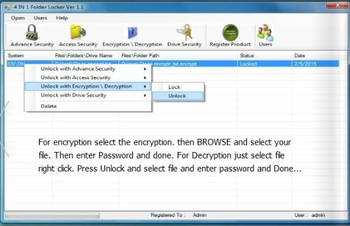
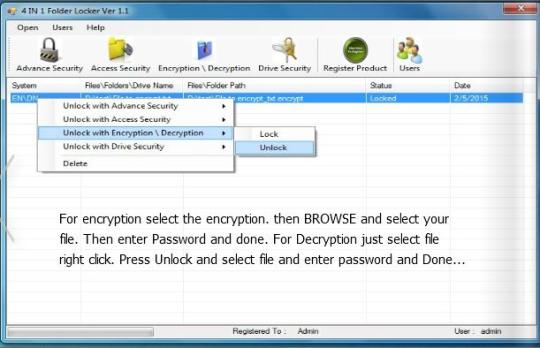
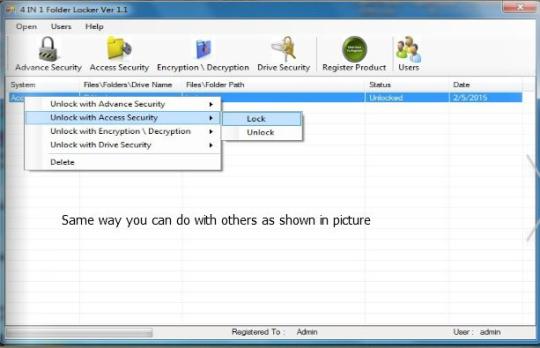
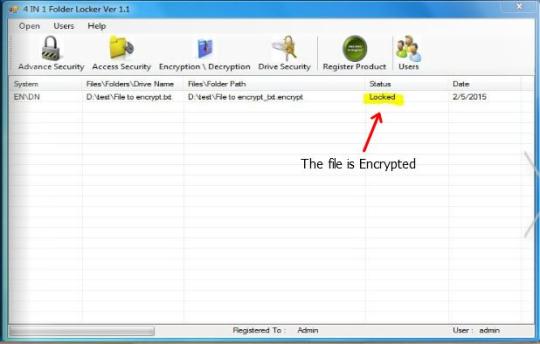
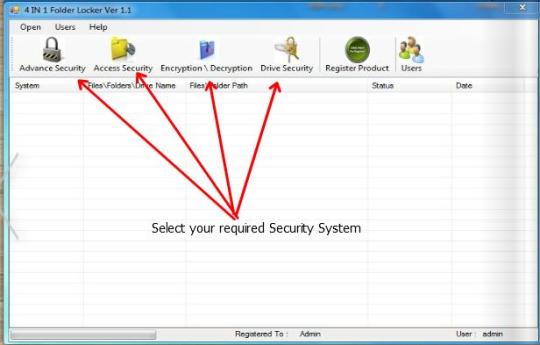
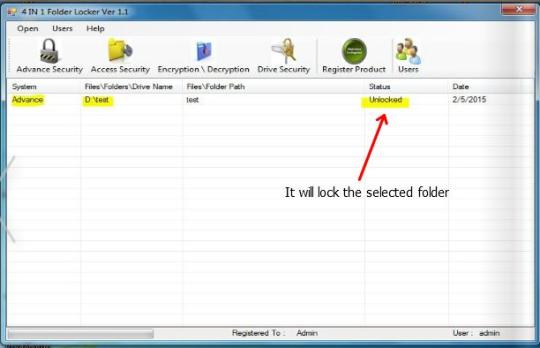
Once you log in, you can access the list of locked folders/drives, block more paths or unlock the existing ones. The table displays the name of the folder, its complete path and the date when it was locked.
If you wish for a simple method of protecting your computer from unwanted access or of encrypting files, 4 in 1 Folder Locker offers you a suitable solution. The software is lightweight, password protected and capable of locking folders or drives. Moreover, you can use it in order to encrypt/decrypt files.

| $89.99 | Click the link to buy | Buy |
 Similar Software


 Recently Searched
 Software Categories
 Trending Software
 Like Us

Free Windows software, games, themes and wallpapers with direct download links since 2011.

