


 Windows NT and above
| Rate this software: | |
| 338 downloads | |
 View Screenshots(8)
 Comments
 Download




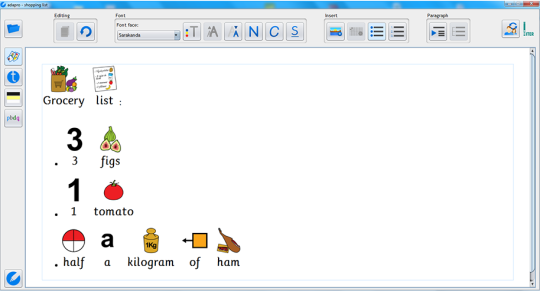
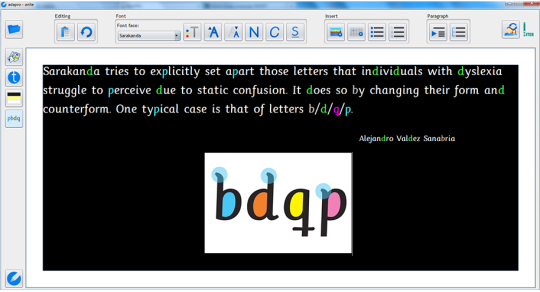
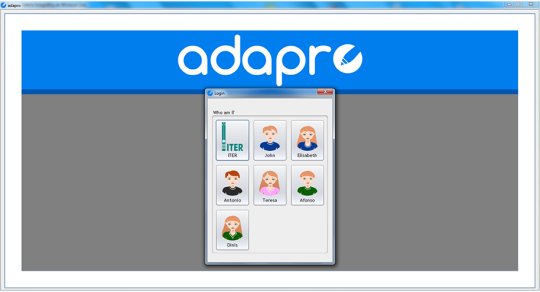
ADAPRO is a word processor geared towards individuals with a learning difficulty like dyslexia or a developmental disorder such as autism. Its adapted, seamless and configurable interface provides a simplified environment that can be relied, fostering the users sustained attention. Some learning difficulties such as dyslexia require attention to preventing visual confusion between letters. The use of the Sarakanda typeface greatly simplifies the task. It is also the perfect complement to the applications high-contrast modes: one specific for letters p/b/d/q as well as two other for global contrast, offered as an alternative to the classic black-on-white.
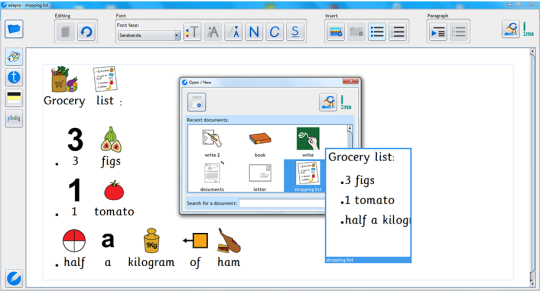
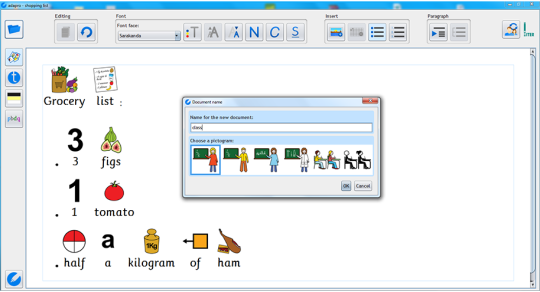
One of the aspects adding to the complexity of any word processor is the management of document files. ADAPRO hides the file system from view so that the user only has to worry about documents, not files. Directories and filenames with extensions disappear. Furthermore, documents can be made easier to identify by labeling them with a pictogram.
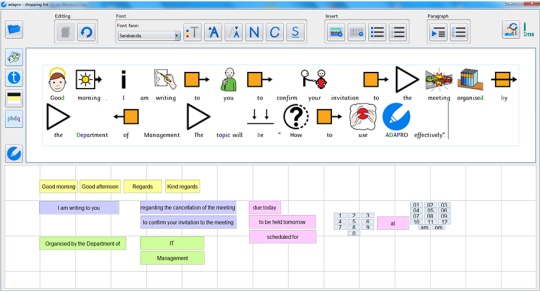
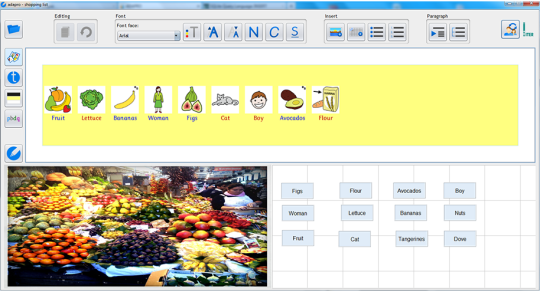
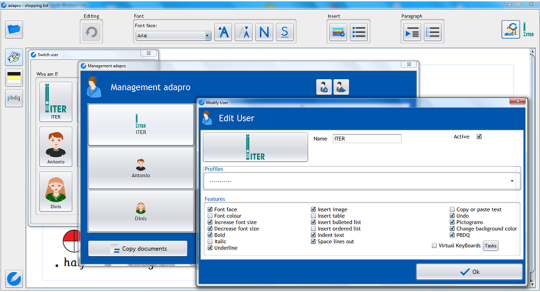
The editing interface as well as virtual keypads are completely customizable. Sets of visible buttons can be defined and a number of typical profiles are provided. The list of virtual keypads available to each user can also be modified. This together with document deletion and other user management tasks can be performed using the applications control panel. To edit or create virtual keypads, a separate application is provided.
 Similar Software


 Recently Searched
 Software Categories
 Trending Software
 Like Us

Free Windows software, games, themes and wallpapers with direct download links since 2011.
