Works on: Windows 10 | Windows 8.1 | Windows 8 | Windows 7 | Windows XP | Windows 2000 | Windows 2003 | Windows 2008 | Windows 98 | Windows ME | Windows NT | Windows Vista | Windows 2012 SHA1 Hash: 849cb96b25a83d36d2c3a95814a8d7f59f9e9acd Size: 8.79 MB File Format: exe
Rating: 1.8
out of 5
based on 23 user ratings
Publisher Website: External Link Downloads: 206 License: Demo / Trial Version
Add Zeros To Filenames Software is a demo software by Sobolsoft and works on Windows 10, Windows 8.1, Windows 8, Windows 7, Windows XP, Windows 2000, Windows 2003, Windows 2008, Windows 98, Windows ME, Windows NT, Windows Vista, Windows 2012.
You can download Add Zeros To Filenames Software which is 8.79 MB in size and belongs to the software category File Management. Add Zeros To Filenames Software was released on 2011-05-07 and last updated on our database on 2017-04-23 and is currently at version 7.
Thank you for downloading from SoftPaz! Your download should start any moment now. It would be great if you could rate and share:
Rate this software:
Share in your network:
Add Zeros To Filenames Software Description
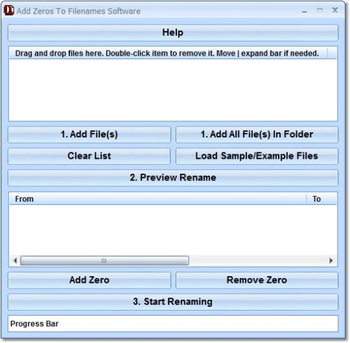
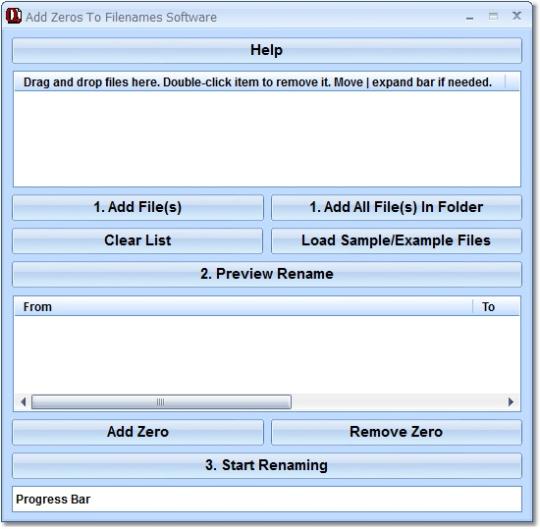
This software offers a solution to users who want to insert 0s into filenames to keep them properly aligned and in alphabetical/numerical order. Many times, to accomplish a task, we create multiple files containing a root name followed by a number. Unfortunately, if you dont think ahead and pad the left of the numerical part of the filename with a zero so that all of the filename lengths are the same, displaying the files in numerical order becomes impossible. Use this utility to prepend the numeric suffix of a file name with a user defined number of zeros. So, for example: foo1.bmp foo11.bmp foo2.bmp foo222.bmp can become: foo001.bmp foo002.bmp foo011.bmp foo222.bmp.
Where to buy?
Last updated price and discount information 9 years agoupdate now



 Windows NT and above
 View Screenshots(1)
 Comments
 Download





 Similar Software


 Recently Searched
 Software Categories
 Trending Software

 Like Us


