Works on: Windows 10 | Windows 8.1 | Windows 8 | Windows 7 | Windows XP | Windows 2000 | Windows 2003 | Windows 2008 | Windows ME | Windows Vista | Windows 2012 SHA1 Hash: 15145e11a5db0c603bc5d41be064513172eddf17 Size: 6.03 MB File Format: exe
Rating: 1.8
out of 5
based on 23 user ratings
Downloads: 142 License: Demo / Trial Version
AhaView is a demo software by Aha-soft and works on Windows 10, Windows 8.1, Windows 8, Windows 7, Windows XP, Windows 2000, Windows 2003, Windows 2008, Windows ME, Windows Vista, Windows 2012.
You can download AhaView which is 6.03 MB in size and belongs to the software category Image Editors Convertors Viewers. AhaView was released on 2012-07-31 and last updated on our database on 2017-02-16 and is currently at version 4.41.
Thank you for downloading from SoftPaz! Your download should start any moment now. It would be great if you could rate and share:
Rate this software:
Share in your network:
AhaView Description
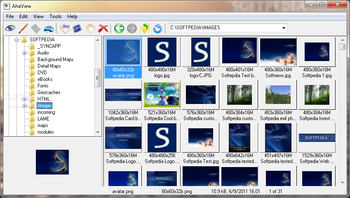
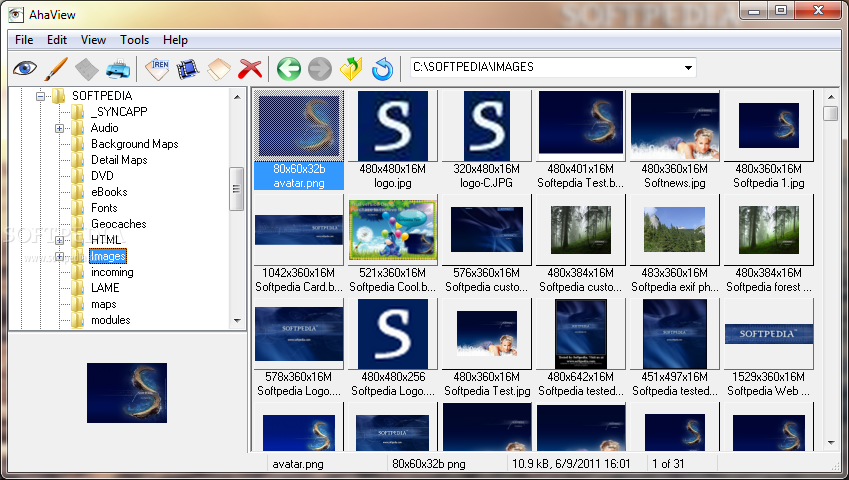
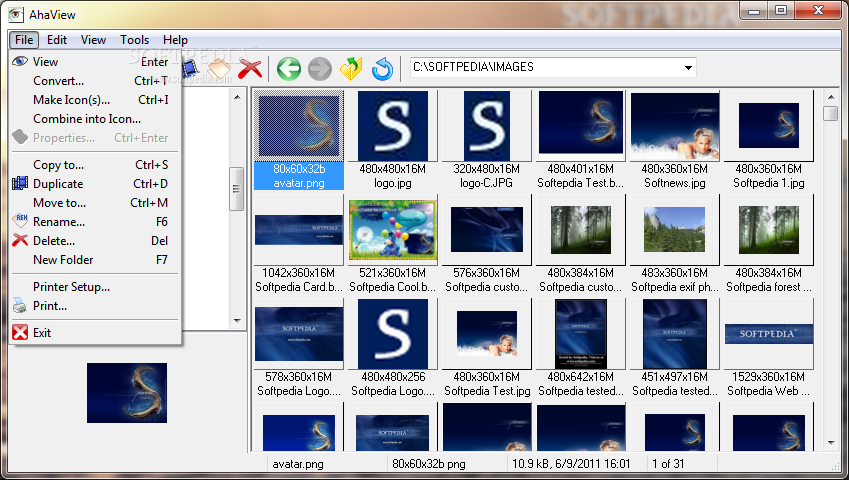
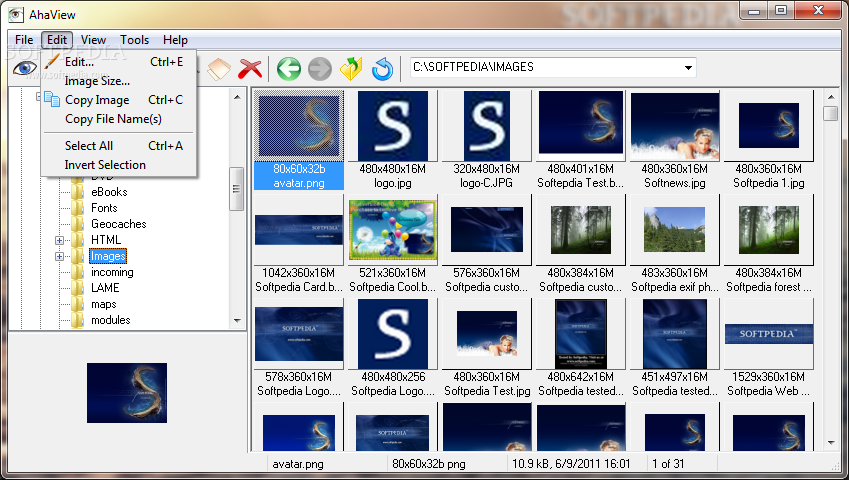
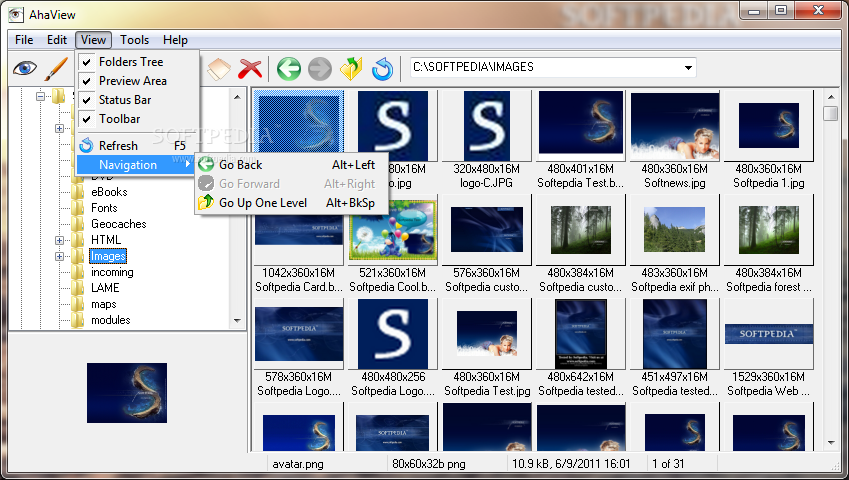
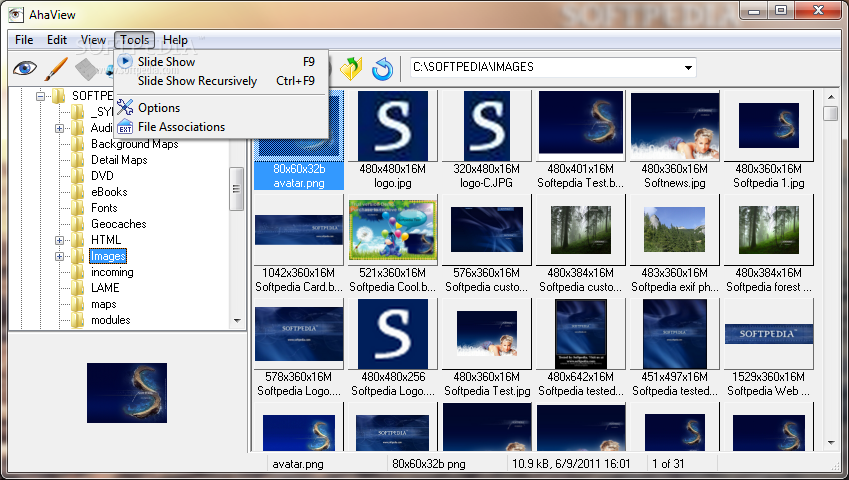
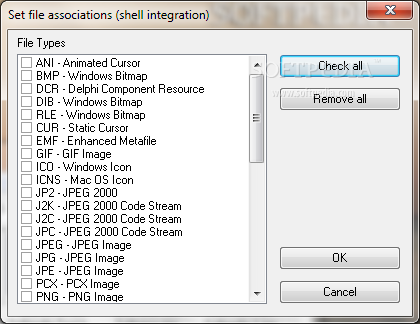
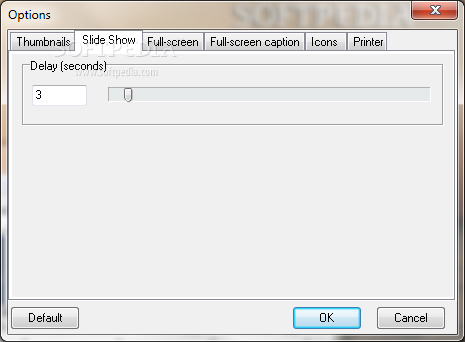
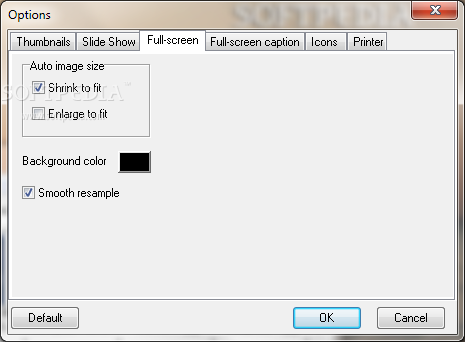
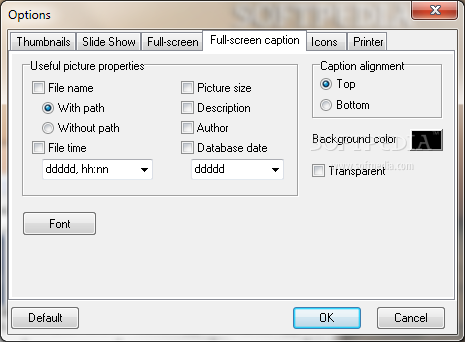
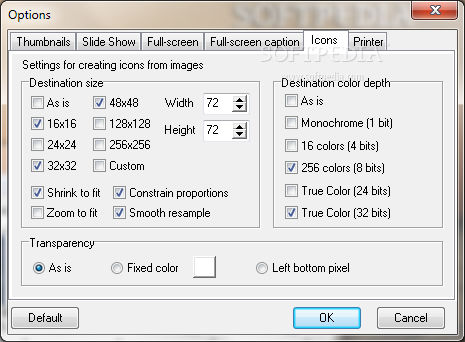
AhaView is a handy image viewer and converter. It displays images in all popular formats: JPEG, GIF, PNG, BMP, ICO, CUR, ANI, WBMP, XPM, XBM, TGA. It has a thumbnail mode and lets you quickly browse through numerous image files, open any of them full size with a double mouse click, and convert images to JPEG, PNG, TGA and BMP formats. Simply click on the folder you wish to view, and all image files are immediately displayed as thumbnails. Highlighting the image will display a larger image, and double clicking it will show it in the full-screen mode. You can run a slide show to automatically browse all images from folders in the full-screen mode. You can check image properties in the taskbar and assign your descriptions to images on your hard disk. You can also print, move, copy, duplicate and rename files and copy images to the clipboard. Command line interface is available.
Where to buy?
Last updated price and discount information 6 years agoupdate now



 Windows ME and above
 View Screenshots(11)
 Comments
 Download





 Similar Software


 Recently Searched
 Software Categories
 Trending Software
 Like Us


