Version: 6.2 Last Updated: 16 Feb 2017 Release: 13 Feb 2017 Category: CD DVD Blu-ray Tools
Rate this software:
442 downloads
View Screenshots(9)
Comments
Download
Liked it? Tell others:
Aiseesoft WMV Converter Details
Works on: Windows 10 | Windows 8.1 | Windows 8 | Windows 7 | Windows XP | Windows 2000 | Windows 2003 | Windows 2008 | Windows Vista | Windows 2012 SHA1 Hash: a4f3d53a13a192df2f048f6d3f1cb8e2a2014d6e Size: 22.27 MB File Format: exe
Rating: 2.0
out of 5
based on 23 user ratings
Downloads: 442 License: Demo / Trial Version
Aiseesoft WMV Converter is a demo software by Aiseesoft Studio and works on Windows 10, Windows 8.1, Windows 8, Windows 7, Windows XP, Windows 2000, Windows 2003, Windows 2008, Windows Vista, Windows 2012.
You can download Aiseesoft WMV Converter which is 22.27 MB in size and belongs to the software category CD DVD Blu-ray Tools. Aiseesoft WMV Converter was released on 2017-02-13 and last updated on our database on 2017-02-16 and is currently at version 6.2.
Thank you for downloading from SoftPaz! Your download should start any moment now. It would be great if you could rate and share:
Rate this software:
Share in your network:
Aiseesoft WMV Converter Description
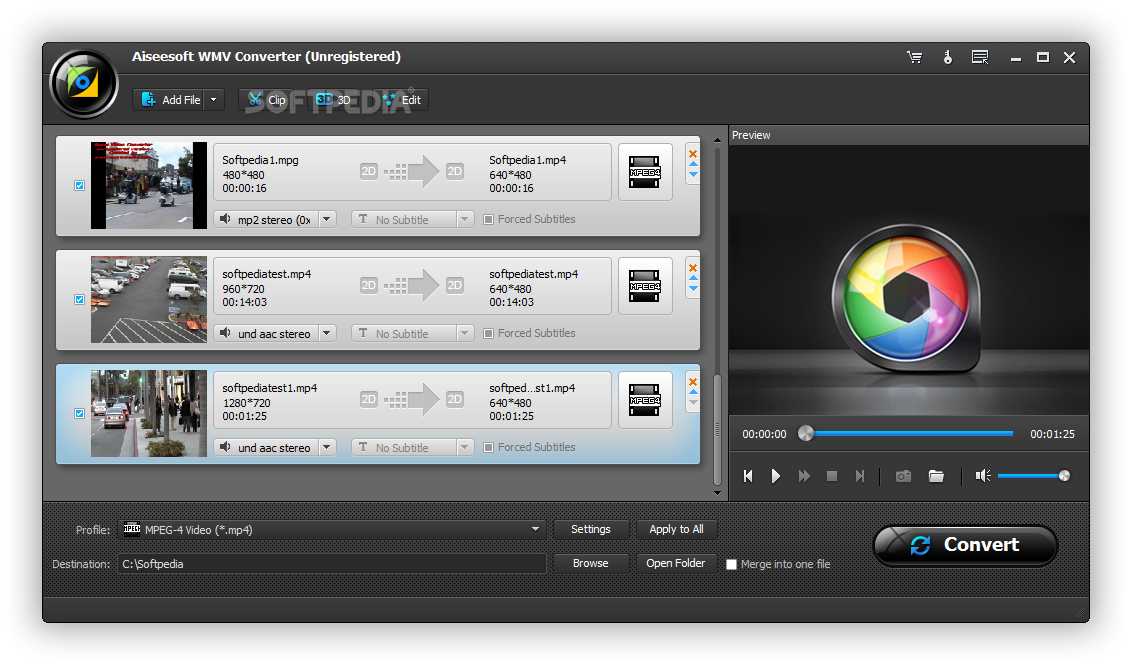
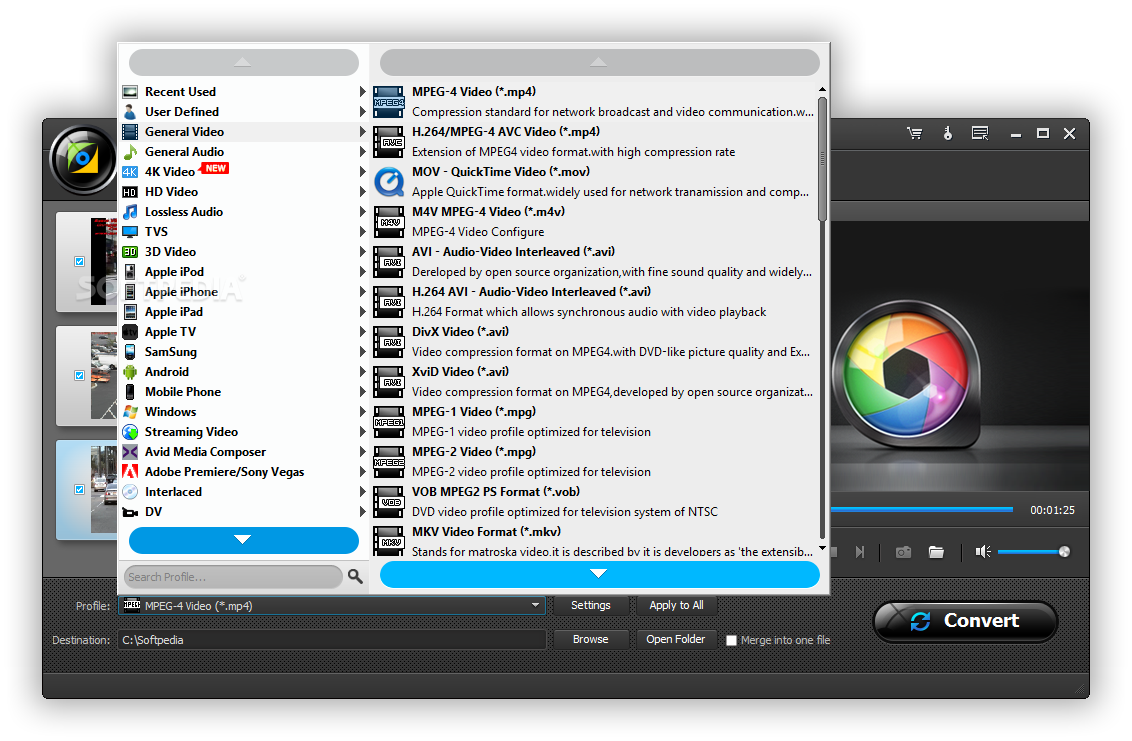
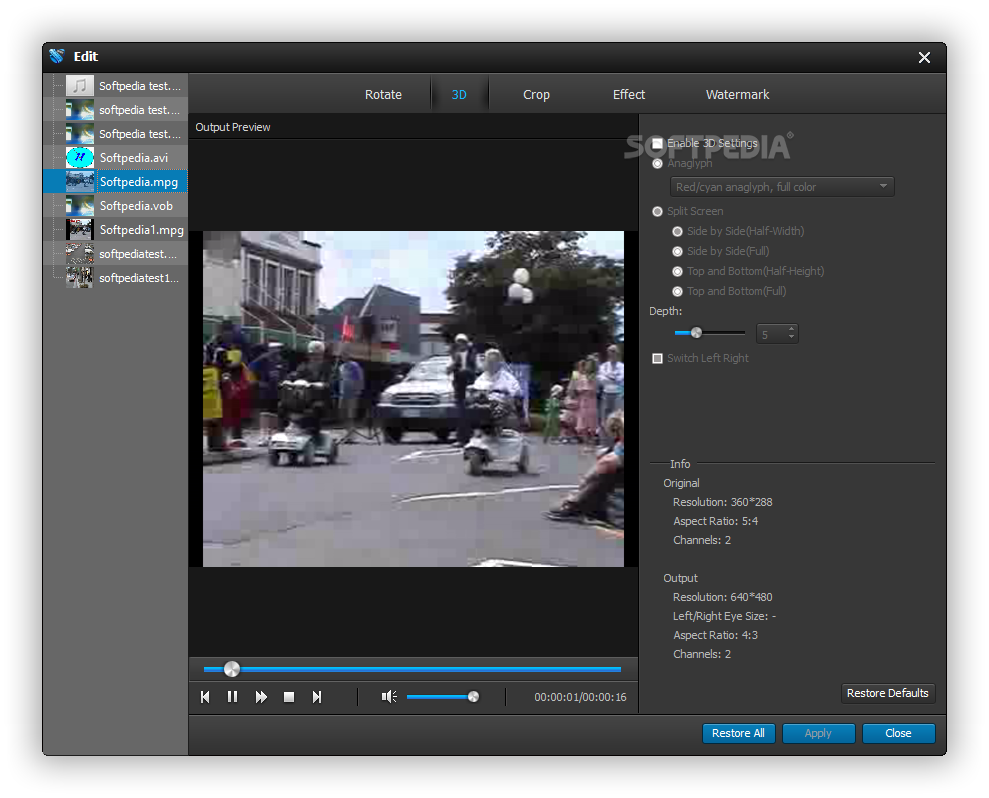
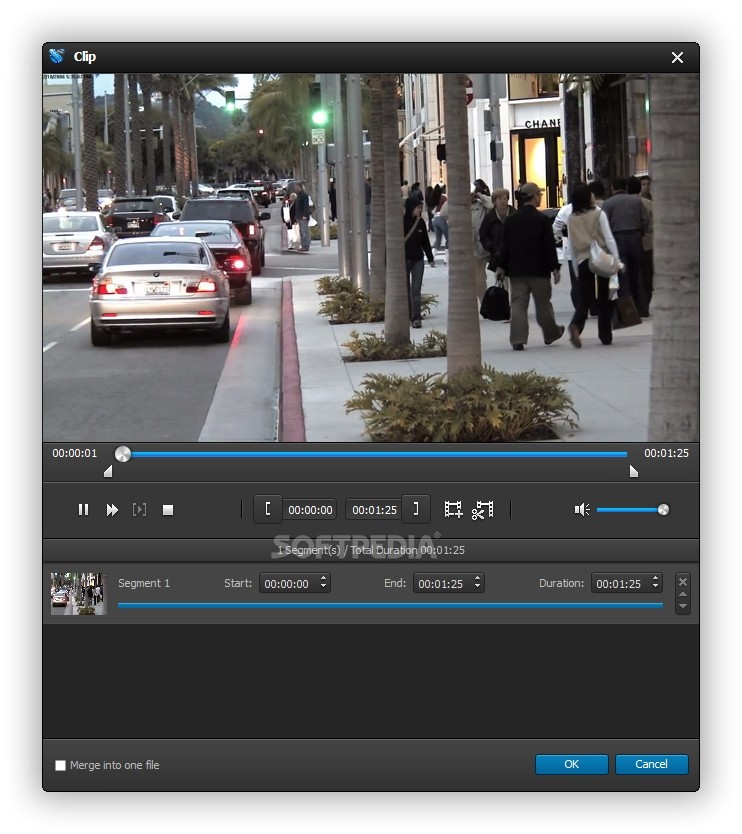
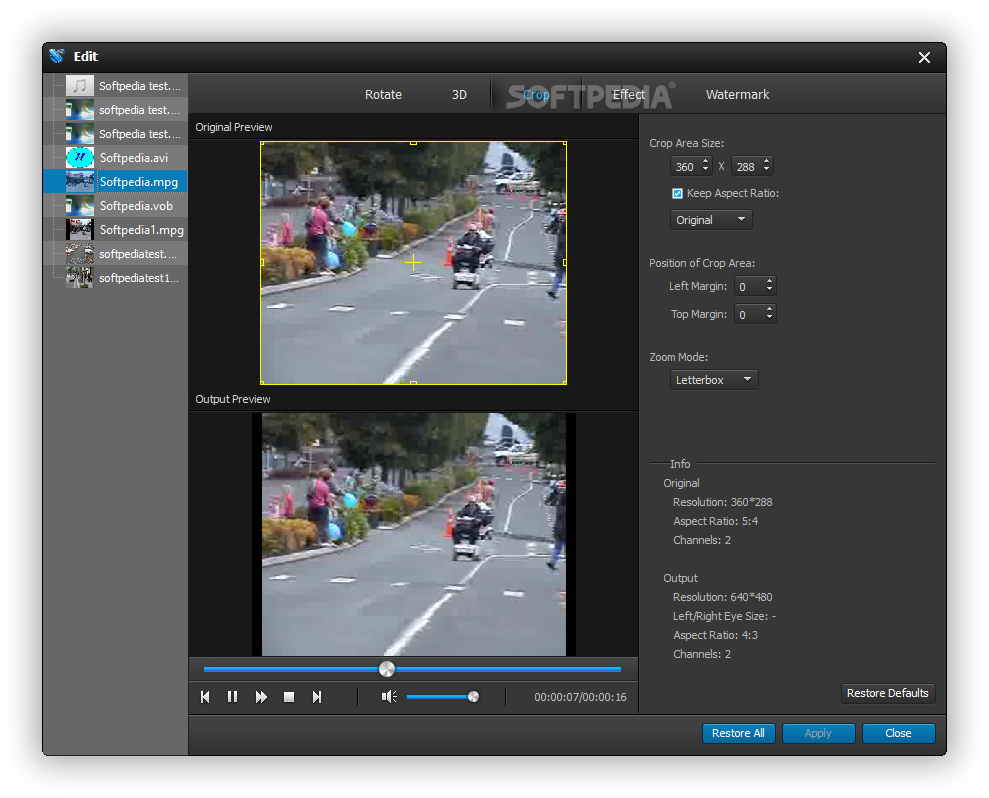
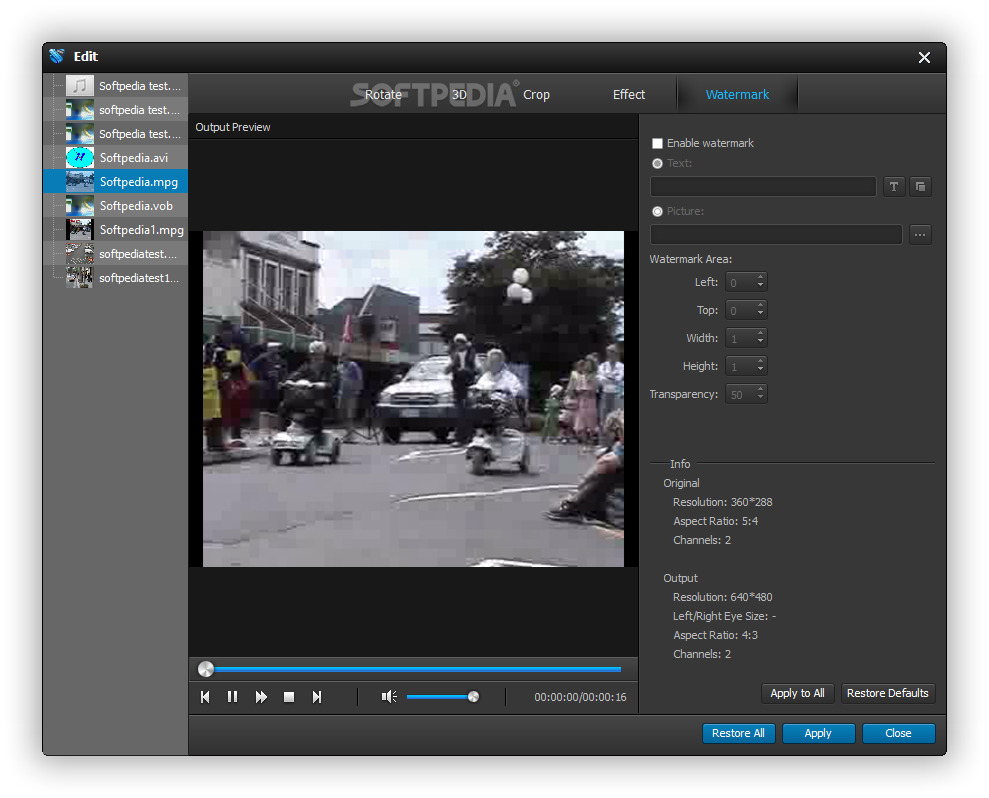
Aiseesoft WMV Converter is the professional Video to WMV Converter which enables you to convert all popular video files to 3G2, 3GP, AVI, H.264/MPEG-4 AVC, MPEG-1, MPEG-2, MP4, MOV, WMV, XviD, FLV, HD WMV video and MP3, WMA audio formats. With it's powerful video editing functions, you can also trim video length, crop video playing area, watermark your video, merge several video files together, even adjust output video effect. Moreover, it will bring you much faster converting speed with AMD APP and NVIDIA CUDA technology, and it can also support 5.1 channel audio after upgraded.
Key Features
1. Sync with most player compatible with WMV
This WMV Converter supports Google Phone, BlackBerry Storm, BlackBerry Bold, Palm Pre, Zune, Zune 2, PSP, PS3, Xbox 360, Dell Player, HP iPAQ, etc.
2. Convert files in batches
Aiseesoft WMV Converter enables you to convert one file to different formats with only one conversion.
3. Modify video effect
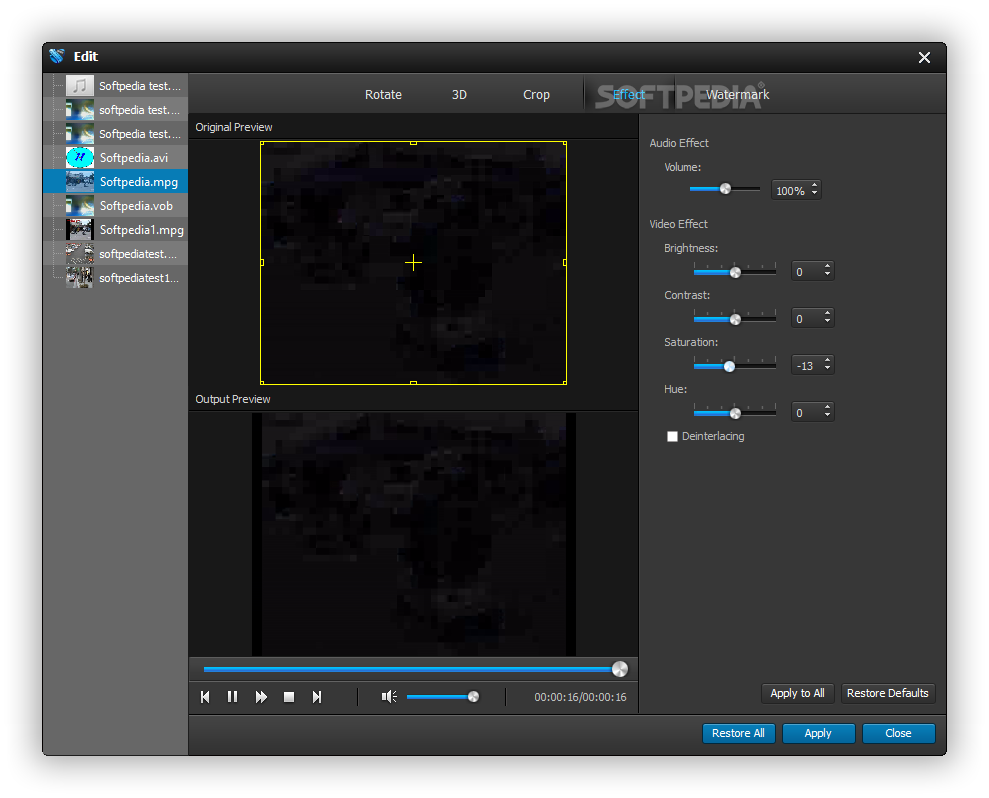
You are able to adjust video Brightness, Contrast, Saturation, Hue and Volume. Even you can convert the interlaced video to a progressive one with the Deinterlacing function.
4. Get adjustable quality to put converted video on players
You are able to define video settings, such as Video Encoder, Frame Rate, Video Bitrate, Resolution, and audio settings, including Audio Encoder, Sample Rate, Channels, and Audio Bitrate. As for the Resolution, you are available to input your own resolution in Width (pixels) * Height (pixels).
5. Audio track and subtitle
Aiseesoft WMV Converter provides you with the solution to select your preferred audio track and subtitle for the output video.
6. Preview and snapshot
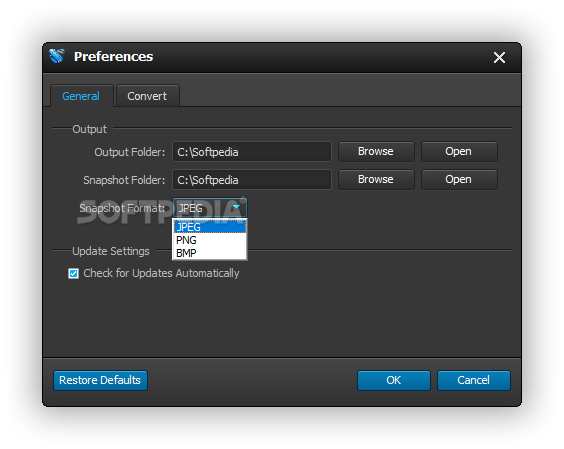
This WMV Converter provides you with a built-in player to preview the original and edited video effect. Once you get one desired movie scene, you can take a snapshot, and save it as JPEG, GIF or BMP picture.
Where to buy?
Last updated price and discount information 6 years agoupdate now



 Windows 2000 and above
 View Screenshots(9)
 Comments
 Download





 Similar Software


 Recently Searched
 Software Categories
 Trending Software

 Like Us


