Version: 6.1 Last Updated: 18 Feb 2017 Release: 18 Feb 2013 Category: CD DVD Blu-ray Tools
Rate this software:
186 downloads
View Screenshots(18)
Comments
Download
Liked it? Tell others:
AnyMP4 iPad Transfer Platinum Details
Works on: Windows 10 | Windows 8.1 | Windows 8 | Windows 7 | Windows XP | Windows 2000 | Windows 2003 | Windows 2008 | Windows Vista | Windows 2012 SHA1 Hash: 9813fb5b387199a1156c1898c0a8b8b5df65d68a Size: 35.81 MB File Format: exe
Rating: 1.8
out of 5
based on 23 user ratings
Publisher Website: External Link Downloads: 186 License: Demo / Trial Version
AnyMP4 iPad Transfer Platinum is a demo software by Anymp4 Studio and works on Windows 10, Windows 8.1, Windows 8, Windows 7, Windows XP, Windows 2000, Windows 2003, Windows 2008, Windows Vista, Windows 2012.
You can download AnyMP4 iPad Transfer Platinum which is 35.81 MB in size and belongs to the software category CD DVD Blu-ray Tools. AnyMP4 iPad Transfer Platinum was released on 2013-02-18 and last updated on our database on 2017-02-18 and is currently at version 6.1.
Thank you for downloading from SoftPaz! Your download should start any moment now. It would be great if you could rate and share:
Rate this software:
Share in your network:
AnyMP4 iPad Transfer Platinum Description
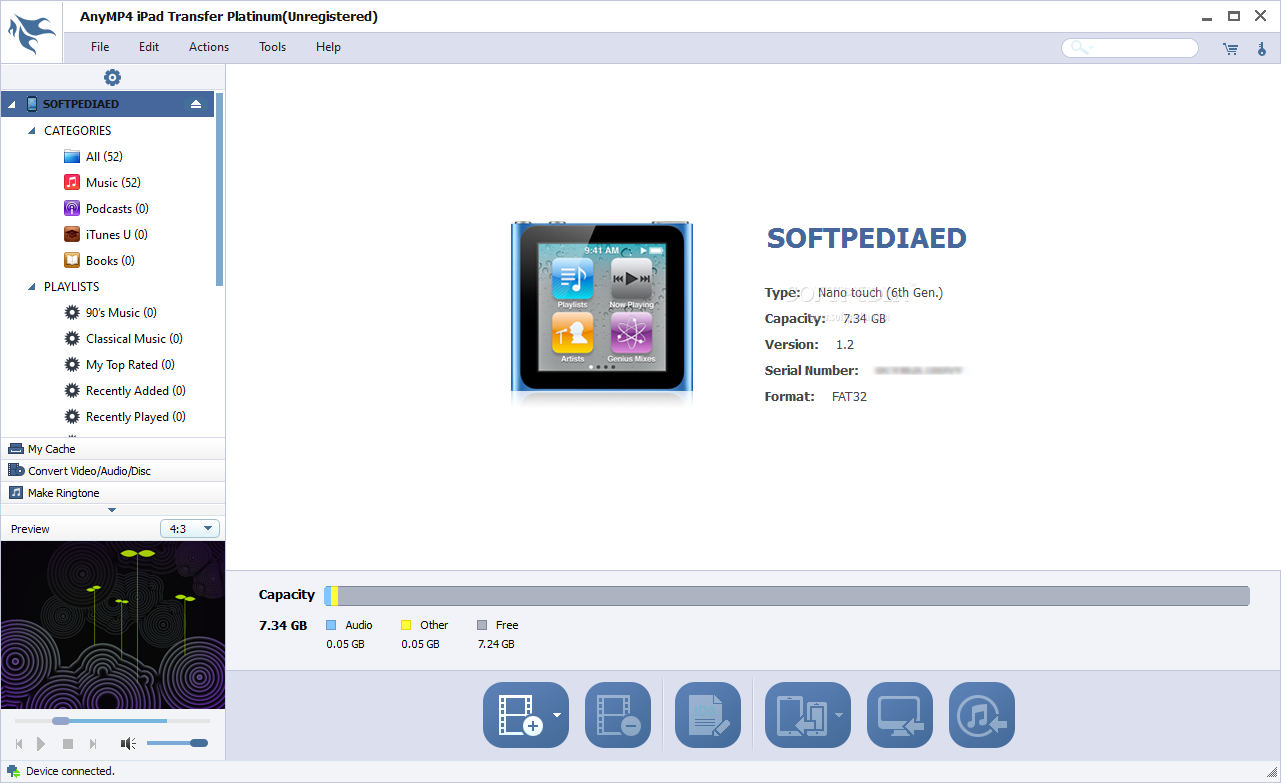
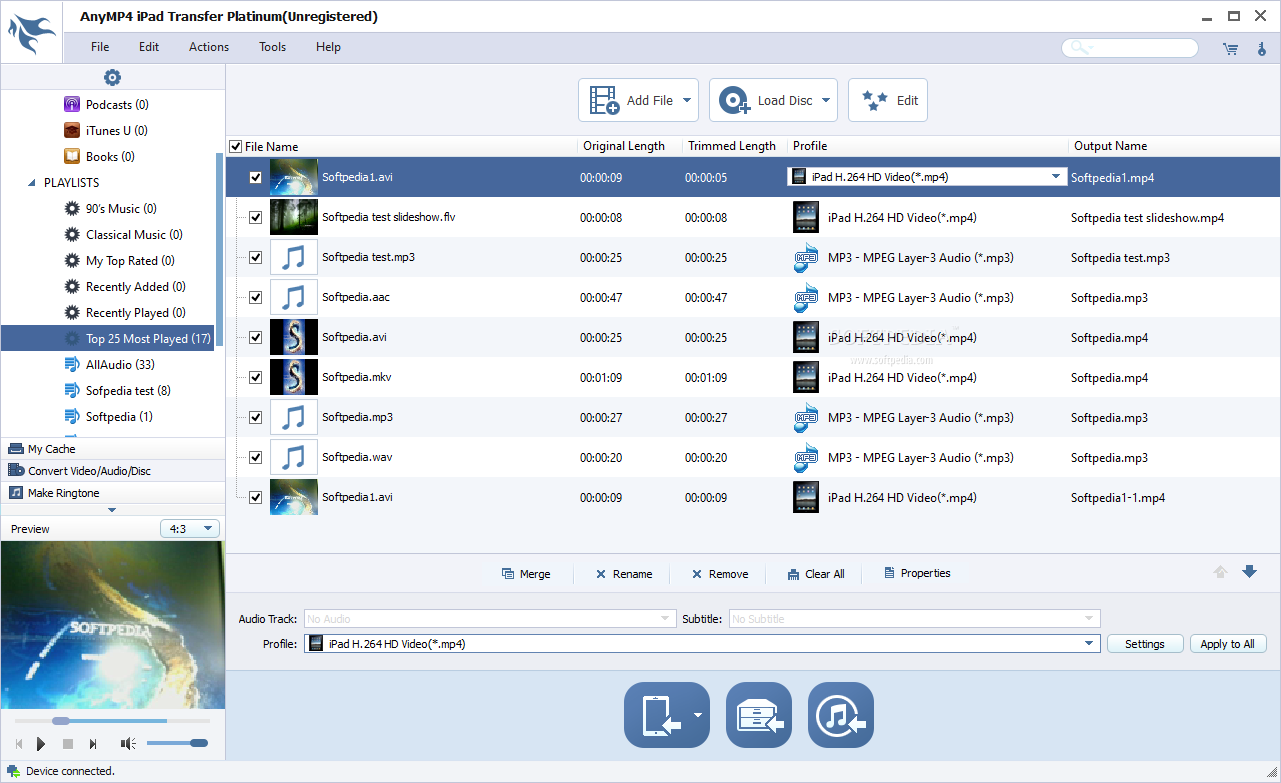
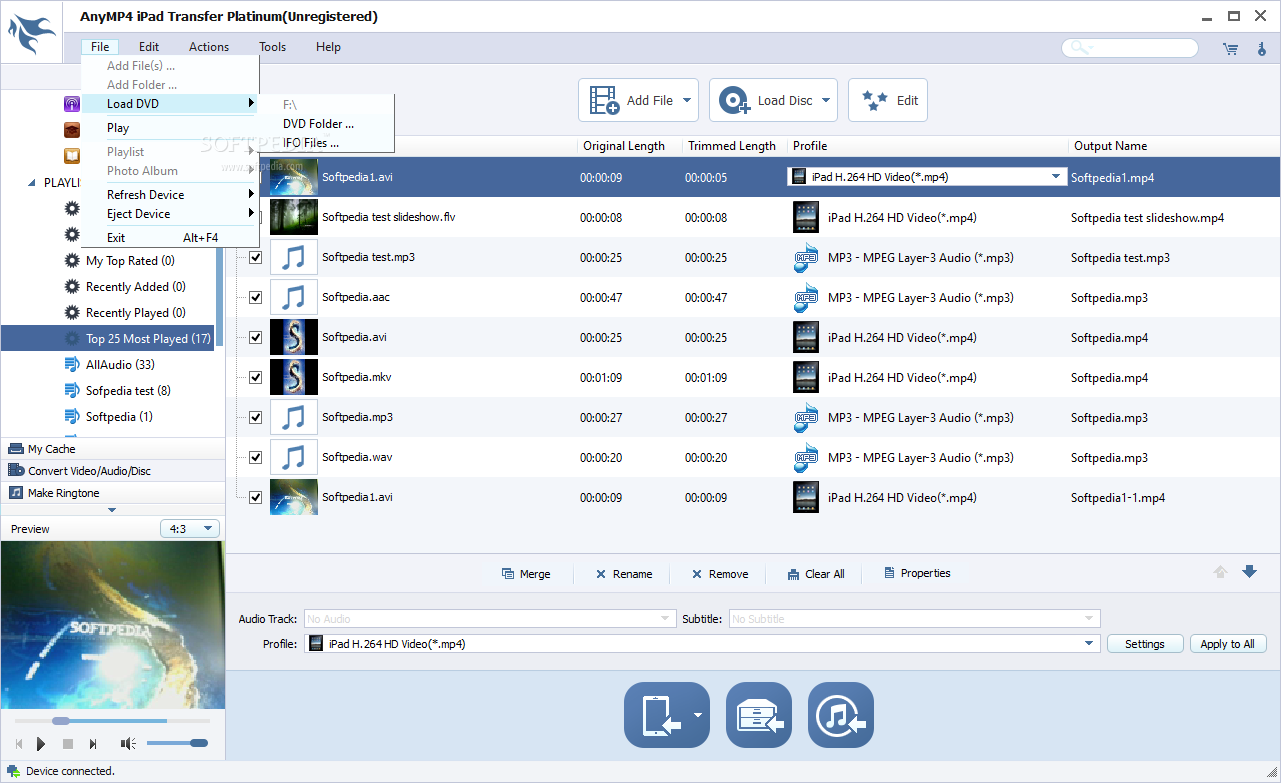
AnyMP4 iPad Transfer Platinum is the wonderful iPad transferring software, which can not only export iPad files including music, movie, pictures, TV shows, Podcast, iTunes U, eBooks, Camera Roll, etc. to computer, but also import local files to computer for enjoyment. Also, this software supports transferring files between different iPad/iPhone/iPod devices.
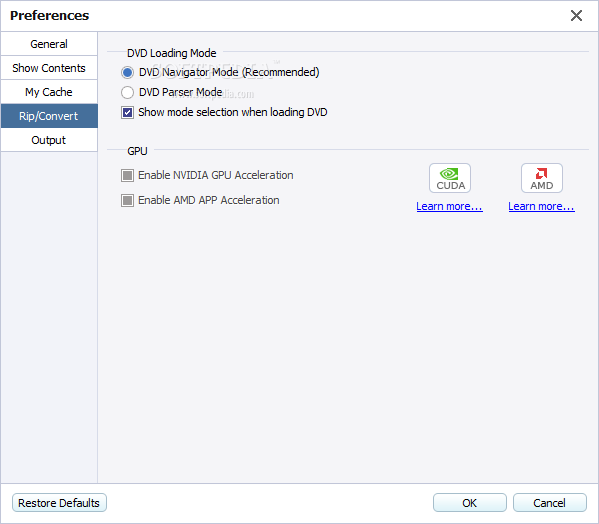
This iPad Transfer Platinum also owns powerful file converting functions. With it, users can rip any DVD and convert any video file to iPad compatible video/audio formats. This software allows users to customize output video effect. Plus, it brings users a user-friendly interface. And it is compatible with the iOS 5.1.
Key functions:
1.Transfer iPad files on PC
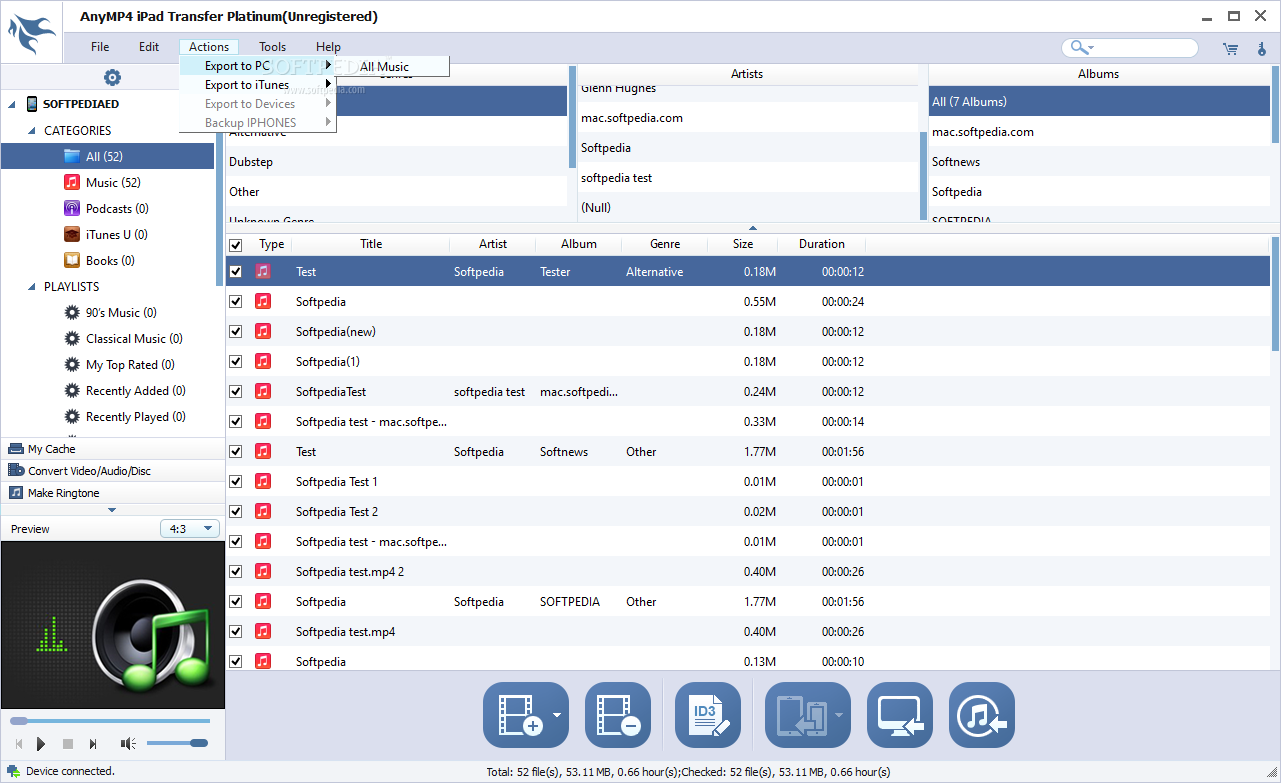
This software can help users transfer iPad files such as music, movie, pictures, TV shows, Podcast, iTunes U, eBooks, Camera Roll, ringtone, SMS, Contacts, etc. to PC. Also, users can import music, video, ringtone, image files from local disk to iPad. This software allows users to transfer files between different iPad, iPhone and iPod devices. Also it can help users backup iPhone SMS and Contacts on computer.
2.Convert DVD/video to iPad
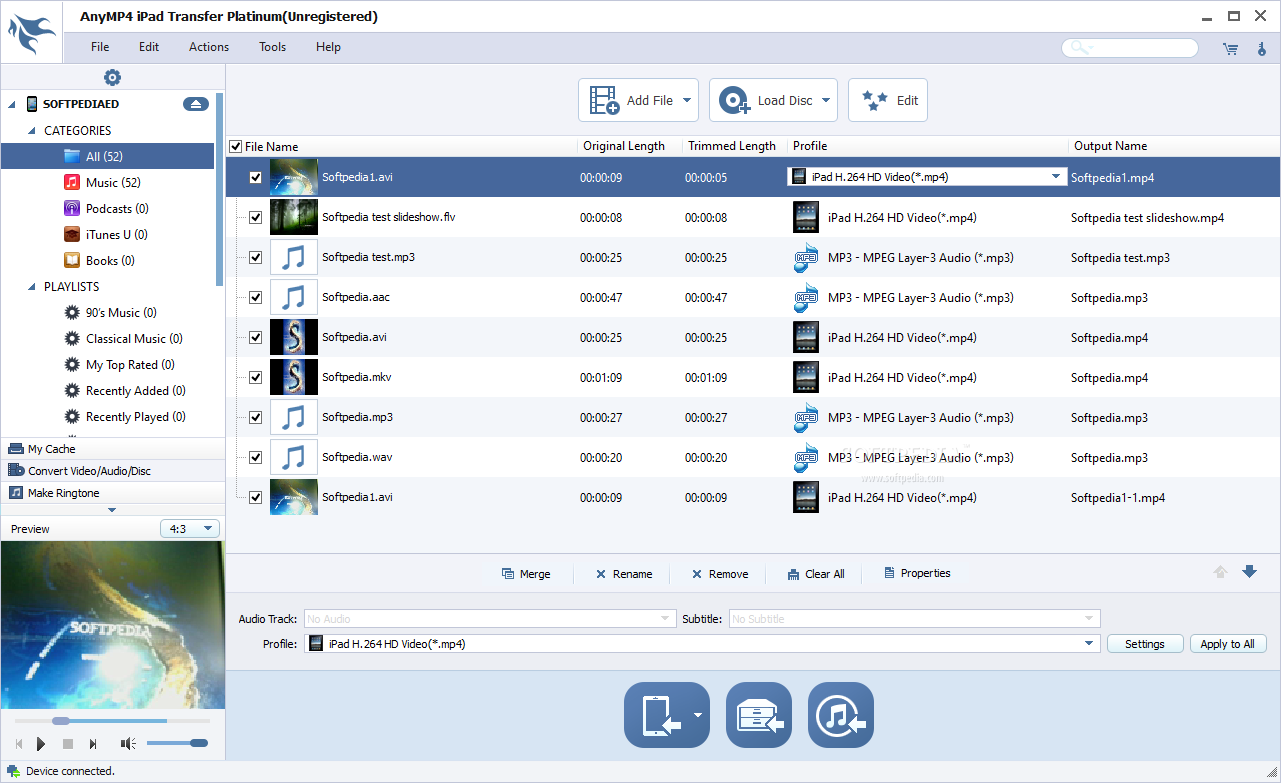
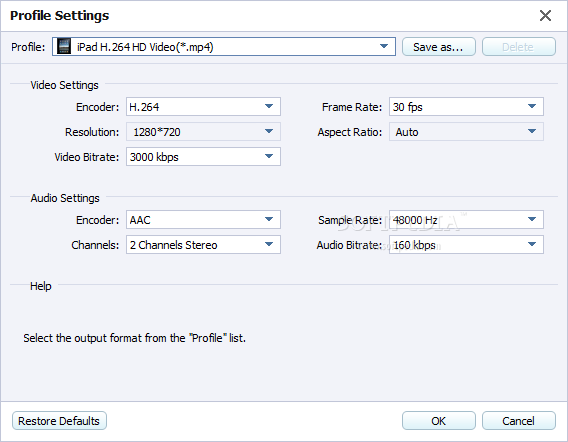
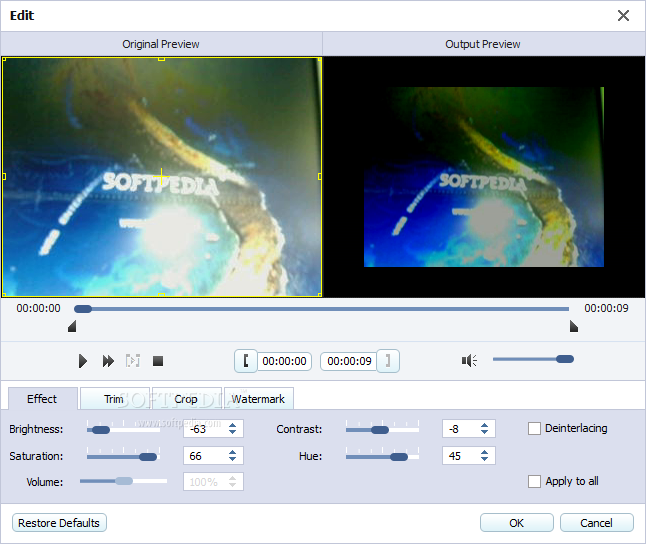
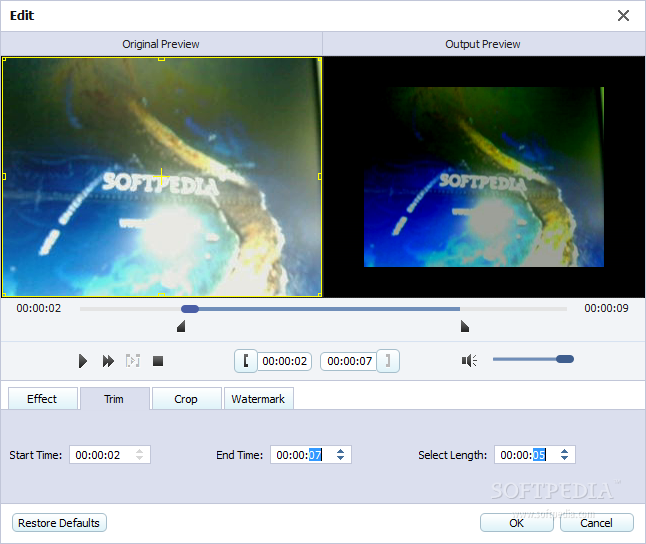
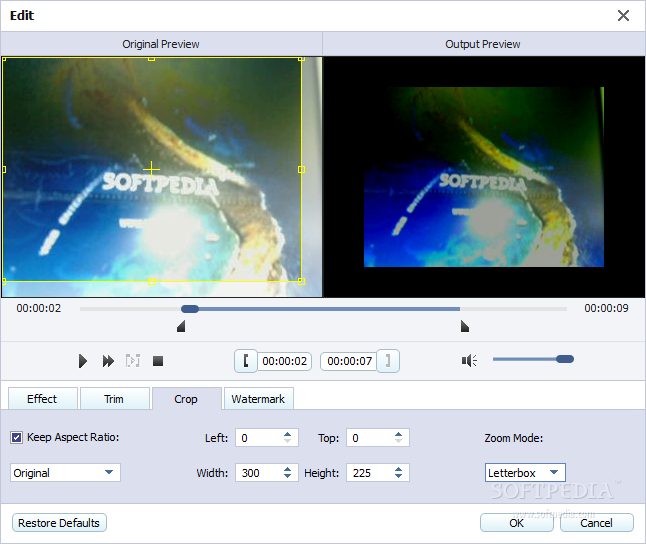
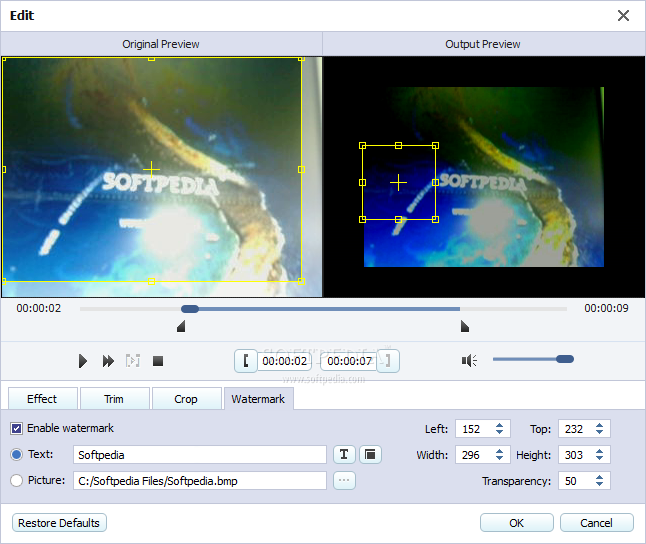
With this software, Users can rip any DVD disc and convert most popular videos (FLV, MPEG, VOB, MOD, etc.) to iPad compatible formats. Besides, it can help users trim the video length, crop the video frame, add watermark to the video, adjust video effect at your dispoal and so on.
3.Convenient operations
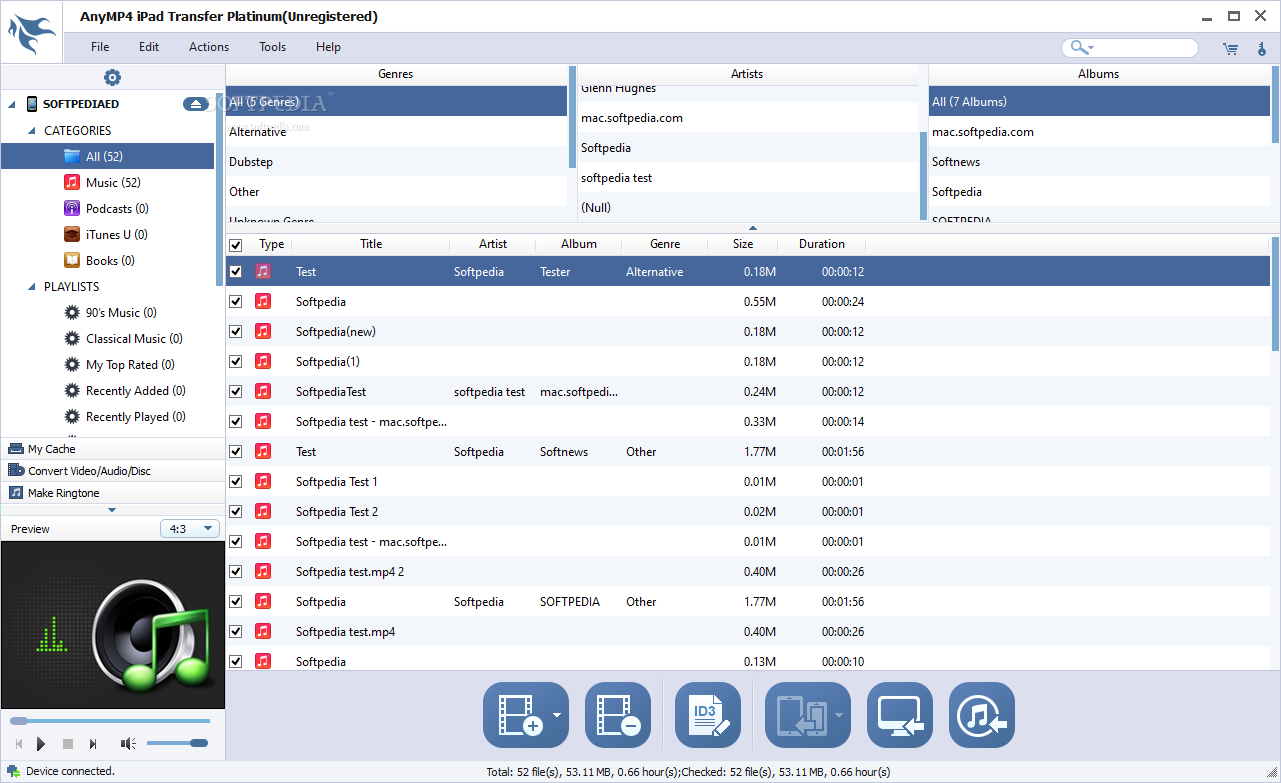
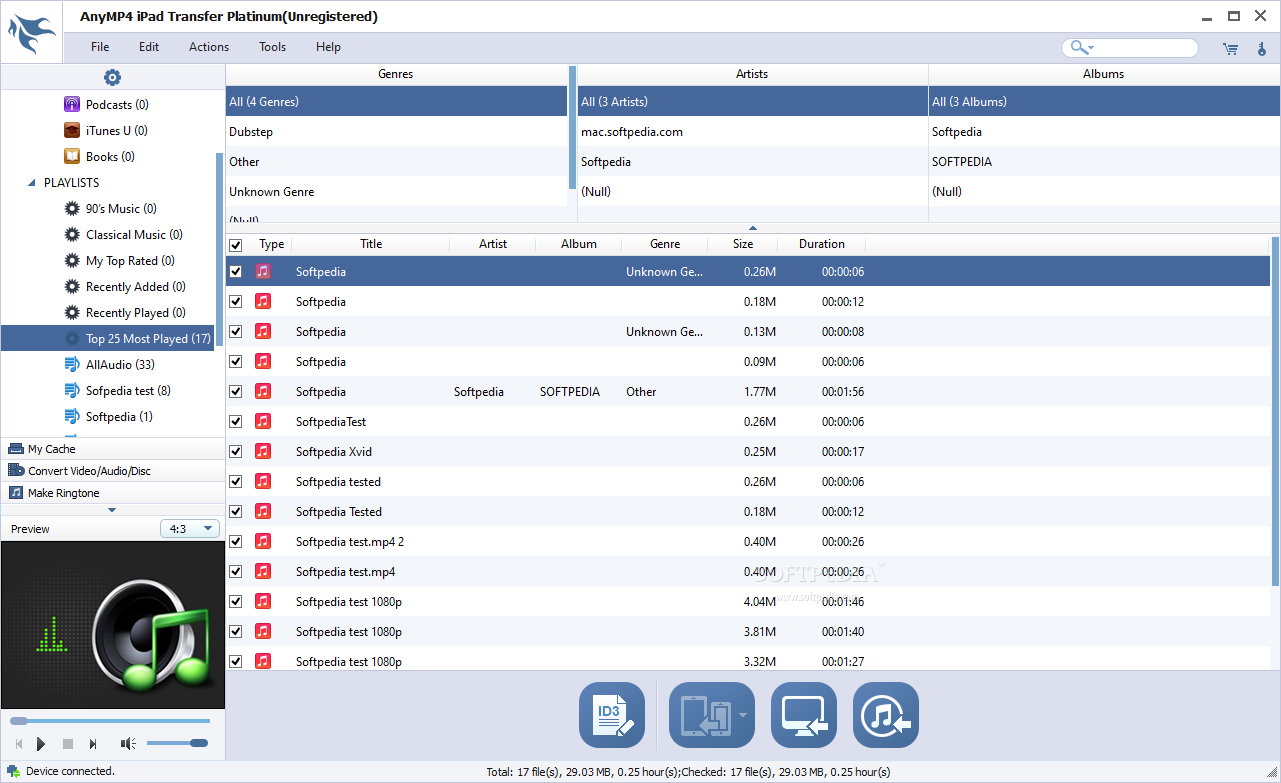
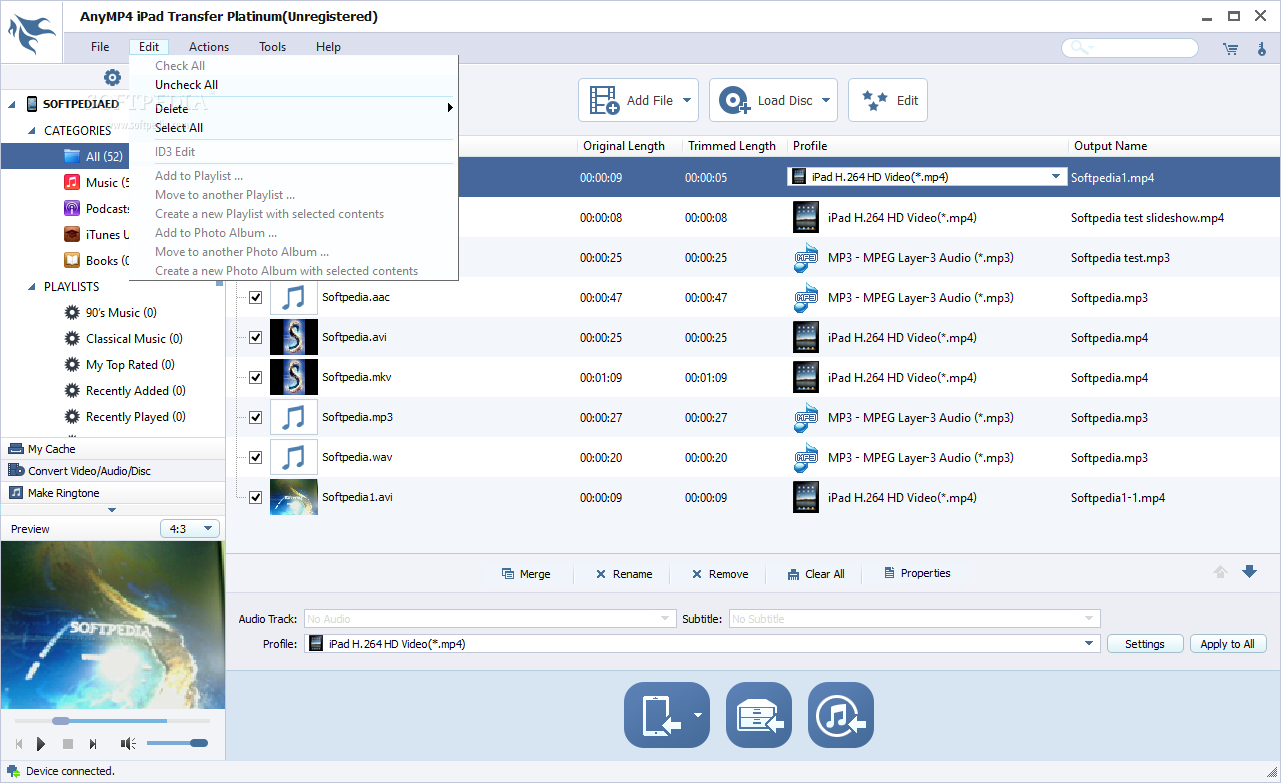
The built-in player of this iPad Transfer can help users preview the video, audio and photo effect before transferring. You can convenient edit ID3 info, like name, artist, album, track number, lyrics, etc of any iPad file. It offers users many user-friendly features, like File Filter and Search features, to help users find the target files quickly.
Where to buy?
Last updated price and discount information 9 years agoupdate now



 Windows 2000 and above
 View Screenshots(18)
 Comments
 Download





 Similar Software


 Recently Searched
 Software Categories
 Trending Software

 Like Us

