


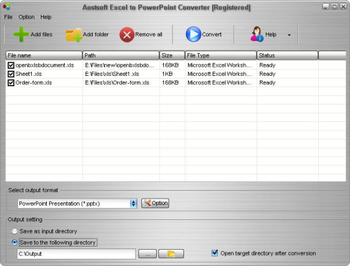
 View Screenshots(1)
 Comments
 Download




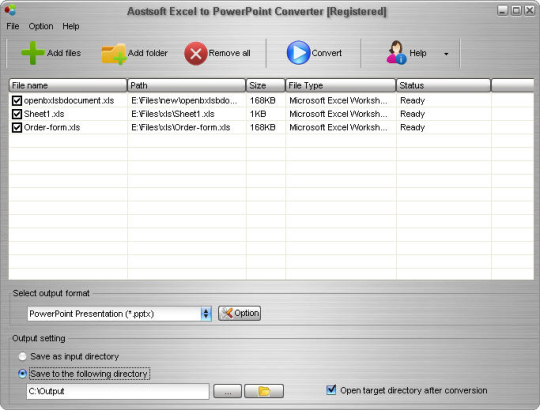
Aostsoft Excel to PowerPoint Converter is a flexible Excel converter. It can batch convert Excel (*.XLS, *.XLSX, *.XLSM) to PowerPoint presentation (*.PPT, *.PPTX, *.PPTM) and PowerPoint slide show (*.PPS, *.PPSX, *.PPSM) with preserving the original text, graphics, layout etc. It is easy to use without any technical requirements. Merely a few clicks can finish the conversion.
Features include provides user-friendly interface, supports to choose the entire folder and sub-folder to convert, add files, folders by dragging and dropping, convert XLS, XLSX, XLSM to PowerPoint PPT, PPTX, PPTM, PPS, PPSX, PPSM, convert Excel to PowerPoint with preserving the original layout, convert XLSX, XLSX of MS-Office 2007/2010 to PowerPoint document, convert each sheet of Excel document to one multi-page PowerPoint, define the row count on each slide when convert Excel to PowerPoint, saving output files in the same folder as source files, and define the PowerPoint page size and orientation.

| $55.95 | Click the link to buy | Buy |
 Similar Software
 Recently Searched
 Software Categories
 Trending Software
 Like Us


Free Windows software, games, themes and wallpapers with direct download links since 2011.
 Windows 2000 and above