Works on: Windows 10 | Windows 8.1 | Windows 8 | Windows 7 | Windows XP | Windows 2000 | Windows 2003 | Windows 2008 | Windows Vista | Windows 2012 SHA1 Hash: a050b6b7930e4dfbd05c03407f8ed1f116cc7333 Size: 60.71 MB File Format: zip
Rating: 2.4
out of 5
based on 23 user ratings
Publisher Website: External Link Downloads: 143 License: Demo / Trial Version
Arquivo is a demo software by FGSoftware and works on Windows 10, Windows 8.1, Windows 8, Windows 7, Windows XP, Windows 2000, Windows 2003, Windows 2008, Windows Vista, Windows 2012.
You can download Arquivo which is 60.71 MB in size and belongs to the software category File Management. Arquivo was released on 2014-04-17 and last updated on our database on 2017-04-26 and is currently at version 2.
Thank you for downloading from SoftPaz! Your download should start any moment now. It would be great if you could rate and share:
Rate this software:
Share in your network:
Arquivo Description
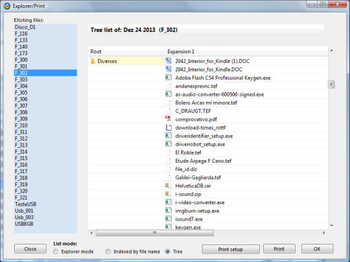
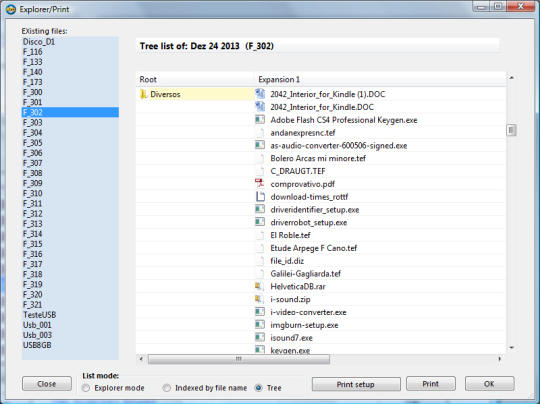
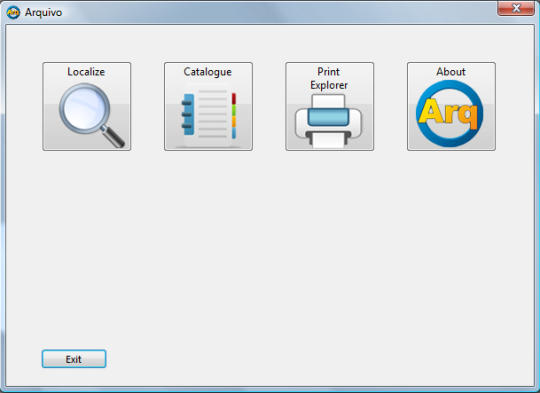
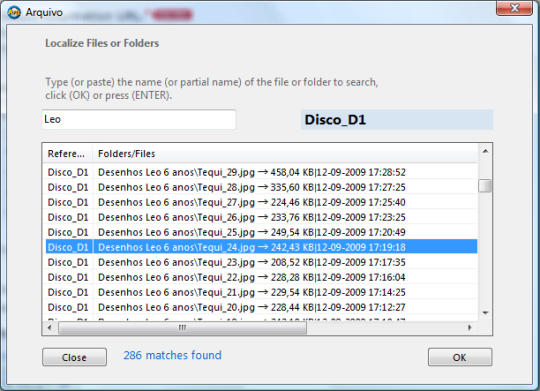
The purpose of this application is to catalog the names of all files and folders stored on floppy disks, CD, DVD, hard drives, USB pen drives, network drives, etc..Simply place the CD (DVD or USB Pen) on the corresponding drive, select the respective unit and click "Catalogue". To catalog hard disks simply select the corresponding drive.Actually, you can catalog everything, including network drives that are referenced in your system.You can choose the type of files you want to catalog. Although, I did not find much interest in cataloging hidden or system files "Arquivo" gives you that possibility.You should enter a reference that identifies the media you want to catalog, eg: "CD_01" or "DVD_01", "HD_XPTO", "USB_T001", "NET_001" "Photos of Leo 2013", or even a date "22 Jan 2010", for example. Of course, you should label the support itself with the some reference.At any time, you can view or print a list of the entire contents of any reference. The view / printing will be formated in one of three modes: "Explorer", "Indexed by file name" or "Tree".To quickly locate any file or folder, click "Localize", type some text that you will remember (name, part of name, date) and "Arquivo" returns the reference of the media on which were stored the files containing the search string.
Where to buy?
Last updated price and discount information 9 years agoupdate now



 Windows XP and above
 View Screenshots(3)
 Comments
 Download





 Similar Software


 Recently Searched
 Software Categories
 Trending Software


 Like Us
