


 Windows XP and above
| Rate this software: | |
| 1120 downloads | |
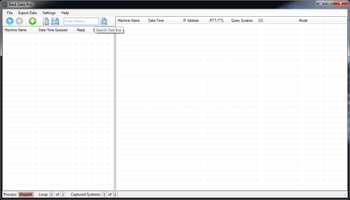
 View Screenshots(1)
 Comments
 Download




Features Include:
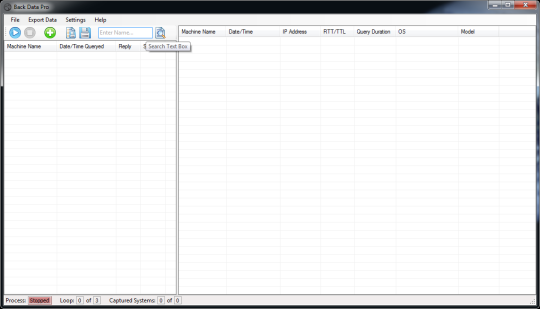
- Program packaged as a portable app (EXE) that can be copied to any host computer or share on your network where you can right away begin querying systems and collecting the data you need. - Multithreading capable so it can query systems simultaneously improving performance 5 times over. - Can query 40 different data points ranging from IP address, hardware serial number, current users, operating system, Hardware Make and Model, Installed Software (name, version and install date) and much much more with each new update bring in more data collection options. - Optional IP based location look ups, just map a CSV file with IP addresses and location description (free text) and this tool can look up the systems IP and apply the correct description into the results data & reports. - Can run continuously or a set number of loops (attempts at the list of machines.) Can specify time delays between seek loops, or between each seek (individual query) to ensure your network bandwidth is not impacted. - Data rationalization and report building enables you to export the data you have collected into a formatted spreadsheet report. One such example of the real mussel here is that with nearly zero man hours you can produce an easy to read spreadsheet report of all the applications present in your environment and the systems they reside on. - Initiate RDP connection, UNC (file) connection, System Management and pings or initiate a remote system reboot from within the application. - Built to fully utilizes the highly supported Windows Management Instrumentation (WMI) querys.
 Similar Software


 Recently Searched
 Software Categories
 Trending Software
 Like Us

Free Windows software, games, themes and wallpapers with direct download links since 2011.


