


 Windows NT and above
| Rate this software: | |
| 396 downloads | |
 View Screenshots(1)
 Comments
 Download




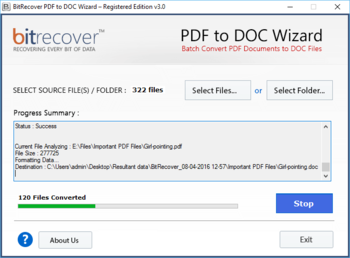
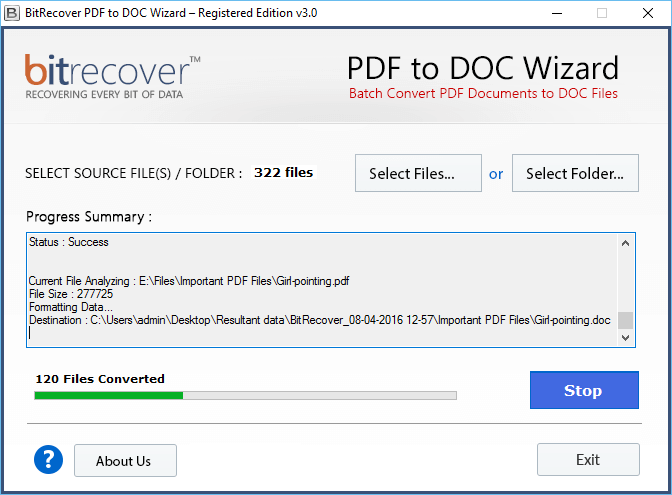
Both DOC and DOCX files are supported by the tool. Once user select folder with number of PDF files available in it, tool will start the process to convert large size PDF to Word online free of any error. Every Word file generated will contain all the information from the PDF file unchanged. Quality of the content will be maintained while effectively resolving the query of how to convert PDF files into Word using the BitRecover version of freeware convert PDF to Word software. PDF created with any version of Adobe Reader can be selected to be saved as Word file, as tool supports every editions of Adobe Reader and MS Word File.
Starting from the selection of single file or folder with PDF files to deciding where to save PDF to DOC file after conversion everything is in user control. Most of the drawbacks that user report with the free conversion of PDF to Word files process is resolved with the paid version of the software specially designed to meet the demands from user while convert Adobe PDF file to Microsoft Word process is carried out. PDF files are high source of information most of the time, but they comes with restriction in edit, print or copy the content. To get information from PDF reserved for future reference user choose to save PDF to DOC file. Word files are easy to handle and edit content. Import PDF data to Word file and enjoy unrestricted access of data.

| $29 | Click the link to buy | Buy |
 Similar Software


 Recently Searched
 Software Categories
 Trending Software


 Like Us

Free Windows software, games, themes and wallpapers with direct download links since 2011.