Works on: Windows 10 | Windows 8.1 | Windows 8 | Windows 7 | Windows 2012 SHA1 Hash: a8e490a0709590978fcdf21c73b2ec9f030f0eeb Size: 3.55 MB File Format: zip
Rating: 2.1
out of 5
based on 23 user ratings
Downloads: 175 License: Free
Cachà is a free software by Ixdb.de and works on Windows 10, Windows 8.1, Windows 8, Windows 7, Windows 2012.
You can download Cachà which is 3.55 MB in size and belongs to the software category File Editors. Cachà was released on 2012-07-31 and last updated on our database on 2017-02-26 and is currently at version 1.66.
Thank you for downloading from SoftPaz! Your download should start any moment now. It would be great if you could rate and share:
Rate this software:
Share in your network:
Cachà Description
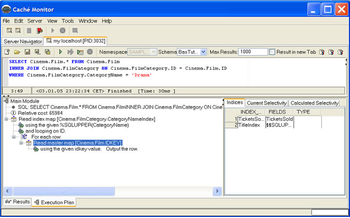
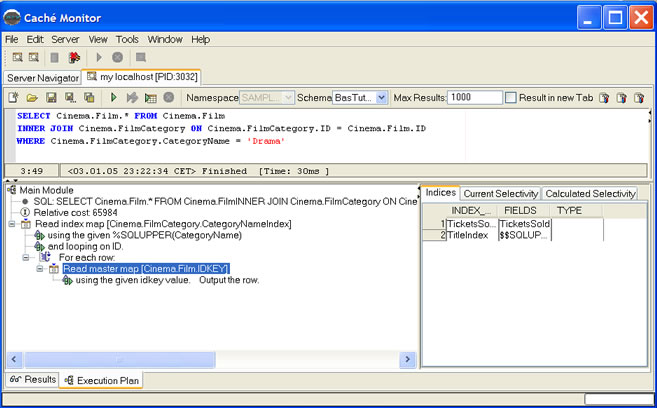
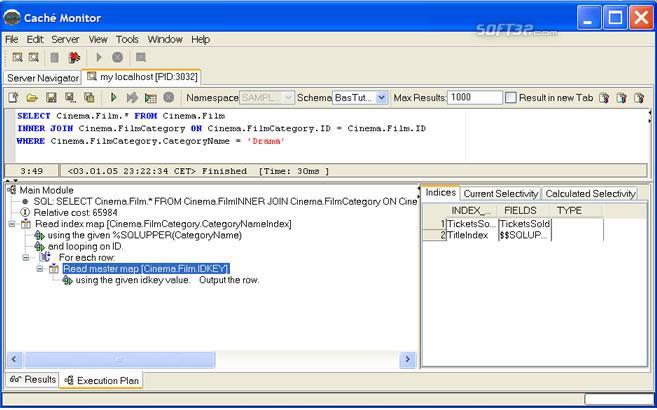
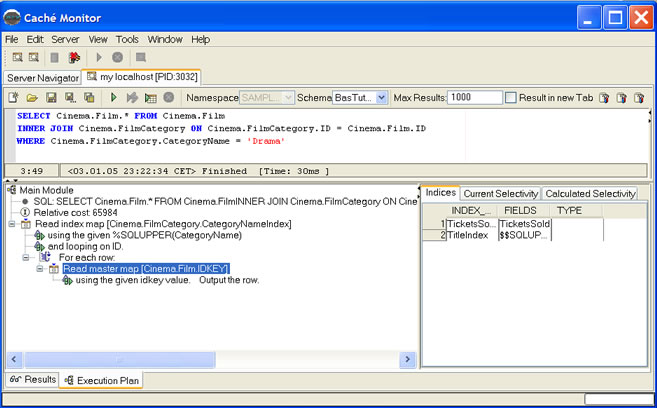
Cache Monitor is the SQL development tool designed for InterSystems database Cache. It supports developers with features, like: Advanced SQL Query Editor,Cache-SQL Syntax highlighting,SQL Code completion,SQL History buffer for executed SQL commands,SQL Code formatting,Graphical SQL execution plan and more.
You see the process ID (PID) from your connection on the Tabpane on every Query Analyzer. Code completion allows you to type a few characters and then display a list of context-sensitive possibilities to complete the text you are typing. Editor code completion brings up a list of Tables or Columns (also known as Intellisense). Code completion can be triggered by pressing [CTRL+SPACE] or by typing a hotchar or keyword, such as '.' or ',' in an SELECT list. After typing the keyword ON in a JOIN clause, Cache Monitor displays foreign key join suggestion
Cache-SQL formatting can executed from context menu to make your code, or the code of others, much easier to read ("Format SQL"). The also supports of course: Undo/Redo and Search and Replace.
With Hyperlink navigation you can simple navigate from the editor to Tables metadata. When you presses the CTRL key and hovers the mouse cursor over a certain code element, the element is changed to a hyperlink. When you holds the CTRL key and clicks on the hyperlink, the "go to Tables metadata" action is performed.



 Windows 7 and above
 View Screenshots(3)
 Comments
 Download




 Similar Software


 Recently Searched
 Software Categories
 Trending Software


 Like Us
