Version: 1.5 Last Updated: 22 Apr 2017 Release: 20 Oct 2009 Category: Desktop Enhancements
Rate this software:
130 downloads
View Screenshots(4)
Comments
Download
Liked it? Tell others:
CoolKeys Details
Works on: Windows 10 | Windows 8.1 | Windows 8 | Windows 7 | Windows XP | Windows 2000 | Windows 2003 | Windows 2008 | Windows Vista | Windows 2012 SHA1 Hash: 911ddf1de85fa04e175001530963df7d52032182 Size: 1.69 MB File Format: exe
Rating: 2.4
out of 5
based on 23 user ratings
Downloads: 130 License: Free
CoolKeys is a free software by SimpleTools and works on Windows 10, Windows 8.1, Windows 8, Windows 7, Windows XP, Windows 2000, Windows 2003, Windows 2008, Windows Vista, Windows 2012.
You can download CoolKeys which is 1.69 MB in size and belongs to the software category Desktop Enhancements. CoolKeys was released on 2009-10-20 and last updated on our database on 2017-04-22 and is currently at version 1.5.
Thank you for downloading from SoftPaz! Your download should start any moment now. It would be great if you could rate and share:
Rate this software:
Share in your network:
CoolKeys Description
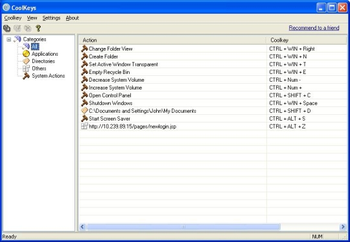
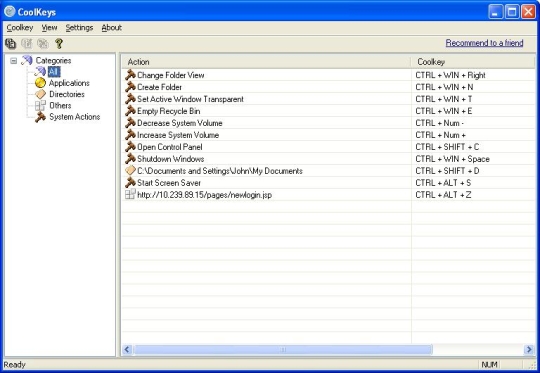
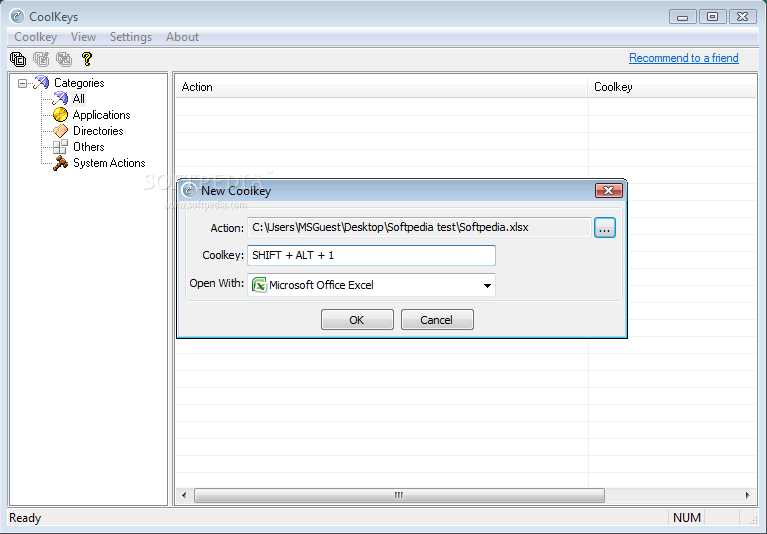
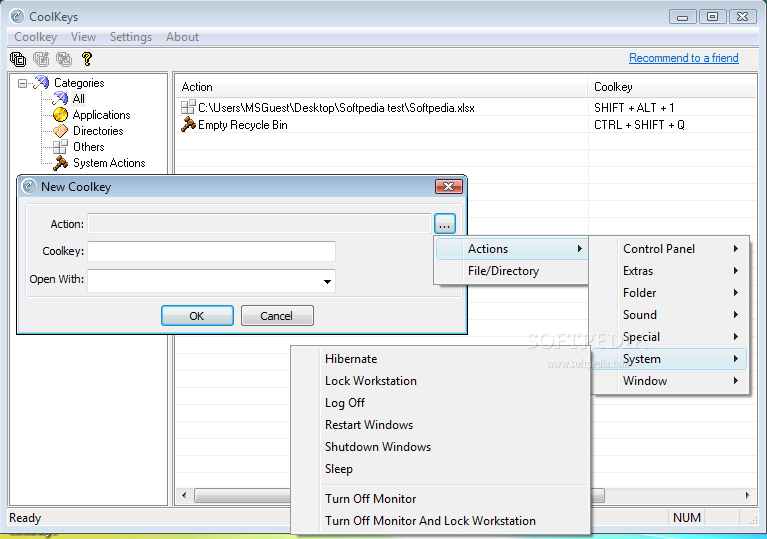
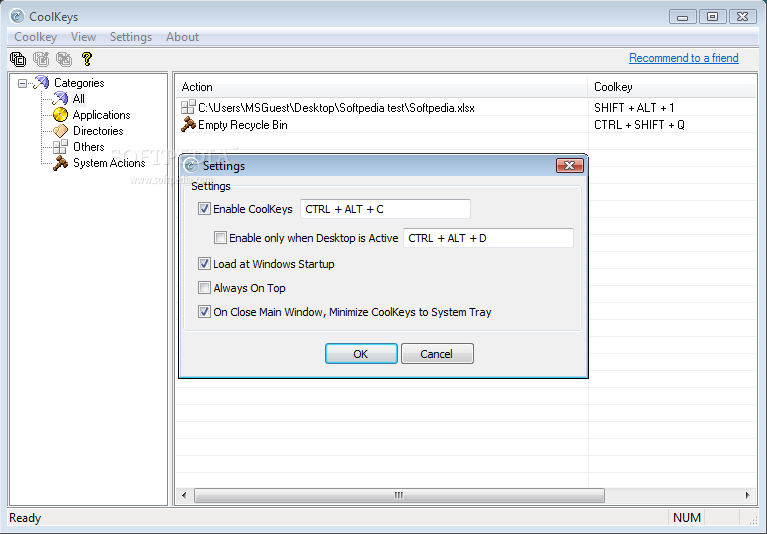
Designed for laptop users. This software helps to access your favorite files and folders quickly in absence of a mouse. You can set keyboard shortcuts to the files/folders/system actions/internet links you access regularly. The software comes with plug-in for internet explorer and Firefox so that you can add internet links to the CoolKeys application right from your internet browser. In addition to an application launcher, you can add shortcut keys to the following frequently used system actions 1. Change folder view 2. Create new folder. 3. System Restart/logoff/shutdown 4. Window Minimize/Maximize/Close 5. Control system master volume. 6. Turn-off monitor 7. Lock work station. 8. Empty recycle bin 9. Open control panel items. The software enables you to do following actions that are otherwise not available on MS Windows. 1. Show/Hide windows.(Hide a window immediately in emergency situations) 2. Make a window semi-transparent.(You dont need to minimize every time to see what is happening behind a window.) You can decide when to activate/deactivate the software by pressing by a special hotkey so that files wont get opened up unnecessarily



 Windows XP and above
 View Screenshots(4)
 Comments
 Download




 Similar Software


 Recently Searched
 Software Categories
 Trending Software
 Like Us


