Version: 1.1 Last Updated: 28 Feb 2017 Release: 20 Jan 2007 Category: Internet > E-mail
Rate this software:
125 downloads
View Screenshots(3)
Comments
Download
Liked it? Tell others:
coOpera Details
Works on: Windows 10 | Windows 8.1 | Windows 8 | Windows 7 | Windows XP | Windows 2000 | Windows 2003 | Windows 2008 | Windows Vista | Windows 2012 SHA1 Hash: 14af56480e0a155153efe89ca0b9caada67e9c6d Size: 392.7 KB File Format: msi
Rating: 2.0
out of 5
based on 23 user ratings
Downloads: 125 License: Free
coOpera is a free software by Oleg Podolsky and works on Windows 10, Windows 8.1, Windows 8, Windows 7, Windows XP, Windows 2000, Windows 2003, Windows 2008, Windows Vista, Windows 2012.
You can download coOpera which is 392.7 KB in size and belongs to the software category E-mail. coOpera was released on 2007-01-20 and last updated on our database on 2017-02-28 and is currently at version 1.1.
Thank you for downloading from SoftPaz! Your download should start any moment now. It would be great if you could rate and share:
Rate this software:
Share in your network:
coOpera Description
Opera browser features a brilliant messaging client that includes e-mail client (POP3/IMAP), news reader (NNTP) and feed reader (RSS/Atom). The messaging client provides a convenient way of keeping track of information about people you communicate with.
However, if you are using Opera e-mail client, or just made an attempt to switch to it, you may have noticed that Opera has no particular support for importing contacts from other e-mail software. For example, migrating contacts from Microsoft Outlook and Microsoft Outlook Express is not easy.
In order to import your contacts to Opera, you may need to use a tool that will save you a lot of time retyping the names and addresses from one address book into another one.
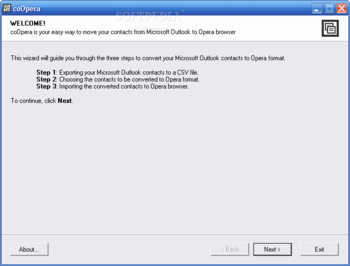
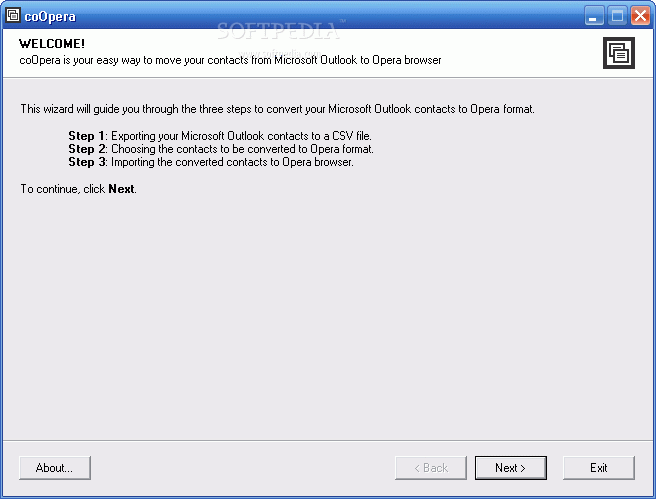
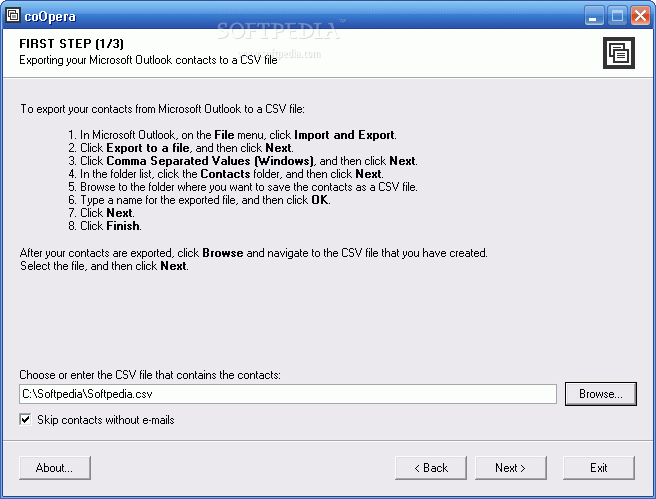
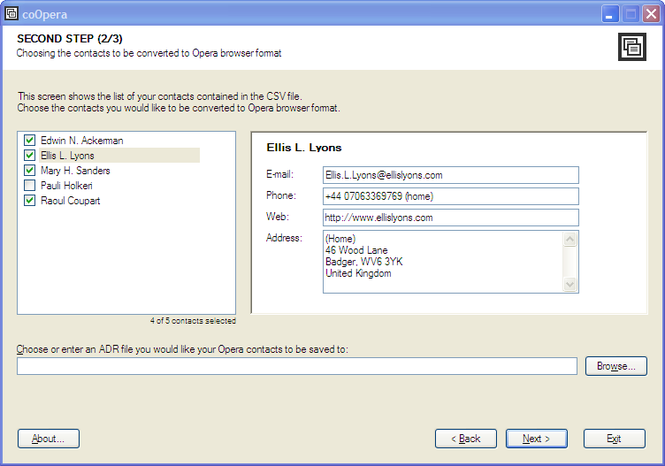
coOpera is such a tool. It helps to convert your Microsoft Outlook, Microsoft Outlook Express, Gmail and Yahoo! Mail contacts to Opera format. All you need to do is export your contacts to a CSV file, choose the contacts you would like to convert, and finally, import converted contacts to Opera browser. Everything else will be done automatically for you!
coOpera migrates all information that an Opera contact can store: contact name, e-mail addresses, postal addresses, phone and fax numbers, notes and website address.
coOpera is absolutely free for personal, non-commercial use.



 Windows XP and above
 View Screenshots(3)
 Comments
 Download




 Similar Software


 Recently Searched
 Software Categories
 Trending Software
 Like Us

