


 Windows XP and above
| Rate this software: | |
| 1258 downloads | |
 View Screenshots(1)
 Comments
 Download




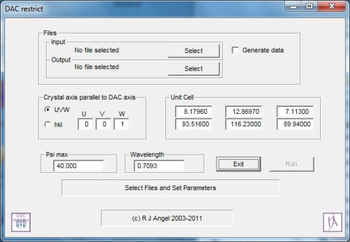
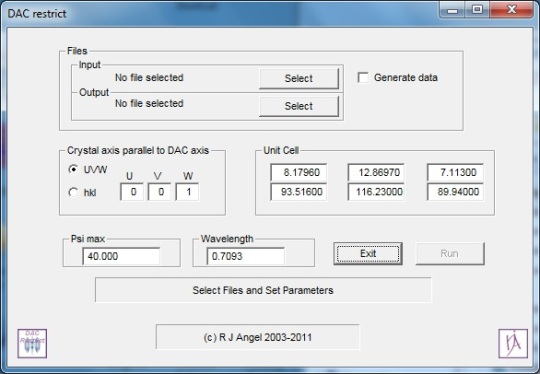
DAC_restrict enables you to determine in advance which single-crystal reflections will be accessible from your crystal once it is loaded in to your diamond-anvil cell (DAC), in any specific orientation that you choose. Thus, you can use the program to determine the orientation of your sample that will give the optimal accessibility to reflections, and thus the best possible refined structures at high pressures.
The basic idea is that you first collect a full reflection intensity dataset from your crystal in air, and perform a normal structure refinement. Then you use DAC_restrict to remove from your original dataset all those reflections that will not be accessible when you load your crystal in to the DAC in a given orientation. You can then perform a new refinement on the restricted dataset, to determine the effects on your refined structure. At this point, you may decide to try other orientations of the crystal. Once you have determined the optimal orientation, you can then prepare and load the crystal in to the DAC in this orientation.
 Similar Software


 Recently Searched
 Software Categories
 Trending Software


 Like Us

Free Windows software, games, themes and wallpapers with direct download links since 2011.
