


 Windows NT and above
| Rate this software: | |
| 1258 downloads | |
 View Screenshots(1)
 Comments
 Download




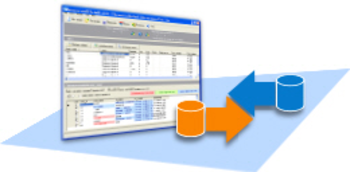
Datanamic DataDiff for MySQL automates and simplifies the migration of MySQL data changes from one database to another database (for example from development servers to production servers). With its intuitive user interface, the tool gives you the full picture of all data differences in just a few seconds.
Compare data for selected tables in two databases, view differences and publish the data changes (synchronize) quickly and safely. You can generate a synchronization script or apply the changes on the MySQL database directly. Flexible comparison options (such as Match NULL to empty string, case-insensitive,...) enable you to control the way the comparison routines work. Custom mappings of tables and columns are allowed. Column data types dont have to match. Datanamic DataDiff for MySQL will convert the data automatically in such a way that it can be compared. Datanamic DataDiff for MySQL tool will save you long hours of manual work, providing you with a reliable synchronization tool. You can also automate your comparison and synchronization process with the included command line utility.

| $99 | Click the link to buy | Buy |
 Similar Software


 Recently Searched
 Software Categories
 Trending Software


 Like Us

Free Windows software, games, themes and wallpapers with direct download links since 2011.
