


 Windows XP and above
| Rate this software: | |
| 110 downloads | |
 View Screenshots(4)
 Comments
 Download




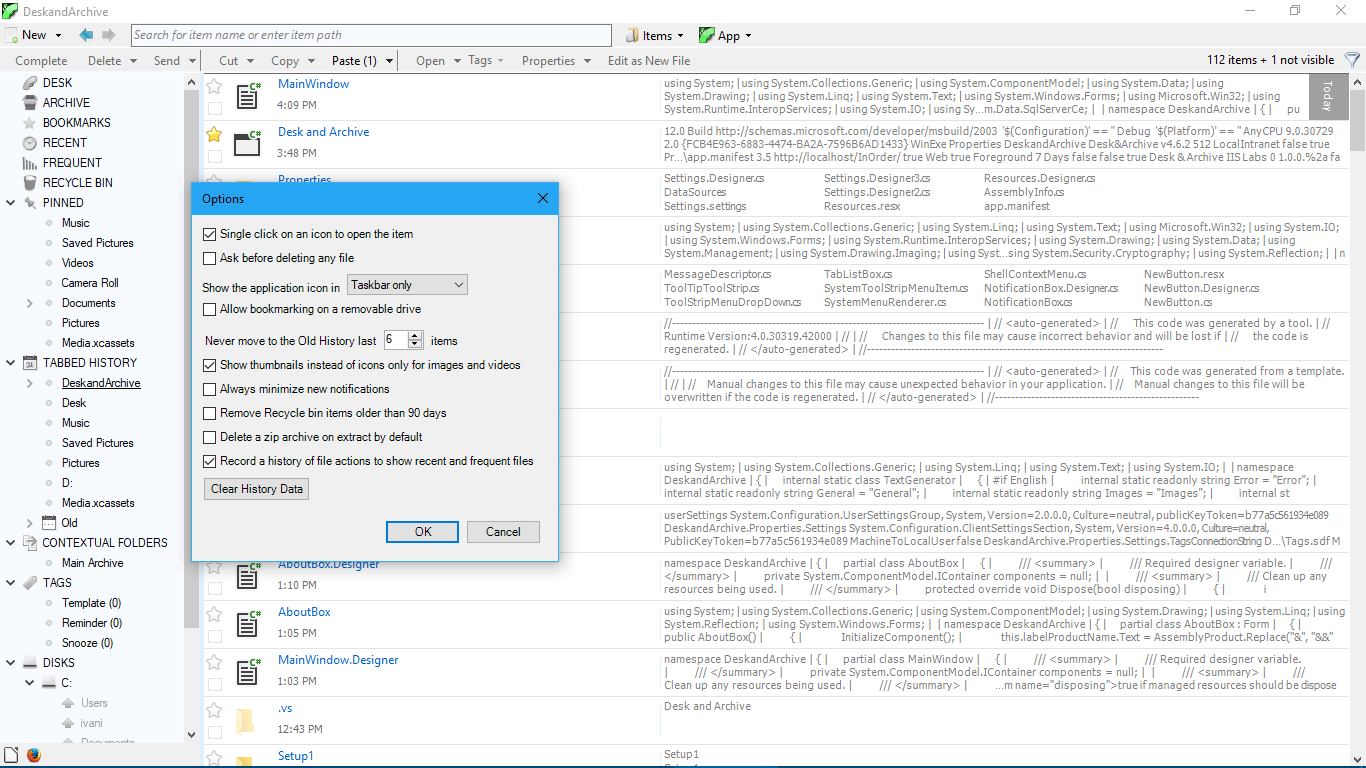
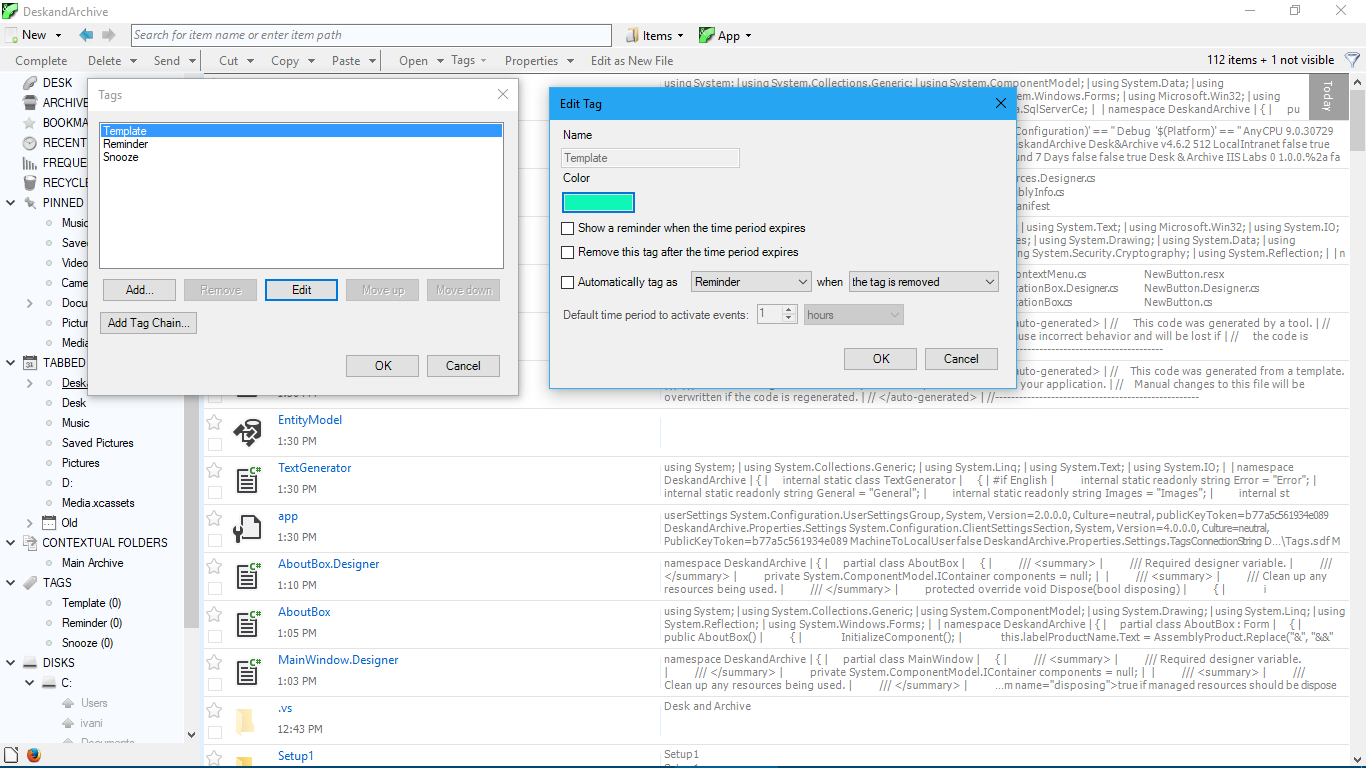
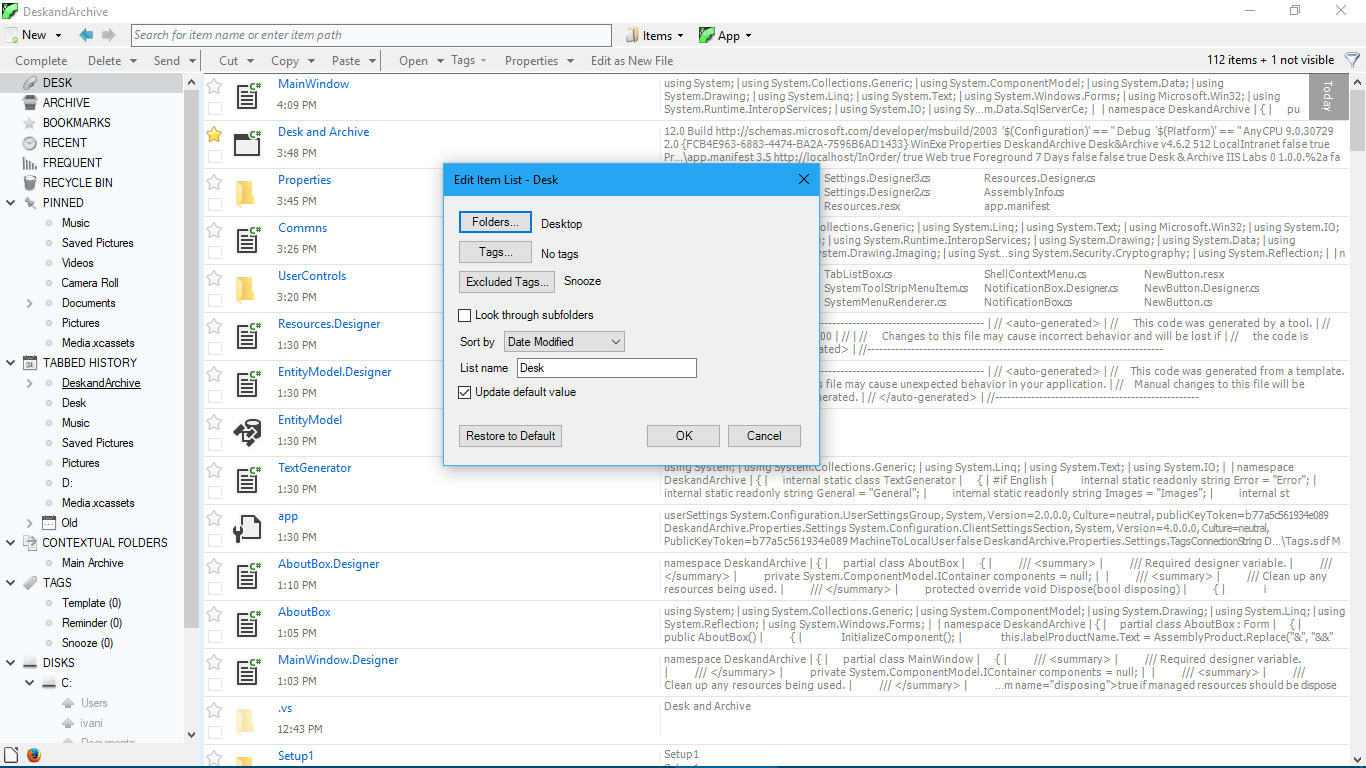
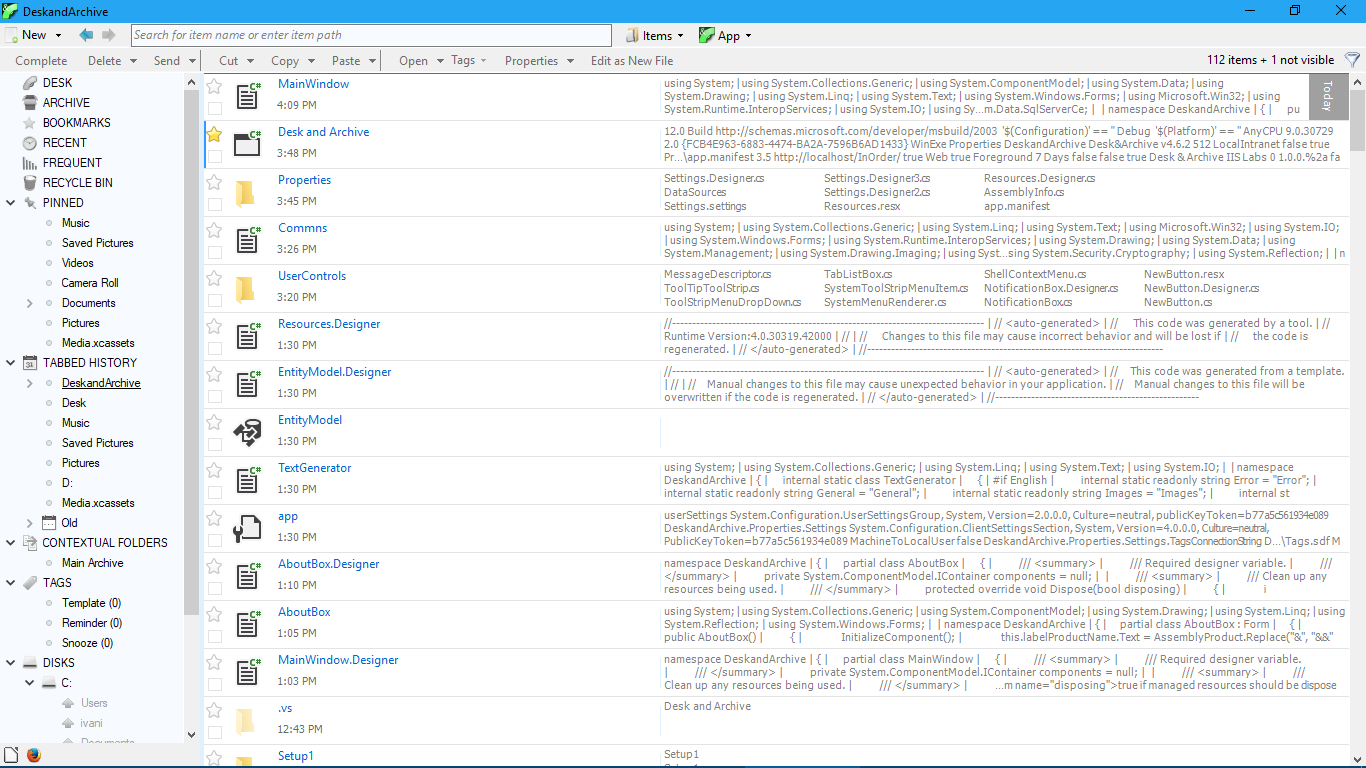
Application contains following features: - It is designed as a place to start a work - turn any document into the always available template; create a document based on the previous work or start from an empty document. - Track work easily with Smart tags - tagging allows easy categorization, but Smart tags means three more things: tag reminders, tag snoozing and tag chain. - Improved general operations - many small and useful improvements in copy & paste, drag & drop, rename and other everyday tasks. - Tools to keep the Desk clean - one click to move completed items to the archive; Launchbar for starting programs and Pinned folders to open folders from application instead from your already burdened Desk. - Flexible views - Item lists allow flexible viewing of items across the tags and folders; Ad hoc items lists means you can create such lists on the fly, and Filter panel allows easy filtering of the items in the current view. - Easy navigation - no need to open and close tabs with History that gets automatically tabbed; locations for copy & paste are easily available in Contextual folders. - Keyboard and mouse improvements - type to navigate quickly; easy multiple selection with the mouse. - Great previews and many other small but handy features.
Whats new in this version:
Application is now free.
 Similar Software


 Recently Searched
 Software Categories
 Trending Software
 Like Us

Free Windows software, games, themes and wallpapers with direct download links since 2011.


