Works on: Windows 10 | Windows 8.1 | Windows 8 | Windows 7 | Windows 2012 SHA1 Hash: 72ca514dd10af384330926c3468331084f723638 Size: 1.25 MB File Format: zip
Rating: 2.3
out of 5
based on 23 user ratings
Publisher Website: External Link Downloads: 135 License: Demo / Trial Version
DigitDo is a demo software by Chirain Software and works on Windows 10, Windows 8.1, Windows 8, Windows 7, Windows 2012.
You can download DigitDo which is 1.25 MB in size and belongs to the software category Home and Education. DigitDo was released on 2011-02-10 and last updated on our database on 2017-04-16 and is currently at version 1.2.
Thank you for downloading from SoftPaz! Your download should start any moment now. It would be great if you could rate and share:
Rate this software:
Share in your network:
DigitDo Description
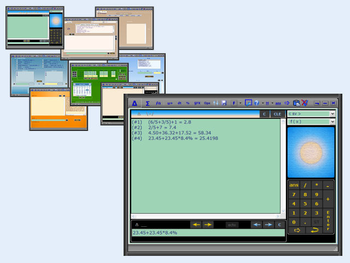
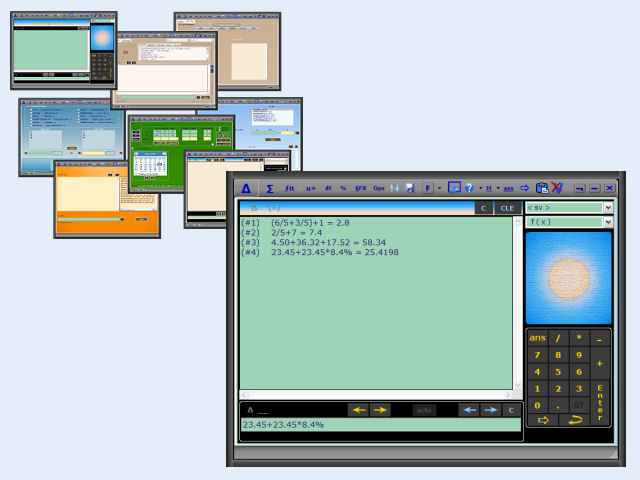
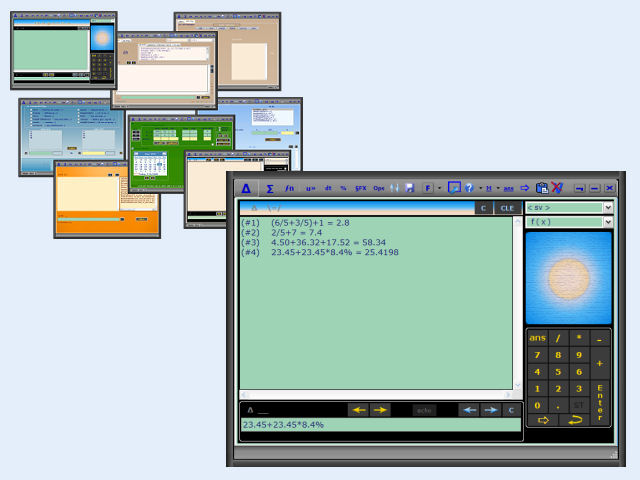
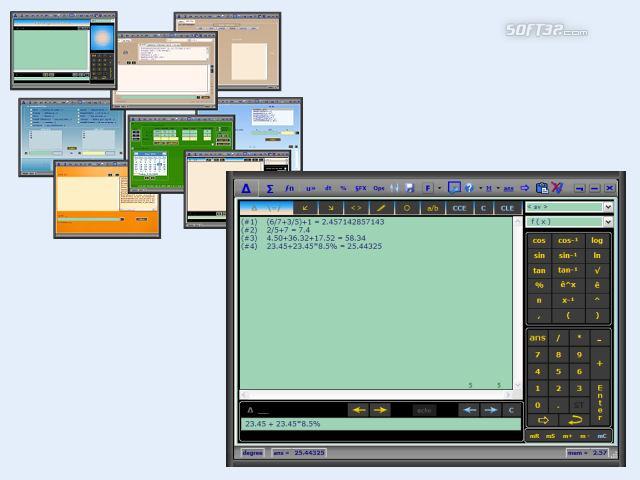
DigitDo is more than a software calculator.
It's a calculator application designed specifically with the home user in mind.A multi-app software program. If you just want something simple to do the basics, yet also sometimes want more. Have it both ways! Included is a view setting of simple or not-so-simple. You choose the mode with a single click!
Included are 3 primary calculators and 4 secondary calculators all combined in a simple interface with each having its own window and a button on the toolbar to quickly move from one to the other. Primary : The General purpose calculator, the Summation calculator, and a Financial calculator that is coupled with a List Manager. Secondary : A Unit Conversion calculator , a Percent Functions calculator, a Date and Time calculator, and a Special Functions calculator (dates of moon phases, electricity cost, Roman numerals, ... ).
All functions have a corresponding example that can be shown when Shift is pressed in conjunction with its selection. Help files are built-in and for further assistance there is a unique feature called Show Me that runs short built-in demonstrations where you can quickly become comfortable using DigitDo. Store number values by name for use in calculations. Storing a number value to a name is very simple and is also shown as one of the 9 Show Me demonstrations. Each calculator has its own display area where each new calculation is added to the bottom. These results are also saved each time the application closes and reloaded the next time it opens. These display areas can be printed or saved separately as files for records.
DigitDo is a nice all around calculator application designed for quick and easy everyday use.
[ Note: To install and run DigitDo under Windows 7 and Windows Vista nothing additional is needed. Under Windows XP and earlier, first install Microsoft's .Net Framework( 2, 3, or 3.5). See the easy to follow guide enclosed in the downloaded zip file. ]
Where to buy?
Last updated price and discount information 9 years agoupdate now



 Windows 7 and above
 View Screenshots(3)
 Comments
 Download





 Similar Software


 Recently Searched
 Software Categories
 Trending Software

 Like Us


