Works on: Windows 10 | Windows 8.1 | Windows 8 | Windows 7 | Windows XP | Windows 2000 | Windows 2003 | Windows 2008 | Windows ME | Windows Vista | Windows 2012 SHA1 Hash: 3a8a5a56d6c6185f68ff2db0596107f6998d7d64 Size: 19.5 KB File Format: exe
Rating: 1.9
out of 5
based on 23 user ratings
Publisher Website: External Link Downloads: 199 License: Demo / Trial Version
Disk navigator is a demo software by Obronov Dmitriy and works on Windows 10, Windows 8.1, Windows 8, Windows 7, Windows XP, Windows 2000, Windows 2003, Windows 2008, Windows ME, Windows Vista, Windows 2012.
You can download Disk navigator which is 19.5 KB in size and belongs to the software category File Management. Disk navigator was released on 2007-03-13 and last updated on our database on 2017-03-05 and is currently at version 3.3.
Thank you for downloading from SoftPaz! Your download should start any moment now. It would be great if you could rate and share:
Rate this software:
Share in your network:
Disk navigator Description
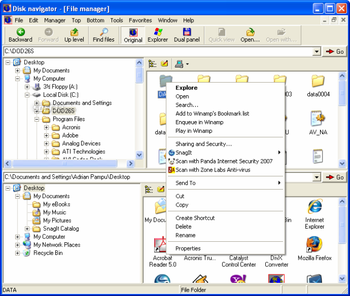
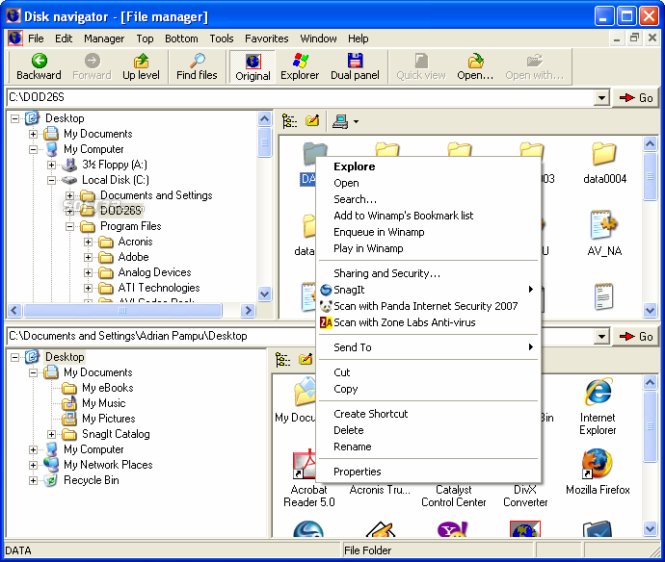
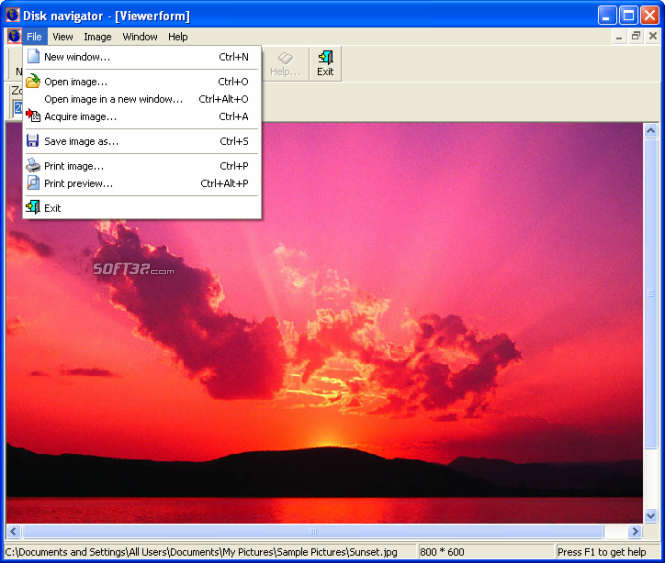
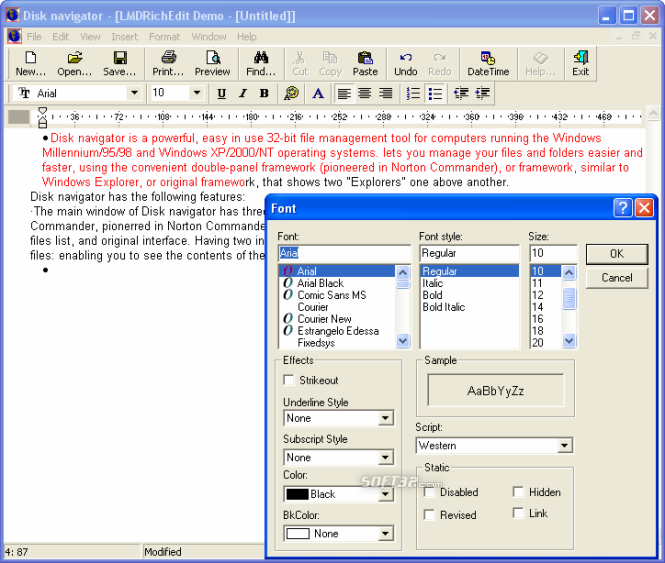
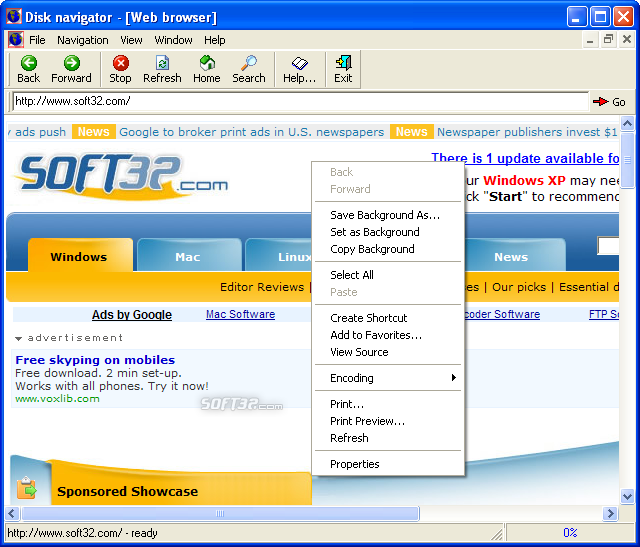
Disk navigator is a powerful, easy in use 32-bit file management tool for computers running the Windows Millennium/95/98 and Windows XP/2000/NT operating systems. It lets you manage your files and folders easier and faster, using the convenient double-panel framework (pioneered in Norton Commander), or framework, similar to Windows Explorer, or original framework, that shows two "Explorers" one above another. Disk navigator has the following features: ·The main window of Disk navigator has three variants of interface: classical double - panel interface, similar to Total Commander, pionerred in Norton Commander, interface, similar to Windows Explorer, that hosts directory tree and files list, and original interface. Having two independent panels is especially convenient when copying or moving files: enabling you to see the contents of the source and destination folders. ·Disk navigator enable you to work with "Favorites" folder. It lets you add files and folders to "Favorites" list, organize "Favorites" list. ·Every variant of Disk navigator interface has address string, that lets you open folders by typing it's path. Also, by this way you can open folders, stored on FTP servers. ·You can customize appearance of every in terface variant, using menu "View" or "Top" and "Bottom" menus in original variant of interface. ·Image viewer lets you quick view images, stored on your computer and acquire images from scanner or digital camera. It supports more than twenty graphics formats and can convert image format. ·Notepad enable you to view and edit text files. ·Web browser provides you to view html files, stored on your computer. Also, you can use it to work in Internet.
Where to buy?
Last updated price and discount information 9 years agoupdate now



 Windows ME and above
 View Screenshots(4)
 Comments
 Download





 Similar Software


 Recently Searched
 Software Categories
 Trending Software

 Like Us


