Works on: Windows 10 | Windows 8.1 | Windows 8 | Windows 7 | Windows XP | Windows 2000 | Windows 2003 | Windows 2008 | Windows Vista | Windows 2012 SHA1 Hash: 194888e5358d71d4a36ea11b4aaa7180cc7a4184 Size: 57.29 MB File Format: exe
Rating: 2.0
out of 5
based on 23 user ratings
Publisher Website: External Link Downloads: 208 License: Demo / Trial Version
EaseUS Deploy Manager is a demo software by EaseUS and works on Windows 10, Windows 8.1, Windows 8, Windows 7, Windows XP, Windows 2000, Windows 2003, Windows 2008, Windows Vista, Windows 2012.
You can download EaseUS Deploy Manager which is 57.29 MB in size and belongs to the software category Backup and Recovery. EaseUS Deploy Manager was released on 2012-11-07 and last updated on our database on 2017-04-24 and is currently at version 2.
Thank you for downloading from SoftPaz! Your download should start any moment now. It would be great if you could rate and share:
Rate this software:
Share in your network:
EaseUS Deploy Manager Description
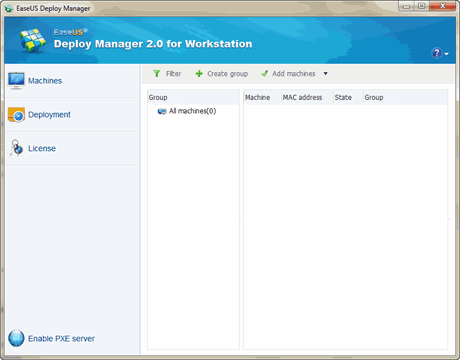
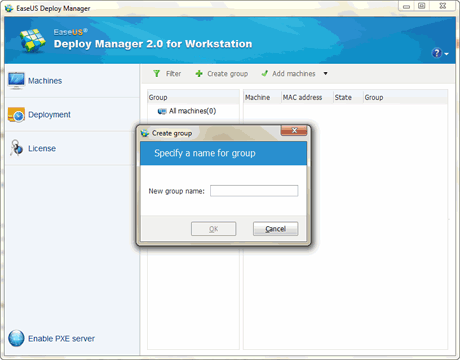
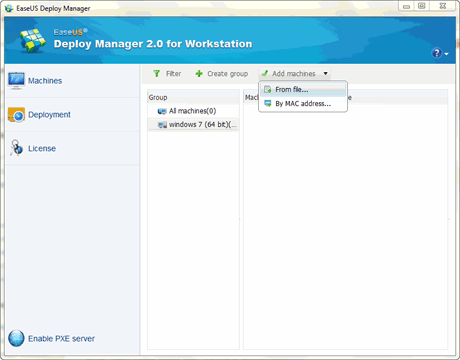
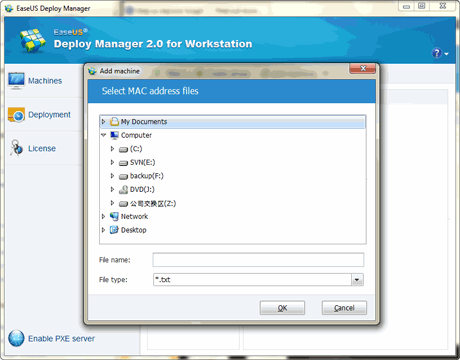
Reliable PCs and Servers system deployment solution for SMBs, organizations, schools and government agencies, etc. Why choose EaseUS Deploy Manager? IT administrators might always been troubled by setting up systems to numbers of new machines or restoring system, which could be tiring and complex. But now with comprehensive and user-friendly solution - EaseUS Deploy Manager, you can deploy the master image of a standard configuration including the Operating System, configuration files and all applications to multiple systems simultaneously over LAN. It is ideal for setting up new PCs and servers or returning PCs and servers to a desired state easily and quickly so as to bring a cost-saving and effective solution for SMBs, large organizations, computer labs, schools and government agencies, etc. Otherwise, it also allows for hardware-independent system deployment to install drivers to fit the target hardware. So the newly deployed systems with different hardware are deployed properly. Top Benefits Time and Cost Saving Maximization - from a master machine, IT admins can deploy a master image to multiple PCs or Servers across network simultaneously, making it simple and quick for rapid bare-metal or dissimilar installations, while significantly cutting down costs. Efficient Rescue Solution - it is regarded as an efficient recovery tool (especially for system recovery solution) to get your system back on track in most emergency cases like system crash or hardware failure. Group Management - deploys several groups of machines with different system images or settings simultaneously. Hardware Versatility - with built-in universal deploy, it ensures that your new systems boot up correctly even if theyre running on dissimilar hardware. WinPE Bootable Environments - it allows you boot from WinPE and add necessary drivers to WinPE media to ensure it works on your new hardware.
Where to buy?
Last updated price and discount information 9 years agoupdate now



 Windows XP and above
 View Screenshots(4)
 Comments
 Download





 Similar Software


 Recently Searched
 Software Categories
 Trending Software


 Like Us


