Works on: Windows 10 | Windows 8.1 | Windows 8 | Windows 7 | Windows XP | Windows 2000 | Windows 2003 | Windows 2008 | Windows Vista | Windows 2012 SHA1 Hash: 3c980f586dda73529058909e704c4b8e7f6b041d Size: 7.24 MB File Format: zip
Rating: 2.2
out of 5
based on 23 user ratings
Publisher Website: External Link Downloads: 1006 License: Demo / Trial Version
EasyNavigate for Access is a demo software by Crosoft Systems and works on Windows 10, Windows 8.1, Windows 8, Windows 7, Windows XP, Windows 2000, Windows 2003, Windows 2008, Windows Vista, Windows 2012.
You can download EasyNavigate for Access which is 7.24 MB in size and belongs to the software category Components Libraries. EasyNavigate for Access was released on 2012-03-06 and last updated on our database on 2017-04-23 and is currently at version 5.
Thank you for downloading from SoftPaz! Your download should start any moment now. It would be great if you could rate and share:
Rate this software:
Share in your network:
EasyNavigate for Access Description
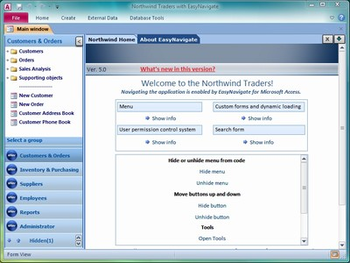
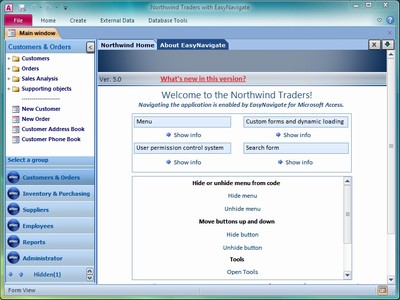
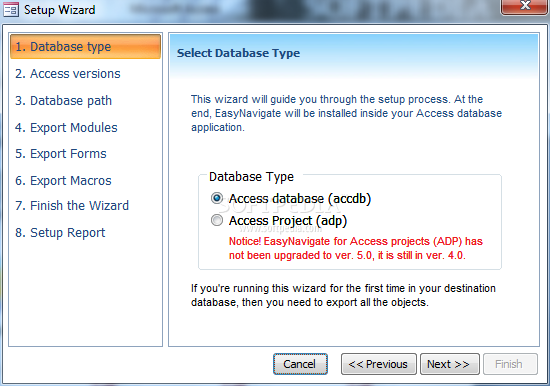
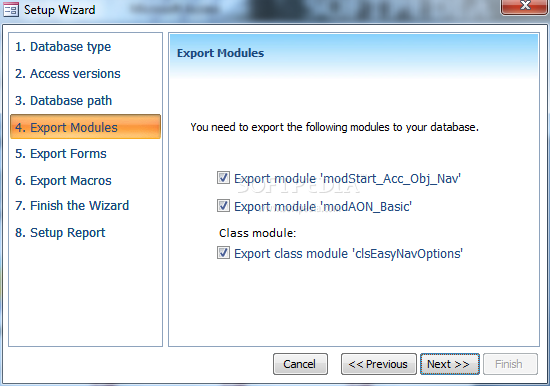
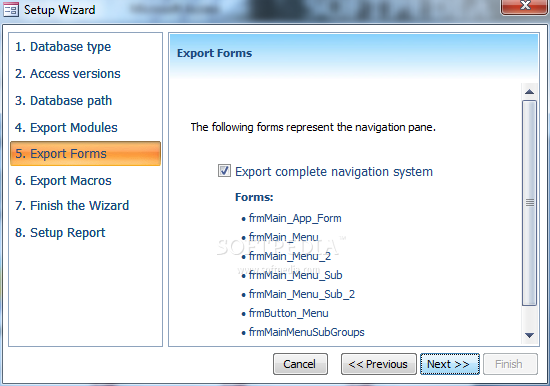
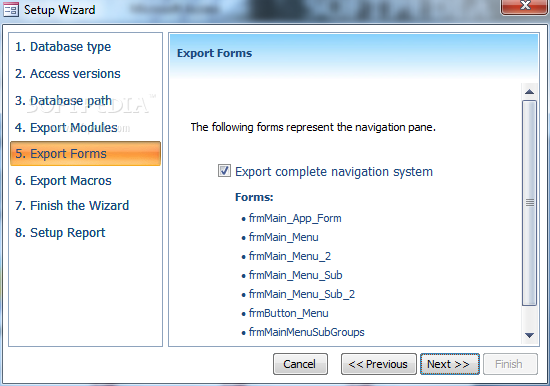
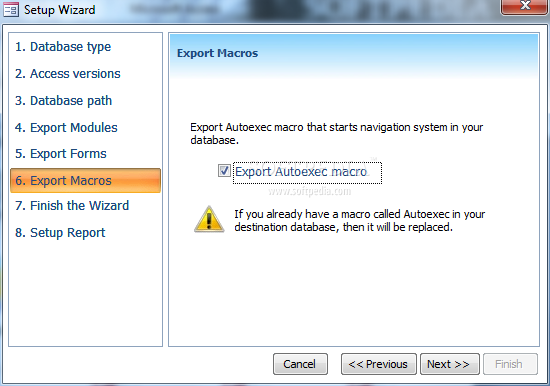
EasyNavigate for Access is a complete user interface tool with the navigation pane and embedded user permission control system for developers whose solutions are based on Microsoft Access platform. It is specially designed for applications created with Access 2007 and 2010. EasyNavigate for Access offers you a professional, flexible and rich Outlook-like navigation system. Features:- Access library. Only a few forms and modules are exported to a client database, and the rest is stored in the library, located in the same folder as client app.- Easy to use. You dont have to spend much time on learning EasyNavigate features. Everything is quickly accessible and easy to understand.- Skins. EasyNavigate offers the built-in skins. You have the possibility to disable skin selection through the standard menu and create your own interface that manipulates skins through the built-in code.- Icons supported. Now you can add .ico or .png icons to your project, so navigation menu will look even more professional with the real icons that support transparency.- Native Access controls. No ActiveX controls. EasyNavigate was built only with the native Access controls, so you dont have to worry about the possible errors on different computers because of missing ActiveX controls or version incompatibilities.- Works with Access runtime. It works with any Access version since version 2007, either full or runtime version. This is a great advantage for all developers who distribute their applications with the Access runtime.- Manage user permissions and control data access. EasyNavigate offers you a complete system for managing user permissions in your Access application, using login form or Windows ID. You can setup the complete system inside your database through the wizard. Users and their permissions can be managed through the embedded user interface. Tables for storing users and permissions can be located in a remote or current database, either Access or MS SQL.
Where to buy?
Last updated price and discount information 9 years agoupdate now



 Windows XP and above
 View Screenshots(7)
 Comments
 Download





 Similar Software


 Recently Searched
 Software Categories
 Trending Software


 Like Us

