Version: 1.8 Last Updated: 16 Apr 2017 Release: 06 Aug 2009 Category: Internet
Rate this software:
102 downloads
View Screenshots(6)
Comments
Download
Liked it? Tell others:
easyWebSave Details
Works on: Windows 10 | Windows 8.1 | Windows 8 | Windows 7 | Windows 2012 SHA1 Hash: 31066855928d96f9936904e58f6a569d5e59a12f Size: 1.55 MB File Format: exe
Rating: 2.3
out of 5
based on 23 user ratings
Publisher Website: External Link Downloads: 102 License: Demo / Trial Version
easyWebSave is a demo software by Easywebaction Corp. Ltd and works on Windows 10, Windows 8.1, Windows 8, Windows 7, Windows 2012.
You can download easyWebSave which is 1.55 MB in size and belongs to the software category Internet. easyWebSave was released on 2009-08-06 and last updated on our database on 2017-04-16 and is currently at version 1.8.
Thank you for downloading from SoftPaz! Your download should start any moment now. It would be great if you could rate and share:
Rate this software:
Share in your network:
easyWebSave Description
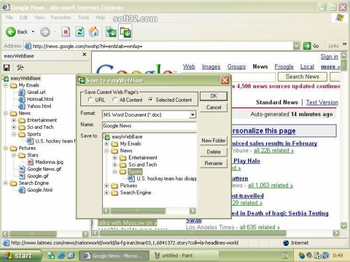
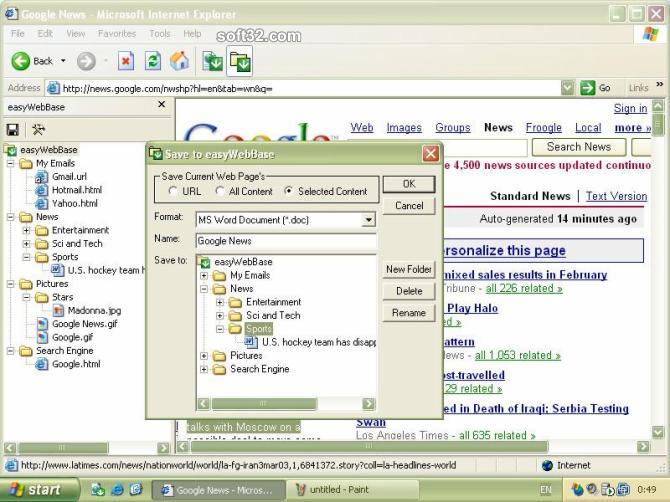
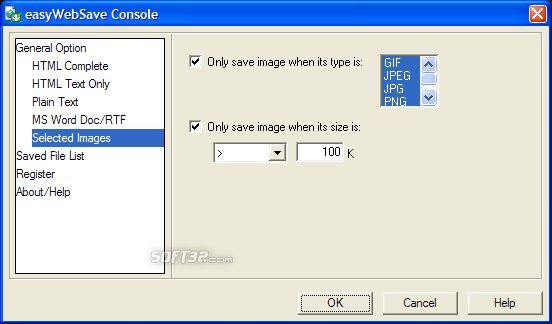
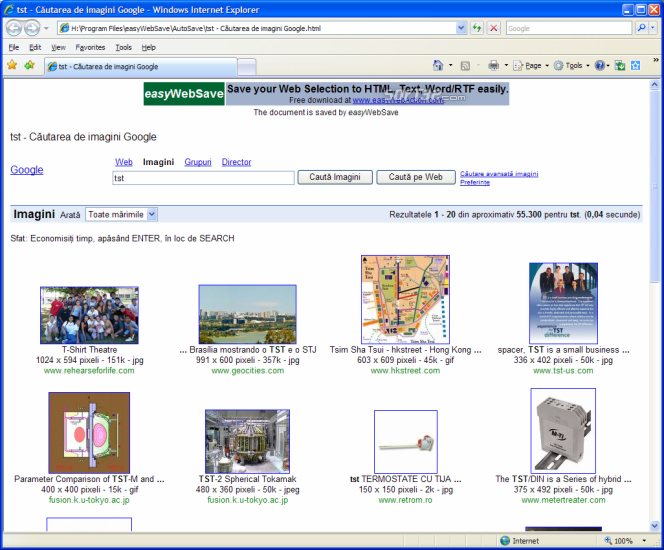
easyWebSave is a powerful browser addon to enable you to save whole web page or only the part selected from web page as MS Word/RTF, Mht(single file web Page), Text and HTML file.
1) Save whole web page or only the part you want!
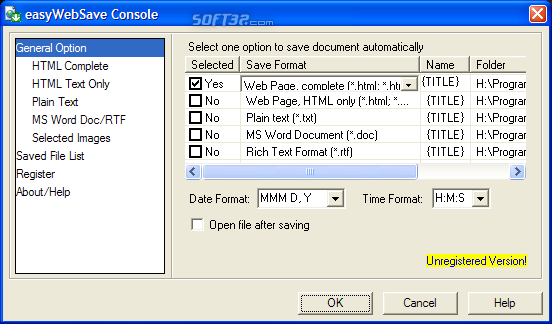
2) Support more document formats: MS Word Doc/RTF, Mht, HTML, Plain Text.
3) Save mulitipe pictures with just one mouse click!
4) Save mass pages with pre-defined folder, filename and format.
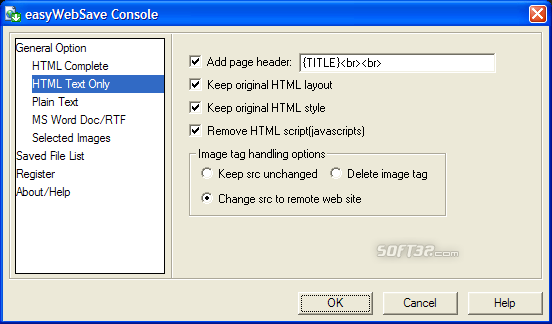
5) Delete script from web page if you only want to save static information.
6) Save additional userful information, include Title, URL, Date, Time.
7) Integration with your browser seamless.
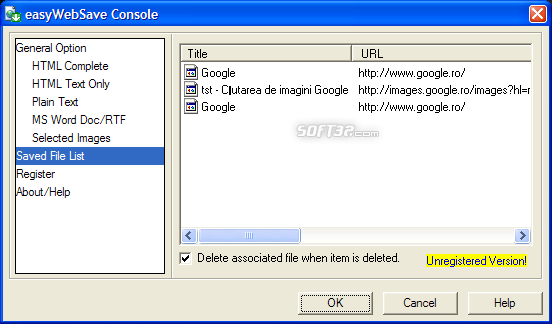
8) Allow you to keep track all you have saved with File Name, Date, Title, URL.
9) And more +
Where to buy?
Last updated price and discount information 9 years agoupdate now



 Windows 7 and above
 View Screenshots(6)
 Comments
 Download





 Similar Software


 Recently Searched
 Software Categories
 Trending Software


 Like Us
