Works on: Windows 10 | Windows 8.1 | Windows 8 | Windows 7 | Windows XP | Windows 2000 | Windows 2003 | Windows 2008 | Windows Vista | Windows 2012 SHA1 Hash: fda8f1944bf7693afd59e58acd41c53d5eed4e34 Size: 51.29 MB File Format: exe
Rating: 2.3
out of 5
based on 23 user ratings
Publisher Website: External Link Downloads: 115 License: Demo / Trial Version
EMCO Remote Registry Merge is a demo software by Emco Software and works on Windows 10, Windows 8.1, Windows 8, Windows 7, Windows XP, Windows 2000, Windows 2003, Windows 2008, Windows Vista, Windows 2012.
You can download EMCO Remote Registry Merge which is 51.29 MB in size and belongs to the software category Network Tools. EMCO Remote Registry Merge was released on 2012-09-06 and last updated on our database on 2017-04-16 and is currently at version 2.2.
Thank you for downloading from SoftPaz! Your download should start any moment now. It would be great if you could rate and share:
Rate this software:
Share in your network:
EMCO Remote Registry Merge Description
Remote Registry Merge is a visual tool for centralized exporting and modifying registry keys on remote PCs across the local network. You can use it to export registry keys or entire registry from multiple remote PCs and save exported information as a set of .reg files. It can be helpful, for example, when you need to check a particular registry key on multiple remote PCs. Instead of processing every PC individually using Regedit you can export registry keys from remote PCs in an automatic mode and then look for required registry keys in the created .reg files.
The application also allows you to apply registry changes on network PCs remotely. In order to use this feature you need to have a .reg file with registry changes. Remote Registry Merge imports this file on a remote PCs in order to apply changes.
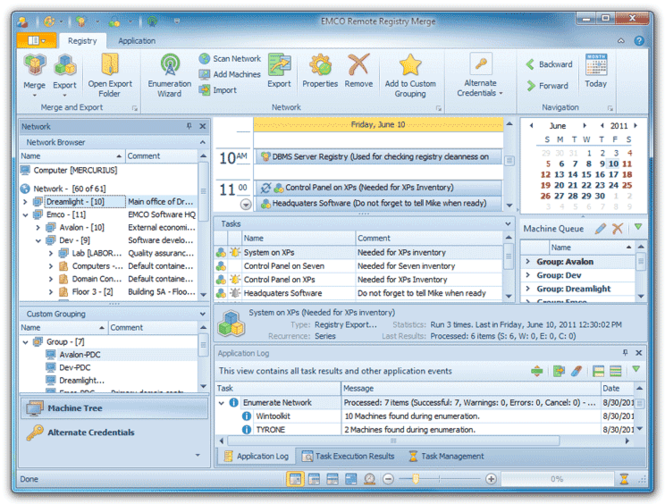
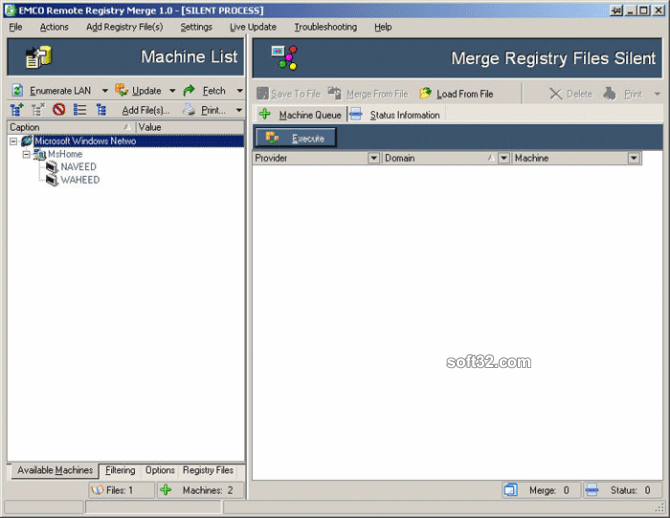
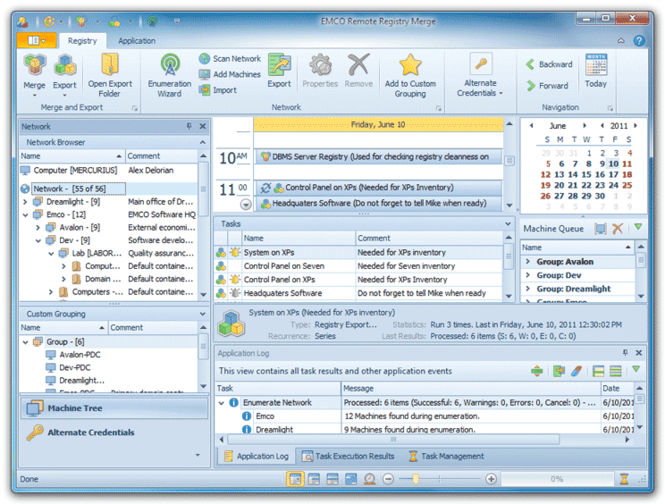
Remote Registry Merge has a simple UI that guides you through required steps to export and merge registry data. By following the wizard you can configure registry keys to be exported or merged in scope of remote operation and select PCs to operate with. Remote Registry Merge can automatically scan network to detect available PCs in the Active Directory and Workgroups, so you can select target PCs easily. When remote operation is configured you can launch it immediately, save it as a task for quick execution at any time or schedule it for an automatic execution on schedule.
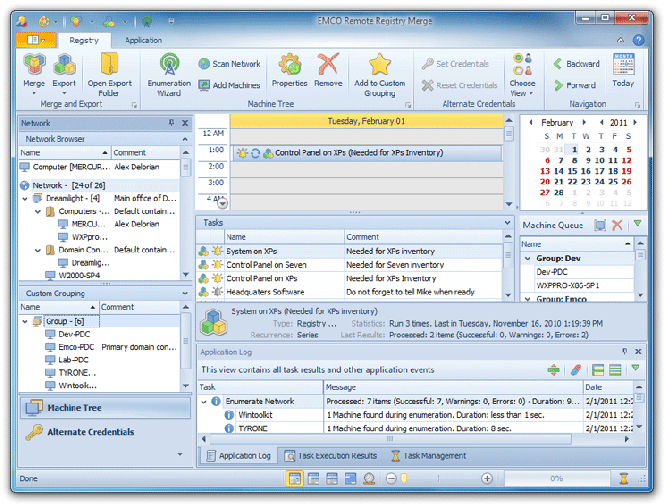
Scheduled registry merge and export tasks are automatically executed by the application on the defined date and time. You can configure any task for a one-time or recurrent execution. All scheduled tasks are displayed on the calendar view that is similar to Microsoft Outlook calendar, so you can check execution results for any task and manage it easily.
Where to buy?
Last updated price and discount information 9 years agoupdate now



 Windows 2000 and above
 View Screenshots(4)
 Comments
 Download





 Similar Software


 Recently Searched
 Software Categories
 Trending Software

 Like Us
