Version: 1 Last Updated: 15 Feb 2017 Release: 25 Dec 2004 Category: Internet > WEB Design
Rate this software:
328 downloads
View Screenshots(1)
Comments
Download
Liked it? Tell others:
FXWitz Flash Photo Zoom Details
Works on: Windows 10 | Windows 8.1 | Windows 8 | Windows 7 | Windows XP | Windows 2000 | Windows 2003 | Windows 2008 | Windows 98 | Windows ME | Windows NT | Windows Vista | Windows 2012 SHA1 Hash: 100bea431215909075cd086cb308bd568c6c4990 Size: 14.02 MB File Format: exe
Rating: 2.2
out of 5
based on 23 user ratings
Downloads: 328 License: Demo / Trial Version
FXWitz Flash Photo Zoom is a demo software by Inner Studio srl and works on Windows 10, Windows 8.1, Windows 8, Windows 7, Windows XP, Windows 2000, Windows 2003, Windows 2008, Windows 98, Windows ME, Windows NT, Windows Vista, Windows 2012.
You can download FXWitz Flash Photo Zoom which is 14.02 MB in size and belongs to the software category WEB Design. FXWitz Flash Photo Zoom was released on 2004-12-25 and last updated on our database on 2017-02-15 and is currently at version 1.
Thank you for downloading from SoftPaz! Your download should start any moment now. It would be great if you could rate and share:
Rate this software:
Share in your network:
FXWitz Flash Photo Zoom Description
FXWitz Flash Photo Zoom is a simple utility designed to help prepare images of a lower resolution to be published on a web page where it can be zoomed in without impacting on the quality too much.
Its applicability is evident in fields such as online marketing, e-commerce or training websites as well as in the case of multimedia presentations.
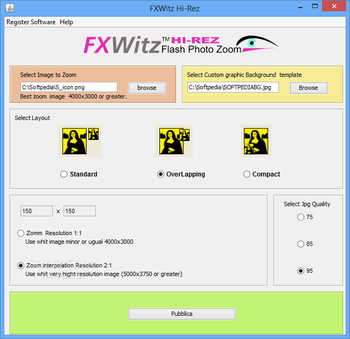
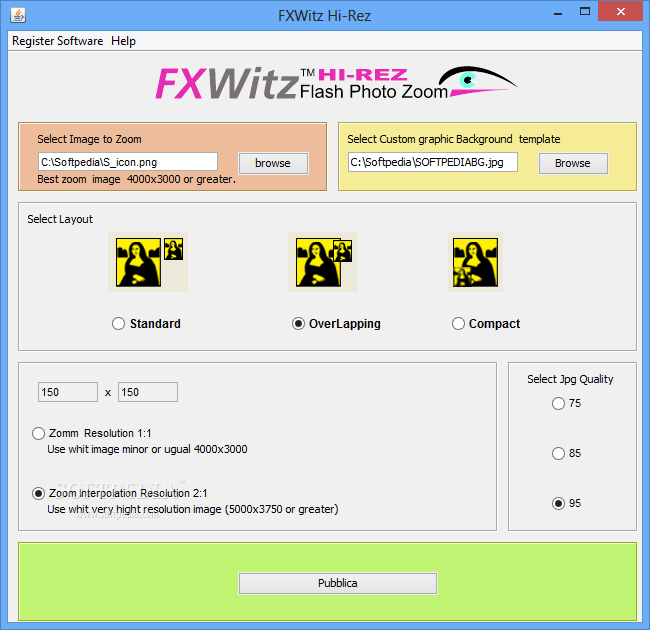
A straightforward interface shows all the options available in the application. Before starting the process a target image is required (the one that is zoomed in) and a background template.
Once these two elements have been added the user needs to select between one of the three layouts and the processing type, which is done according to the resolution of the input image.
Additional options refer to the quality of the output result, which is JPG and can be one of the following three values: 75, 85 or 95.
When everything is ready the user can hit the “publish†button and the all the elements together with the code for publishing on the website are generated and stored in the same location as the target image.
The list of supported input file formats includes PNG, JPG and GIF and the result allows interactive zooming and panning, especially useful in the case of images of very high resolution.System requirementsJava



 Windows NT and above
 View Screenshots(1)
 Comments
 Download




 Similar Software
 Recently Searched
 Software Categories
 Trending Software
 Like Us

