Version: 2.2 Last Updated: 17 Apr 2017 Release: 10 Feb 2011 Category: Others > Miscellaneous
Rate this software:
132 downloads
View Screenshots(3)
Comments
Download
Liked it? Tell others:
GE-Graph Details
Works on: Windows 10 | Windows 8.1 | Windows 8 | Windows 7 | Windows 2012 SHA1 Hash: 1e14a24cdac5e897d97579b2dea08184986b4fcf Size: 2.35 MB File Format: zip
Rating: 2.0
out of 5
based on 23 user ratings
Downloads: 132 License: Free
GE-Graph is a free software by Ricardo Sgrillo and works on Windows 10, Windows 8.1, Windows 8, Windows 7, Windows 2012.
You can download GE-Graph which is 2.35 MB in size and belongs to the software category Miscellaneous. GE-Graph was released on 2011-02-10 and last updated on our database on 2017-04-17 and is currently at version 2.2.
Thank you for downloading from SoftPaz! Your download should start any moment now. It would be great if you could rate and share:
Rate this software:
Share in your network:
GE-Graph Description
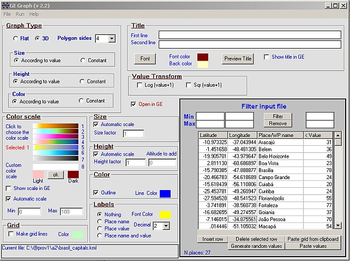
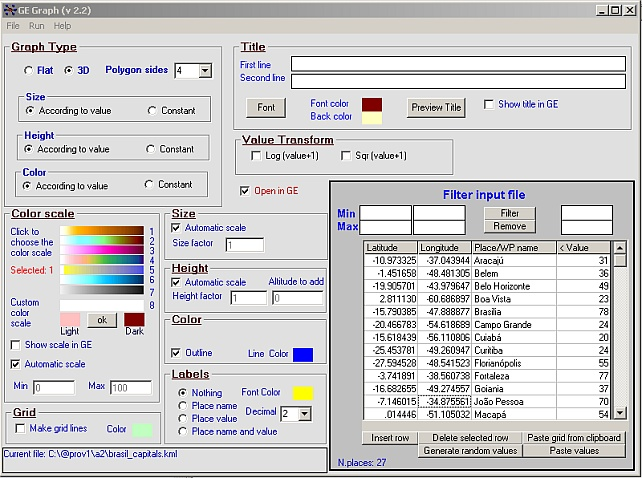
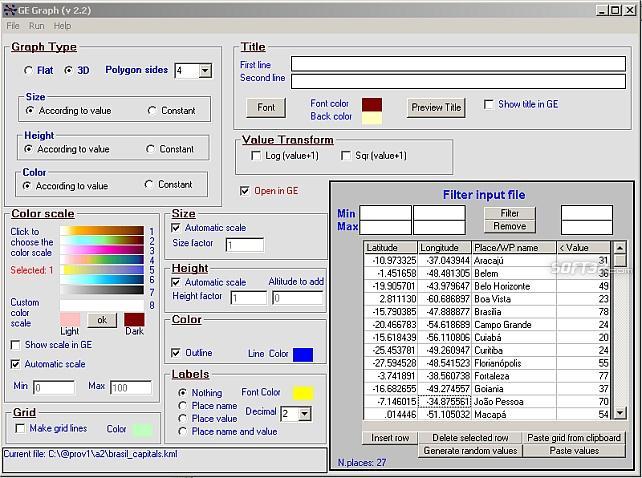
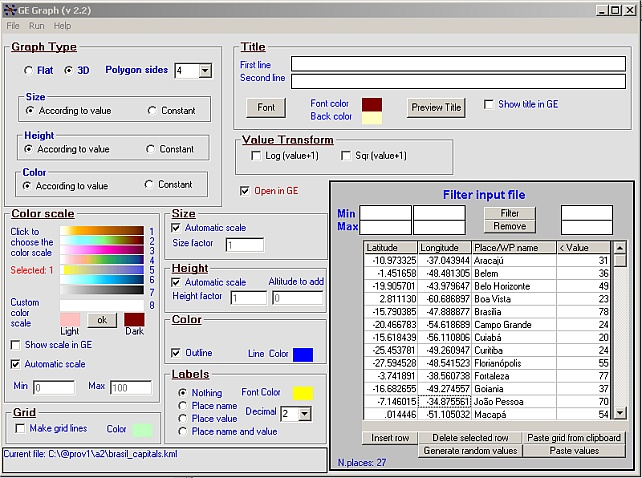
Make graph into Googlr Earth to illustrate your presentations, papers, etc. GE-Graph was developed to generate graphs from kml files saved by GE. The file generated by GE-Graph can be exported to Google Earth.
Make Bars graph
Make graph with geometrical shapes (circles, squares, triangles, etc).
Set the shape size according to each placemark value
Also set the shape color according to a placemark value
Graph's title and color scale as GE screen overlays
Different choice of label content (place name and/or value)
Different color scales to be chosen
Paste files from other applications (Word, Excel, Access,...)
Export data to Excel
Sort and filter placemark data (coordinates, names and value)-not for shape files
Save file as kmz
Choose minimum and maximum values for color scale
Transform values to square root
Compatible with GE4 and kml 2.1
Read polygon kml file (territory borders, etc)
Draw bars with any regular polygon form
Reorder coordinates sequence (if necessary) to show right fill colors
Automatic set (and restore on exit) the decimal separator (if necessary)
Custom color scale
Choice to position the title and color scale (top/botton)
Save and load Options file



 Windows 7 and above
 View Screenshots(3)
 Comments
 Download




 Similar Software


 Recently Searched
 Software Categories
 Trending Software

 Like Us

