Works on: Windows 10 | Windows 8.1 | Windows 8 | Windows 7 | Windows XP | Windows 2000 | Windows 2003 | Windows 2008 | Windows Vista | Windows 2012 SHA1 Hash: 0150baac1e0f2859195904f9f66df71013edd65f Size: 22.3 MB File Format: zip
Rating: 2.3
out of 5
based on 23 user ratings
Downloads: 217 License: Free
Go Timer is a free software by J-Servers Computing and works on Windows 10, Windows 8.1, Windows 8, Windows 7, Windows XP, Windows 2000, Windows 2003, Windows 2008, Windows Vista, Windows 2012.
You can download Go Timer which is 22.3 MB in size and belongs to the software category Home and Education. Go Timer was released on 2012-05-01 and last updated on our database on 2017-04-23 and is currently at version 3.3.
Thank you for downloading from SoftPaz! Your download should start any moment now. It would be great if you could rate and share:
Rate this software:
Share in your network:
Go Timer Description
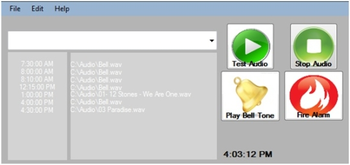
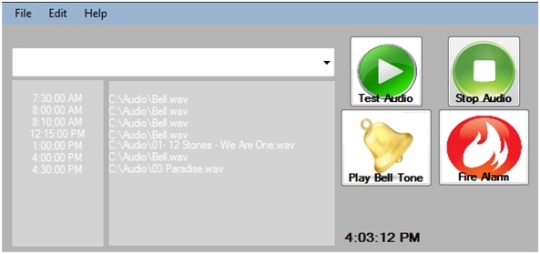
Go Timer takes the nightmare out of setting up a school bell system, all you have to do is install the software and plug your computer into your PA system, Set your times and your all done. Go Timer has a rich list of features: Holiday mode. Option to play on weekends or not. Set up to 14 different times. Already contains a Bell tone. Run in system Background. Speaker Tester. Start with windows logon. Test your Audio file before adding it.



 Windows 2000 and above
 View Screenshots(1)
 Comments
 Download




 Similar Software


 Recently Searched
 Software Categories
 Trending Software
 Like Us


