Version: 1.3 Last Updated: 17 Apr 2017 Release: 15 Nov 2016 Category: Multimedia > Graphic
Rate this software:
327 downloads
View Screenshots(10)
Comments
Download
Liked it? Tell others:
GSA Photo Manager Details
Works on: Windows 10 | Windows 8.1 | Windows 8 | Windows 7 | Windows XP | Windows 2000 | Windows 2003 | Windows 2008 | Windows ME | Windows Vista | Windows 2012 SHA1 Hash: 378c6ec229f2e436b987a0ee0b4b9e53a35a1229 Size: 7.6 MB File Format: exe
Rating: 2.0
out of 5
based on 23 user ratings
Publisher Website: External Link Downloads: 327 License: Demo / Trial Version
GSA Photo Manager is a demo software by Gsa and works on Windows 10, Windows 8.1, Windows 8, Windows 7, Windows XP, Windows 2000, Windows 2003, Windows 2008, Windows ME, Windows Vista, Windows 2012.
You can download GSA Photo Manager which is 7.6 MB in size and belongs to the software category Graphic. GSA Photo Manager was released on 2016-11-15 and last updated on our database on 2017-04-17 and is currently at version 1.3.
Thank you for downloading from SoftPaz! Your download should start any moment now. It would be great if you could rate and share:
Rate this software:
Share in your network:
GSA Photo Manager Description
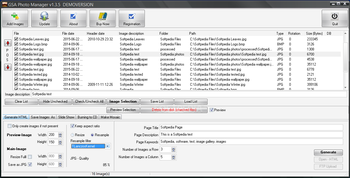
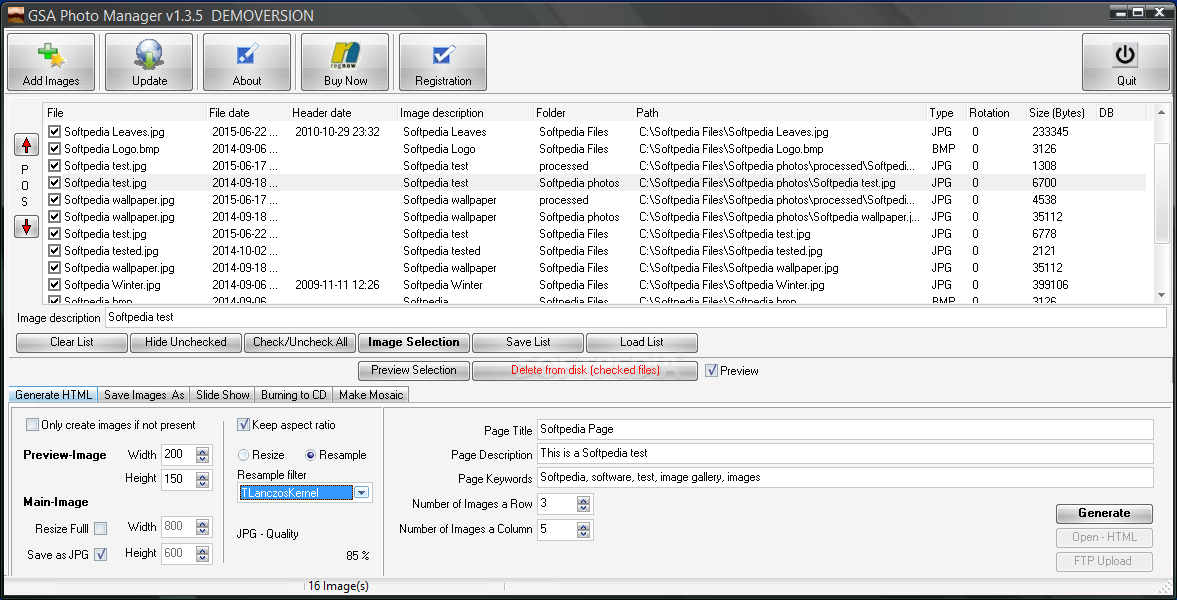
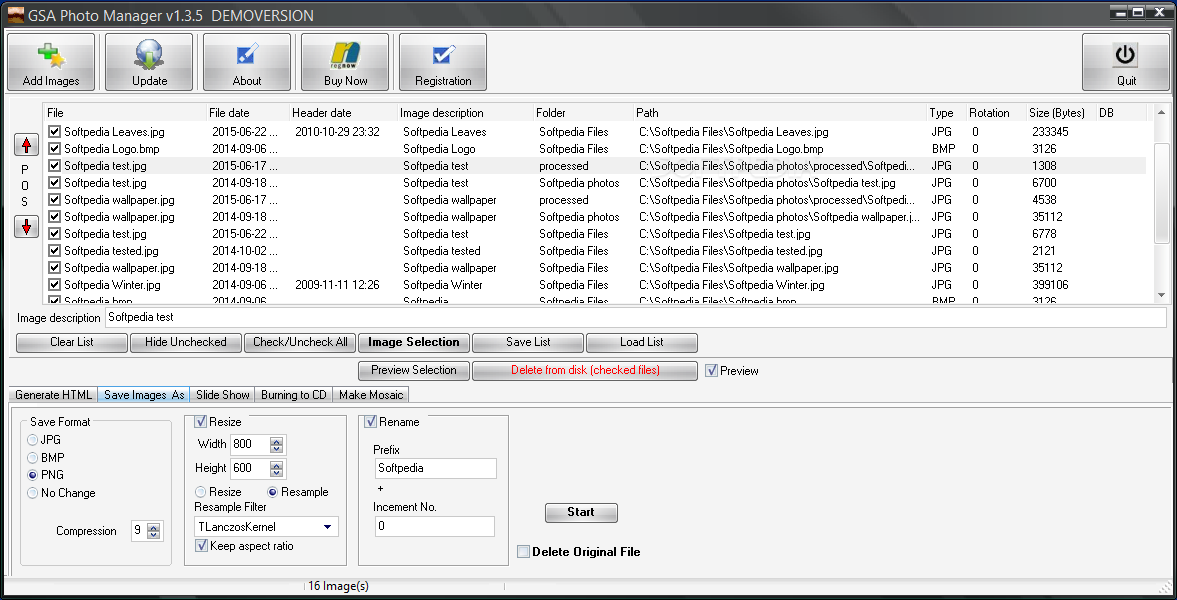
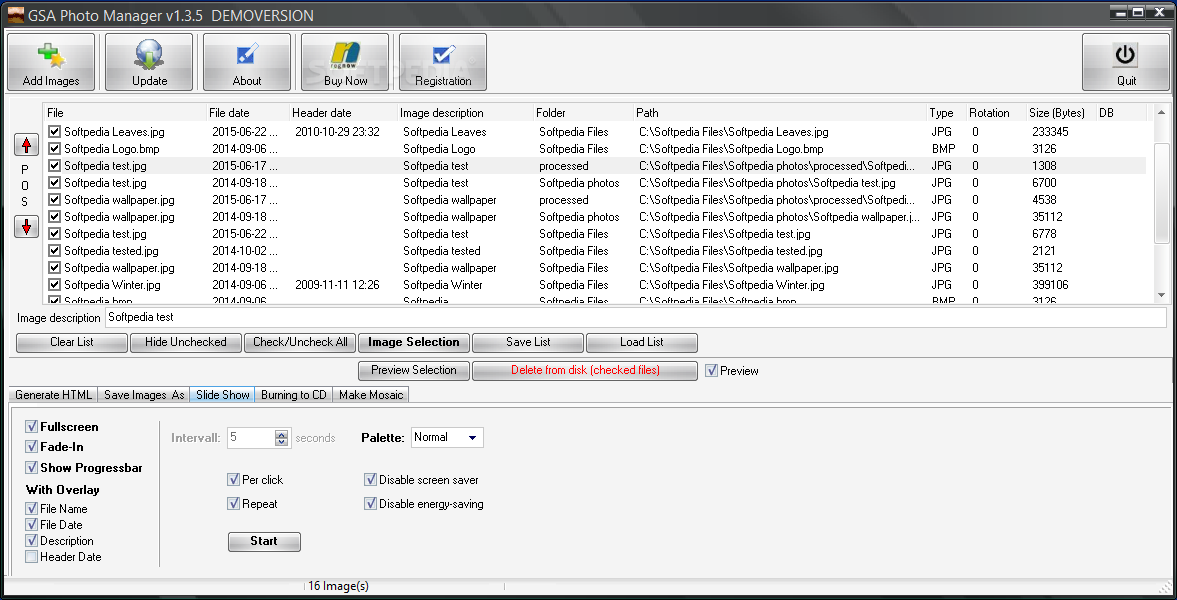
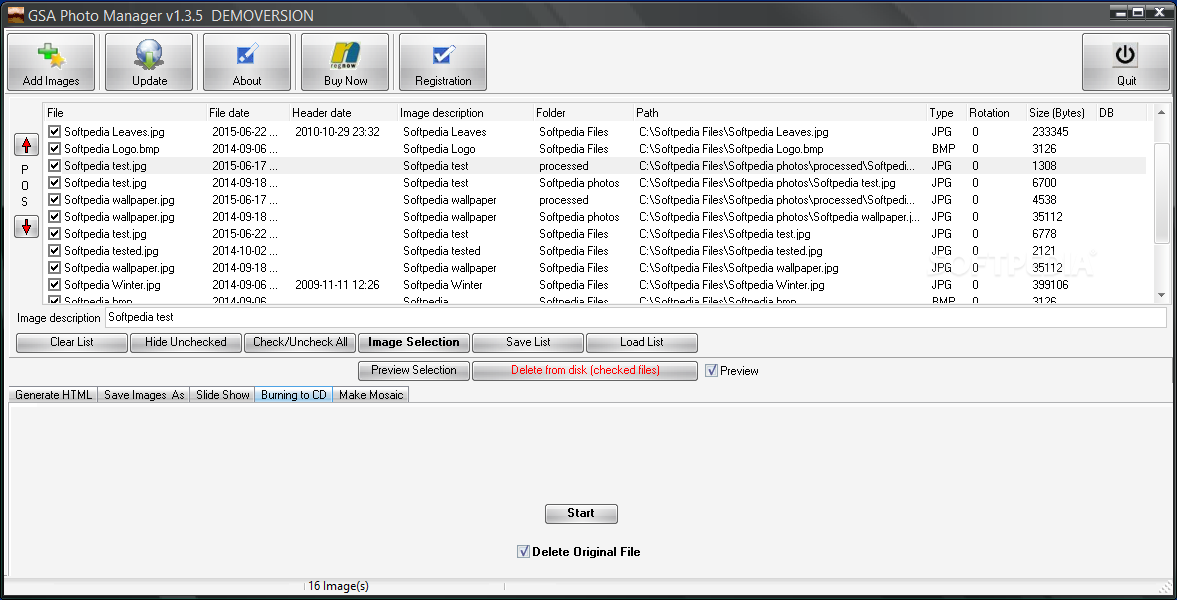
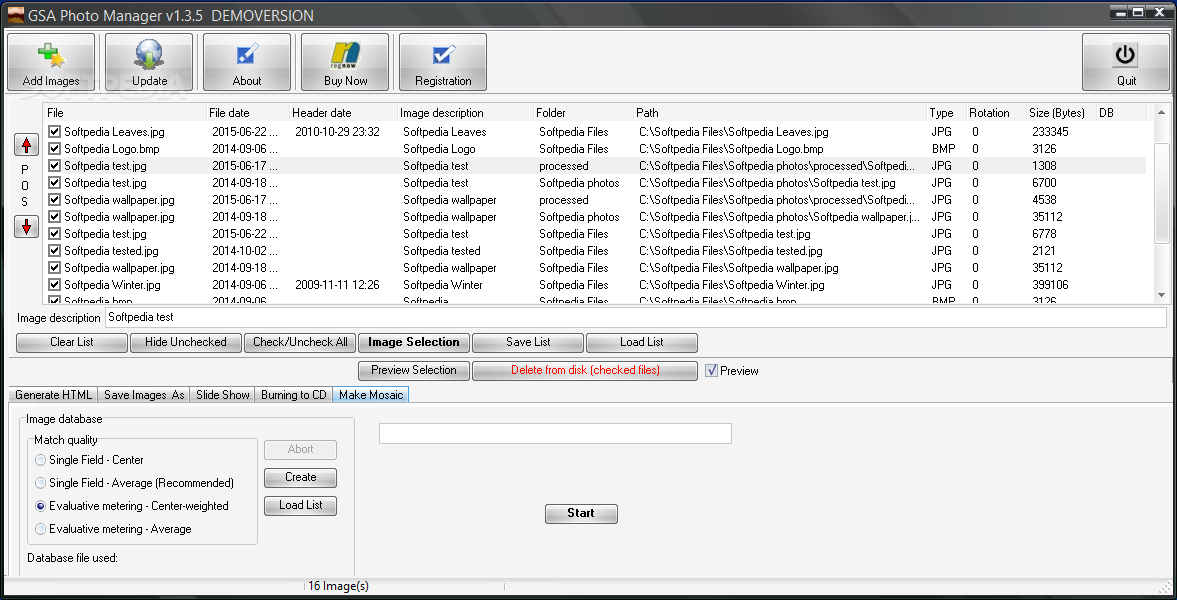
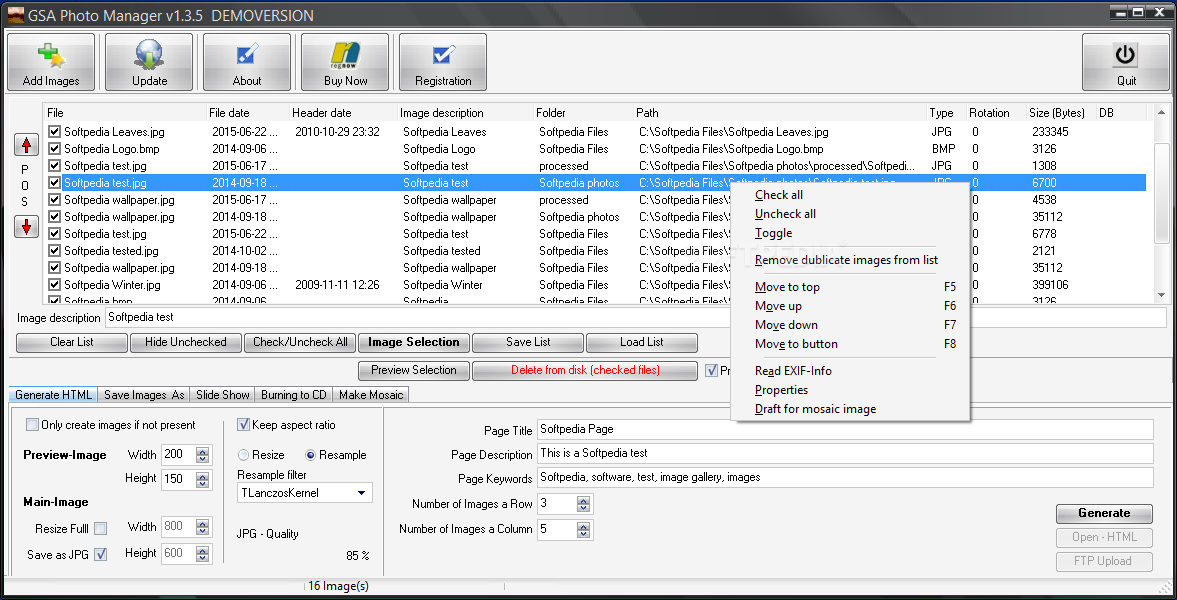
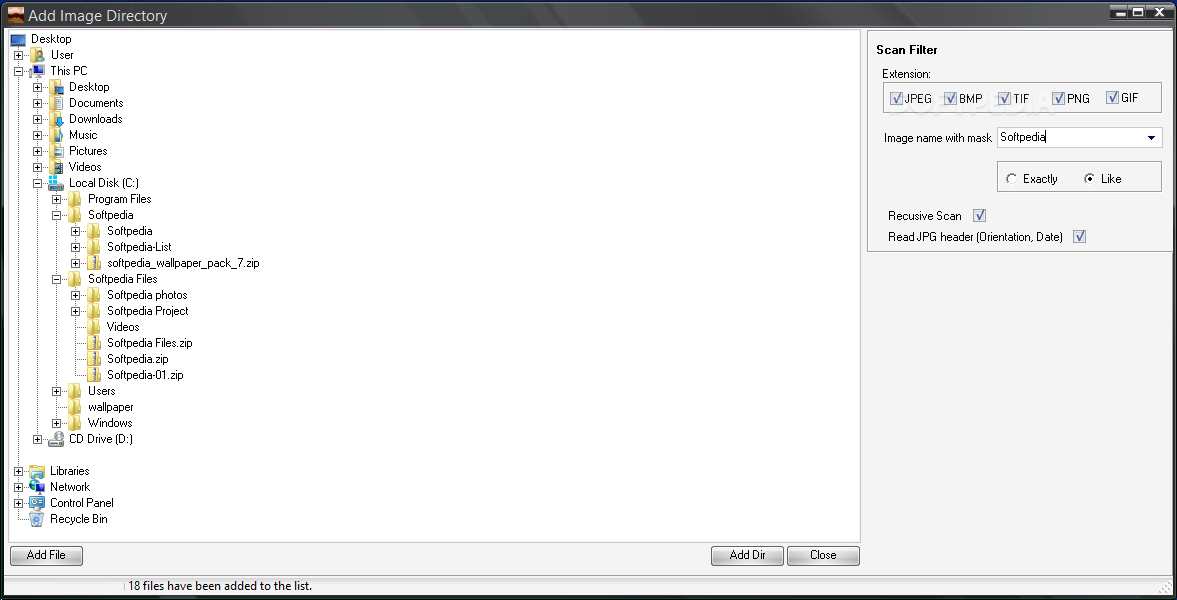
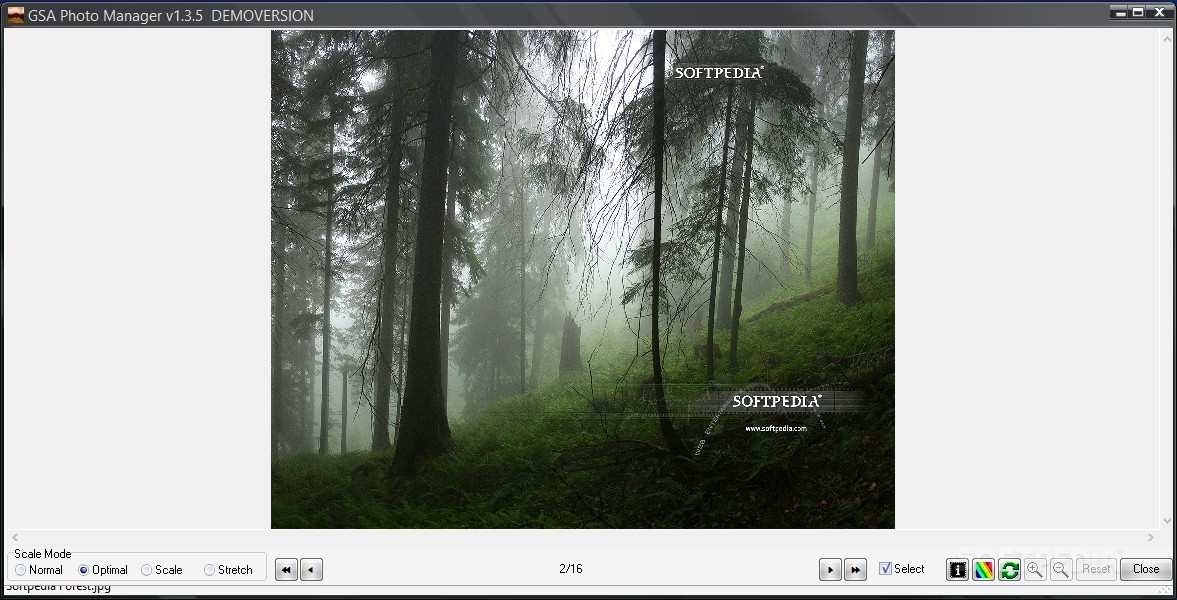
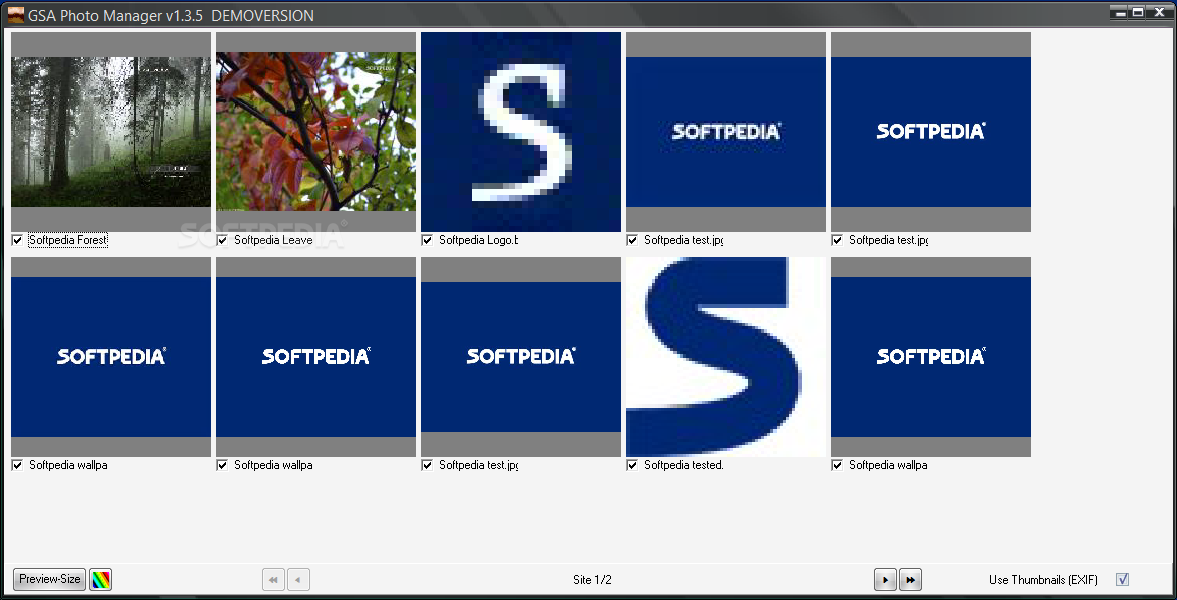
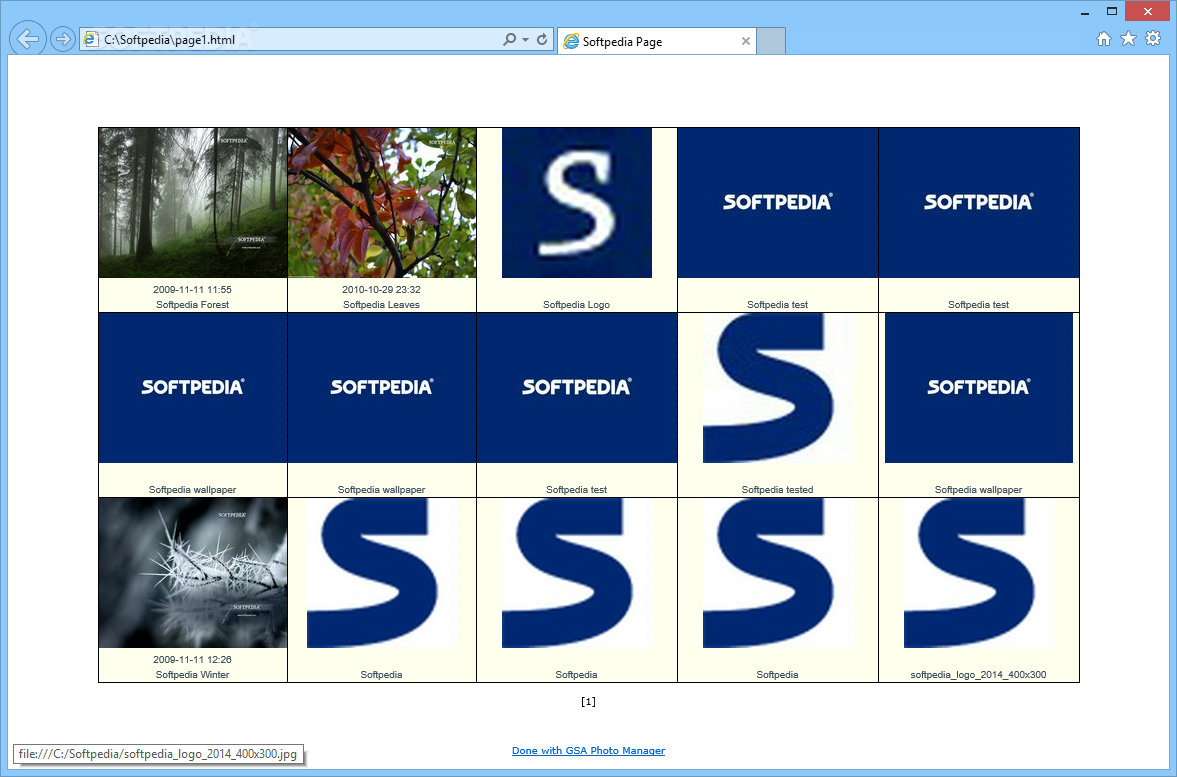
With the GSA Photo Manager the selection of your favourite photos is a breeze, whether for organizing slide shows or simply for viewing and selecting photos. Make your choice quickly and targeted within an single scroll or switch to a multiple photo preview to make your decision by comparison (images can be rotated in both modes). The images of the resulting list of favourites can now be managed and optimized as follows; Copy your images to a working directory (optionally) in another format, under a new name (prefix and consecutive number) or in a new size (all standard resample filter are applicable). It includes automatic generation of one or more previewing HTML pages (HTML generator) with a corresponding image overview (every image can be opened in a new window in full screen mode). You can also use the included FTP Uploader of the generated HTML pages slide show in blending in technique and with optimized image sizes. The resulting list of favourites can be stored with all made settings for later processing or presenting. So individual slide shows can be organized without copying or moving the original images from their folders. Create a photo CD with your favorite photos with an image size ideally suited for photo paper (picture size conversion).
Where to buy?
Last updated price and discount information 9 years agoupdate now



 Windows ME and above
 View Screenshots(10)
 Comments
 Download





 Similar Software


 Recently Searched
 Software Categories
 Trending Software

 Like Us

