Works on: Windows 10 | Windows 8.1 | Windows 8 | Windows 7 | Windows XP | Windows 2000 | Windows 2003 | Windows 2008 | Windows ME | Windows Vista | Windows 2012 SHA1 Hash: b6d8823a88e4ad977d5d9d52115eea7cf7b77417 Size: 3.32 KB File Format: exe
Rating: 2.3
out of 5
based on 23 user ratings
Publisher Website: External Link Downloads: 151 License: Demo / Trial Version
Handy Dandy Planner is a demo software by Full Cycle Software and works on Windows 10, Windows 8.1, Windows 8, Windows 7, Windows XP, Windows 2000, Windows 2003, Windows 2008, Windows ME, Windows Vista, Windows 2012.
You can download Handy Dandy Planner which is 3.32 KB in size and belongs to the software category Personal Finance. Handy Dandy Planner was released on 2006-05-08 and last updated on our database on 2017-03-07 and is currently at version 2.75.
Thank you for downloading from SoftPaz! Your download should start any moment now. It would be great if you could rate and share:
Rate this software:
Share in your network:
Handy Dandy Planner Description
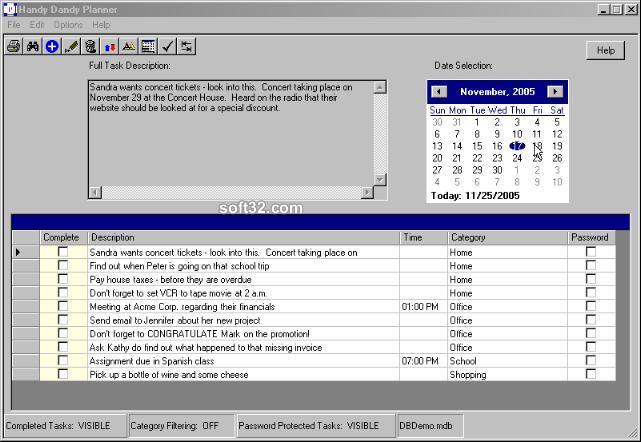
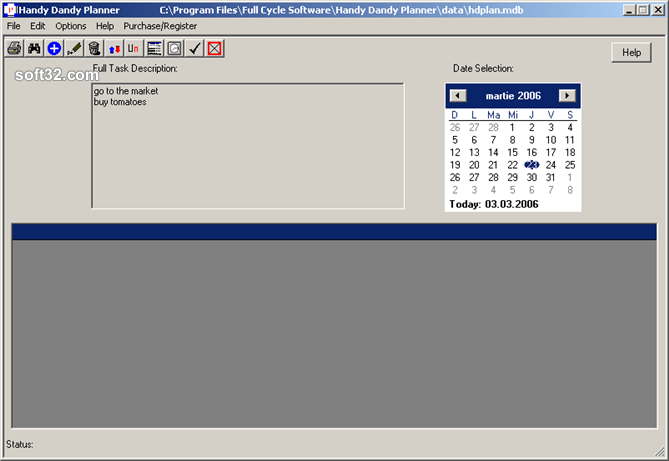
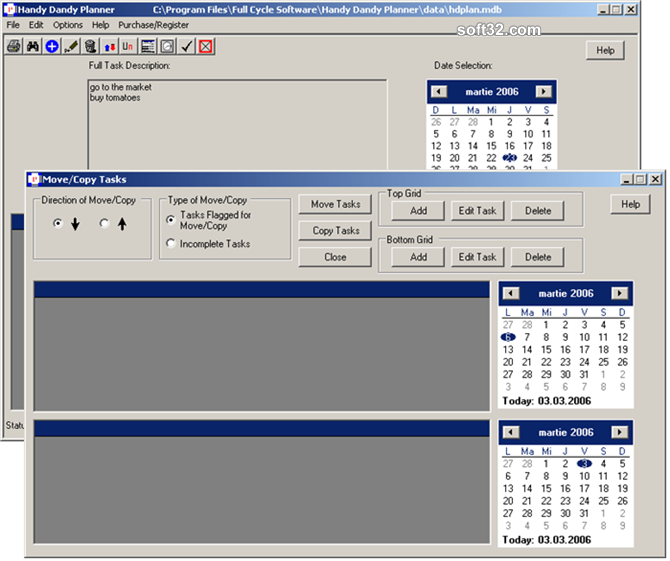
The Handy Dandy Planner is designed to assist you in managing tasks and tracking appointments. It is your to-do list computerized. You just click on a calendar date and see what is on your agenda for that day. You will find it much more convenient than keeping lists by hand or other means. Suitable for home, school, or business use, it has a simple interface that is easy 1o use with powerful features. You can enter daily, weekly, monthly or yearly repeating tasks. You can attach categories to your tasks - home, office, school, etc. and filter them based on categories. If you don't want anybody reading your lists, you can password protect them. It is also possible to password protect individual items on your lists. You can maintain multiple task lists, separately. You can copy your list to a disk and move it from your office computer to your laptop or home computer. And when you purchase a Handy Dandy Planner license, you get 3 activations - so with one license, you can install it on your home computer, your laptop and your office computer. This award winning Personal Information Manager (PIM) will keep your busy calendar organized and is a valuable time management tool.
Where to buy?
Last updated price and discount information 9 years agoupdate now



 Windows ME and above
 View Screenshots(3)
 Comments
 Download





 Similar Software


 Recently Searched
 Software Categories
 Trending Software

 Like Us

