Version: 2 Last Updated: 07 Mar 2017 Release: 23 Feb 2009 Category: Internet
Rate this software:
160 downloads
View Screenshots(3)
Comments
Download
Liked it? Tell others:
HsTcp2Com (Professional Edition) Details
Works on: Windows 10 | Windows 8.1 | Windows 8 | Windows 7 | Windows 2012 SHA1 Hash: 424de61d50c32fac86a03bee365c2ce367e1e6f0 Size: 420.08 KB File Format: exe
Rating: 2.4
out of 5
based on 23 user ratings
Publisher Website: External Link Downloads: 160 License: Demo / Trial Version
HsTcp2Com (Professional Edition) is a demo software by Hillstone Software and works on Windows 10, Windows 8.1, Windows 8, Windows 7, Windows 2012.
You can download HsTcp2Com (Professional Edition) which is 420.08 KB in size and belongs to the software category Internet. HsTcp2Com (Professional Edition) was released on 2009-02-23 and last updated on our database on 2017-03-07 and is currently at version 2.
Thank you for downloading from SoftPaz! Your download should start any moment now. It would be great if you could rate and share:
Rate this software:
Share in your network:
HsTcp2Com (Professional Edition) Description
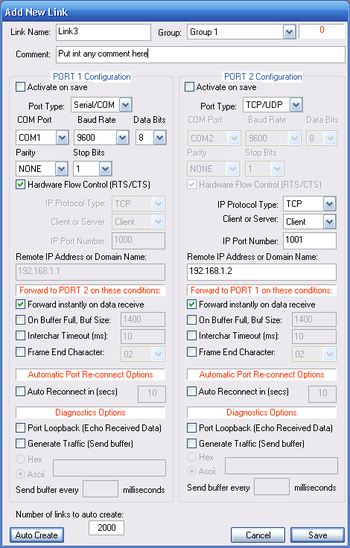
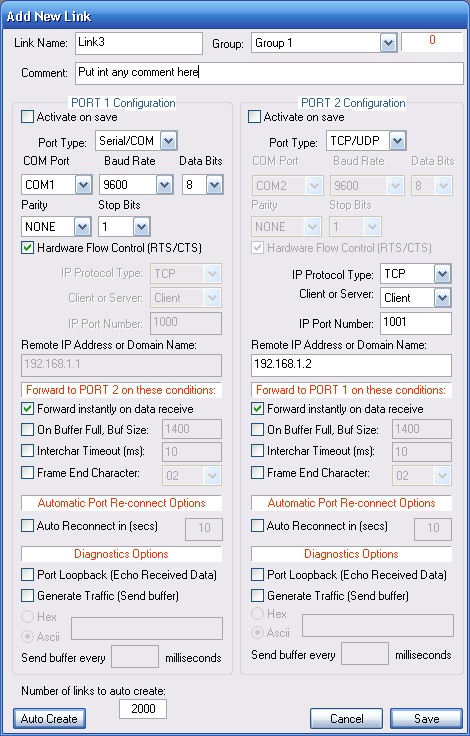
HsTcp2Com is a communications application for Windows which allows to forward / bridge data between serial ports (RS232, bluetooth, IrDA, USB) represented as COM ports and TCP/IP connections or UDP/IP links. In the simplest scenario it is an COM port to TCP/IP converter, but it can bridge data between any combination of COM and UDP or TCP ports, with TCP ports in either client or server modes.
Use HsTcp2Com to connect data collection devices such as modems, sensors, bar code scanners, meters, wireless devices, PBXes, any serial instruments to the serial ports of the PC and access that data from anywhere over an IP based network.
Features
* Unlimited number of links each interconnecting 2 ports in any combination shown above are able to operate concurrently
* Any COM port to any other COM port (total 100 COM ports are currently supported)
* COM port to TCP/IP (TCP client mode)
* COM port to TCP/IP (TCP server mode)
* COM port to UDP
* TCP/IP client to UDP
* TCP/IP server to UDP
* TCP/IP server to TCP/IP client
* UDP to UDP
* Up to 32 links each interconnecting 2 ports in any combination shown above are able to operate concurrently
* Automatic port re-connect of disconnected or failed ports
* Program configuration for links and groups is stored in CSV files which can be edited both at program run time from within the application or offline externally before booting up the program
Data Forwarding (packetization) Options:
* Forward instantly on data receive
* Forward on buffer full
* Forward on inter-character timeout
* Forward on frame end character
Diagnostic and Statistics Functions:
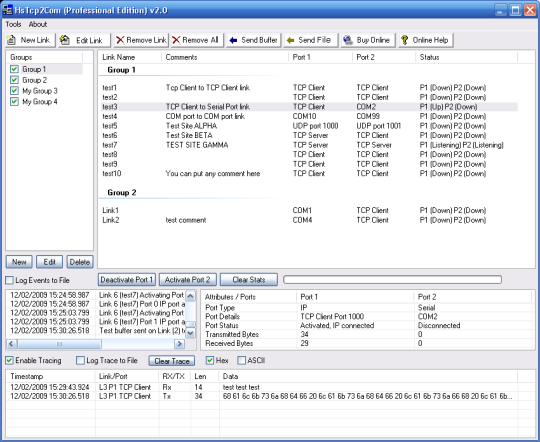
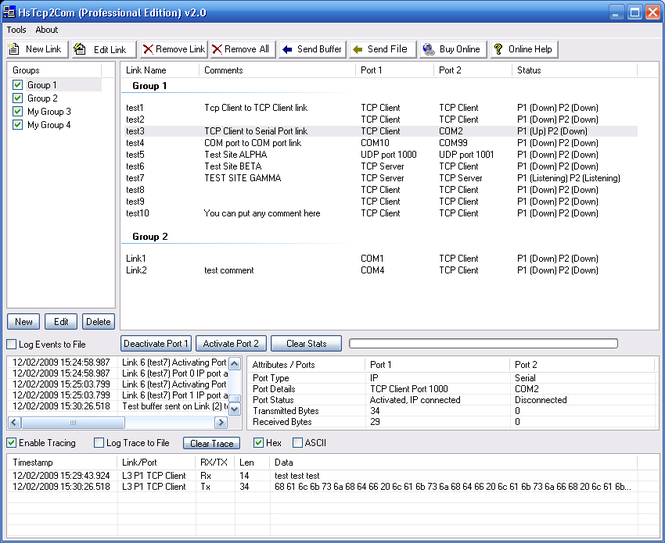
* Port status display
* Port receive and transmit byte counters
* Event log displayed on screen and saved to disk file
* Data traffic trace in ASCII or HEX format displayed and saved to disk file
* Data traffic echo function (port loopback)
* Data traffic generation function (a specified buffer is sent periodically on a timer)
* Send specified single buffer function



 Windows 7 and above
 View Screenshots(3)
 Comments
 Download




 Similar Software


 Recently Searched
 Software Categories
 Trending Software
 Like Us


