Works on: Windows 10 | Windows 8.1 | Windows 8 | Windows 7 | Windows XP | Windows 2000 | Windows 2003 | Windows 2008 | Windows Vista | Windows 2012 SHA1 Hash: 8dca8d7906bade94dcddabe388d99c7a493c03e3 Size: 6.4 MB File Format: zip
Rating: 2.0
out of 5
based on 23 user ratings
Downloads: 145 License: Free
InfoWonder is a free software by Leersoft, L.l.c. and works on Windows 10, Windows 8.1, Windows 8, Windows 7, Windows XP, Windows 2000, Windows 2003, Windows 2008, Windows Vista, Windows 2012.
You can download InfoWonder which is 6.4 MB in size and belongs to the software category Personal Finance. InfoWonder was released on 2007-12-05 and last updated on our database on 2017-03-07 and is currently at version 2.
Thank you for downloading from SoftPaz! Your download should start any moment now. It would be great if you could rate and share:
Rate this software:
Share in your network:
InfoWonder Description
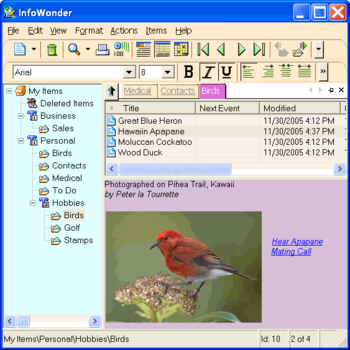
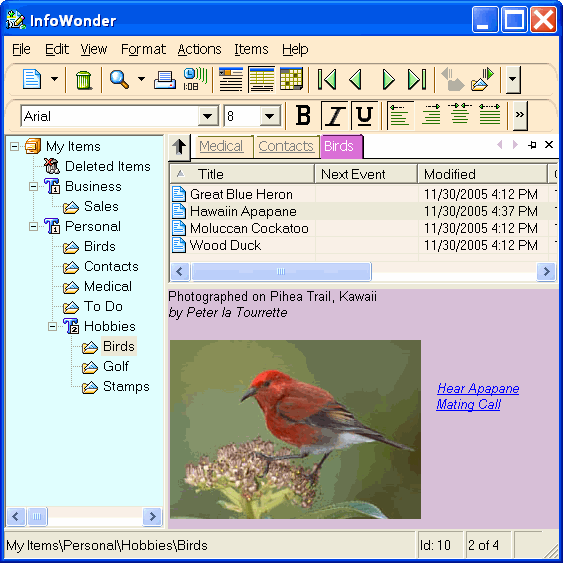
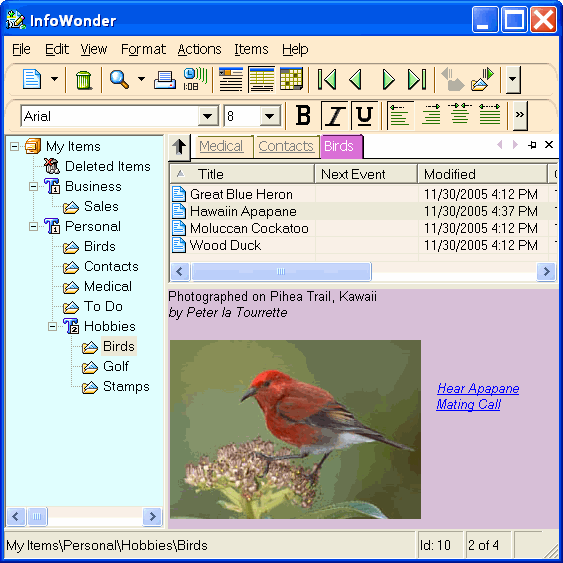
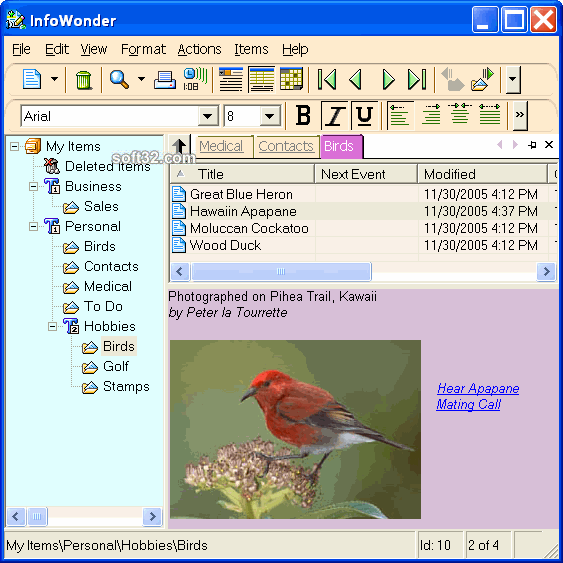
InfoWonder is a new kind of personal information organizer built on a unique plugin-in architecture. It will manage many different types of information: word processed notes (which can include existing or new voice/audio recordings, images, links to URLs or other InfoWonder items), web pages, and user-created fill-in forms to simplify repetitive data entry. InfoWonder has a comprehensive search capability that can locate items in your database that contain particular text, even searching web pages that are saved as "items" using the built-in web browser plugin. InfoWonder has a comprehensive reminder capability that supports an advanced recurrence setup. More features: spell checker for your word-processed notes; calendar view that shows events scheduled for various periods of time; automatic backup including all program preferences making it easy to move all data to another machine; print item lists or full contents of individual or multiple item; import/export text files; customize the sounds, colors, toolbars and layout used by InfoWonder; record and playback audio files and include links to the recordings in note items; "favorites" tab bar gets you back to folders you use frequently; back/forward keystrokes allows you to retrace your viewed items; automatic startup with windows, and can be hidden in the system tray; simple, familiar Windows Explorer interface; and much more.
The latest release support "virtual folders" that can track your media and program files, including launching your favorite appliation to view or play the files.



 Windows XP and above
 View Screenshots(3)
 Comments
 Download




 Similar Software


 Recently Searched
 Software Categories
 Trending Software

 Like Us

