Works on: Windows 10 | Windows 8.1 | Windows 8 | Windows 7 | Windows XP | Windows 2000 | Windows 2003 | Windows 2008 | Windows Vista | Windows 2012 SHA1 Hash: 17b7a0222a6071960a0a70dfd5bdeef91fc15351 Size: 482.55 KB File Format: zip
Rating: 1.8
out of 5
based on 23 user ratings
Publisher Website: External Link Downloads: 1372 License: Free
JFDraw is a free software by Jingfei International and works on Windows 10, Windows 8.1, Windows 8, Windows 7, Windows XP, Windows 2000, Windows 2003, Windows 2008, Windows Vista, Windows 2012.
You can download JFDraw which is 482.55 KB in size and belongs to the software category Image Editors Convertors Viewers. JFDraw was released on 2005-10-28 and last updated on our database on 2017-06-13 and is currently at version 1.8.
Thank you for downloading from SoftPaz! Your download should start any moment now. It would be great if you could rate and share:
Rate this software:
Share in your network:
JFDraw Description
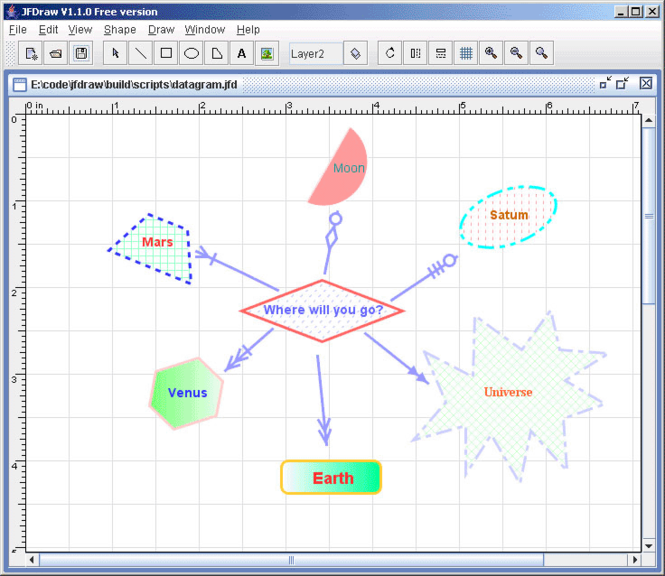
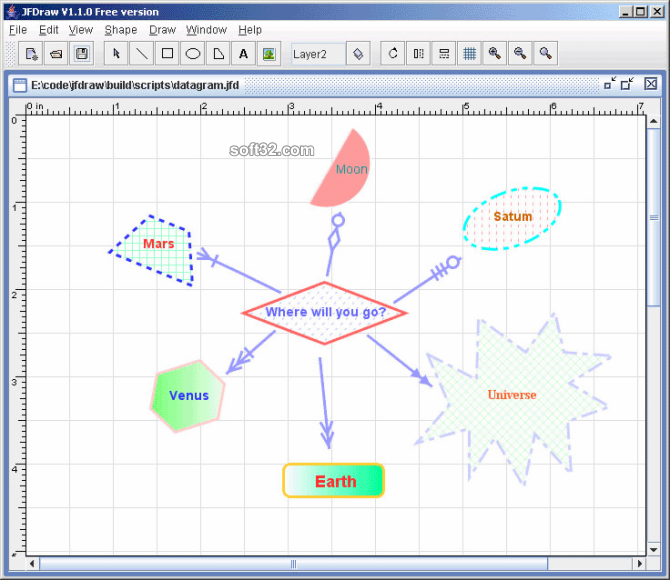
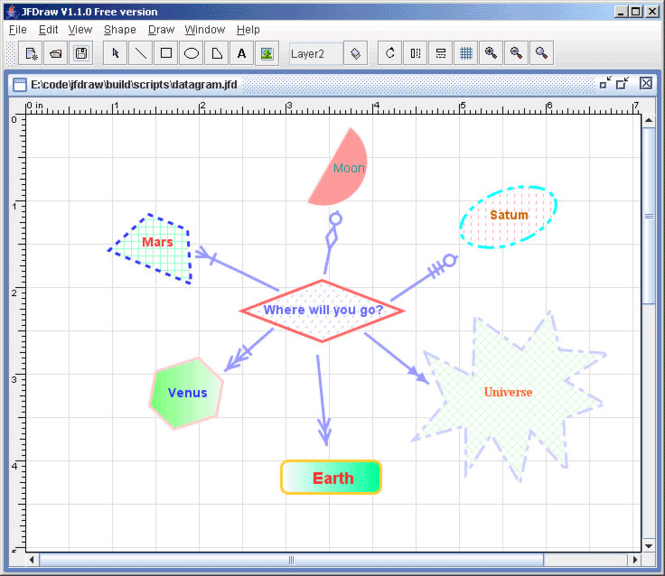
JFDraw is a pure Java based graphics application and library package. JFDraw used a little features of Java2D, and expanded a lot of graph routines for more complex vector graph processing. You can run JFDraw under any operating systems that suport Java.
JFDraw is focused on vector graph drawing field. It can help you to complete your mechanical, electronic, architectural graphs drawing applications, or even business process or workflow graphs issues.
Written by pure text based editor(Windows NotePad & Unix VI), built by Sun Java Development Kit(JDK) 1.3.x and Apache Ant, JFDraw will offer you the opportunities to incorporate it into your graph applications, in binary library mode or source code mode.
Main features
a variety build-in vector graphs, e.g. rectangle, triangle, parallelogram, trapezoid,polyline, regularline(continuous vertical or horizontal line), etc.
automatic nodes combining or expanding in polylines and regularlines, it's needless to add or remove a node for drawing such poly lines.
easy to use adding/removing/binding / unbindingports functions, for help doing ports issues(ports are used to connect shapes by lines) on arbitrary shapes.
a lot of arrow types, fill styles and line styles, so you can easily change your shapes' appearance to fit your demand.
goup/ungroups, multi-layers, customized libraries and templates support.
roate, flip, mirror and scale functions on any shapes.
zoom in/zoom out or customized zoom scale, undo/redo with arbitrary undo depth.
grid, ruler support with both english or metric measurement.
binary/xml JFDraw build-in file format, export to jpg, png, svg and more file formats.



 Windows XP and above
 View Screenshots(3)
 Comments
 Download




 Similar Software


 Recently Searched
 Software Categories
 Trending Software
 Like Us


