Works on: Windows 10 | Windows 8.1 | Windows 8 | Windows 7 | Windows 2012 SHA1 Hash: ba63a6a04882077eedb922cb117bea8a923e1998 Size: 7.57 MB File Format: exe
Rating: 2.3
out of 5
based on 23 user ratings
Publisher Website: External Link Downloads: 1015 License: Demo / Trial Version
M2Convert for PSP is a demo software by M2 Solutions Inc. and works on Windows 10, Windows 8.1, Windows 8, Windows 7, Windows 2012.
You can download M2Convert for PSP which is 7.57 MB in size and belongs to the software category Audio CD DVD Burning. M2Convert for PSP was released on 2011-02-10 and last updated on our database on 2017-03-08 and is currently at version 4.
Thank you for downloading from SoftPaz! Your download should start any moment now. It would be great if you could rate and share:
Rate this software:
Share in your network:
M2Convert for PSP Description
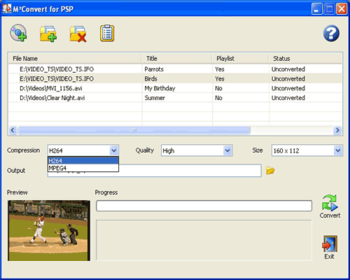
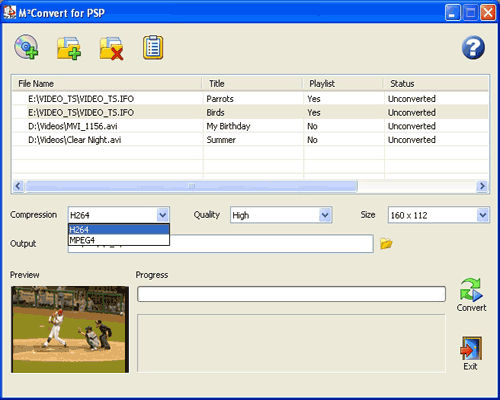
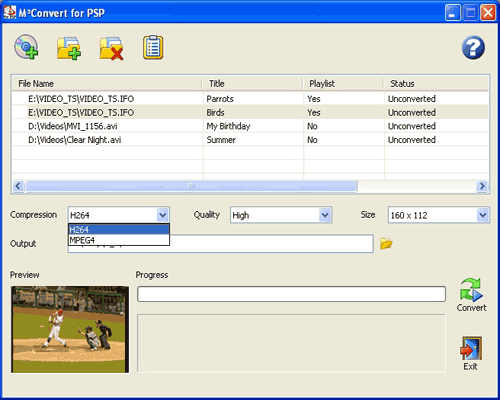
M2Convert for PSP converts DVDs and multimedia files from any supported format (including AVI, ASF, WMV, MOV, MPG, MPEG, AVC, OGG, MP4, DivX, IFO, MP3, WMA, WAV, AAC and more) to Sony PSP (PlayStation Portable) compatible format using H.264 or MPEG-4 compression. Now you can convert and compress your multimedia files and watch them on the go! Added MKV File Format and VP8 Codec support in version 4.
Key Features:
*Supports the conversion of popular video and audio formats including AVI, ASF, WMV, MOV, MPG, MKV, MPEG, AVC, OGG, MP4, DivX, MP1, MP2, IFO and DIC .
*Convert your DVDs to PSP compatible format. Select the portions of the DVD you want to convert:
*Convert the entire DVD.
*Convert only the movie.
*Convert specific titles.
*Convert specific chapters in each title.
*Select the audio stream.
*Select the subtitles.
*Fit MORE DVDs, movies and videos on your PSP using LEAD's iCompress? Technologies. Fit 2 hours on a 512 MB memory stick, 4 hours on 1 GB memory stick, or 16 hours on a 4 GB memory stick!
*Customize the conversion process - Choose between quality and file size (High, Medium, Low). The ?High? setting will result in extremely high quality video but larger file size, whereas the ?Low? setting will result in extremely small file size, but lower quality video. Also, you can set your videos to auto size which will select the best PSP resolution that best represents the file(s) being converted.
*Supports H.264 - Auto size, 320x240, 160 x 112 and MPEG-4 - Auto size, 400x 192, 368 x 208, 320x240 and 160 x 112 resolutions.
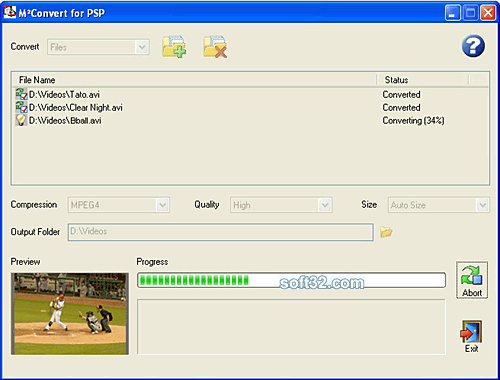
*Preview video while converting.
Where to buy?
Last updated price and discount information 9 years agoupdate now



 Windows 7 and above
 View Screenshots(3)
 Comments
 Download





 Similar Software


 Recently Searched
 Software Categories
 Trending Software


 Like Us

