Works on: Windows 10 | Windows 8.1 | Windows 8 | Windows 7 | Windows 2012 SHA1 Hash: 827508062098007adf87dd786314b20a210bb8fc Size: 279.19 KB File Format: exe
Rating: 2.4
out of 5
based on 23 user ratings
Downloads: 225 License: Free
MailBase Email Archiver is a free software by Nch Software and works on Windows 10, Windows 8.1, Windows 8, Windows 7, Windows 2012.
You can download MailBase Email Archiver which is 279.19 KB in size and belongs to the software category Backup and Recovery. MailBase Email Archiver was released on 2012-12-21 and last updated on our database on 2017-03-08 and is currently at version 1.01.
Thank you for downloading from SoftPaz! Your download should start any moment now. It would be great if you could rate and share:
Rate this software:
Share in your network:
MailBase Email Archiver Description
MailBase is an email archiving program that runs in the background and keeps a copy of all incoming and outgoing emails without interfering with your normal email client. It allows business' to create an archive of incoming and outgoing emails, reducing the risk of losing or deleting important information.
Email is now the most common form of communication between business, which means an increasing amount of valuable information is being stored in your inbox. MailBase takes the risk out of storing your emails and keeps your valuable information safe.
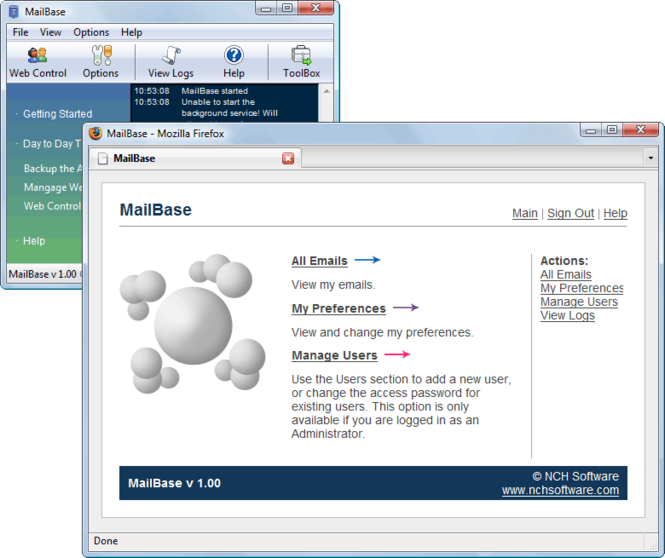
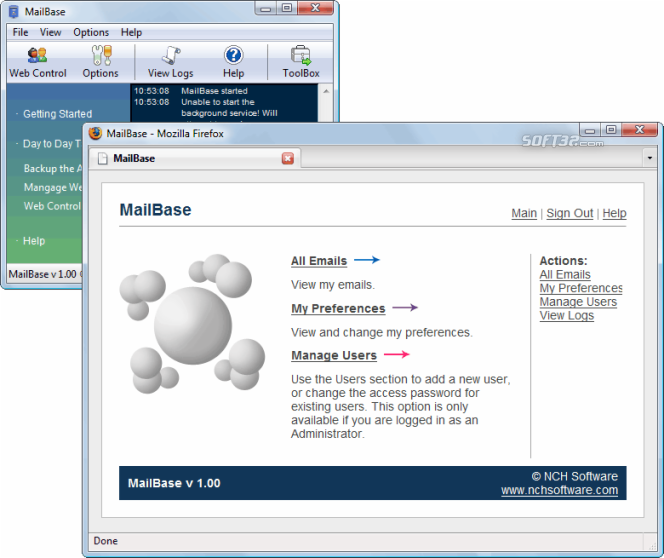
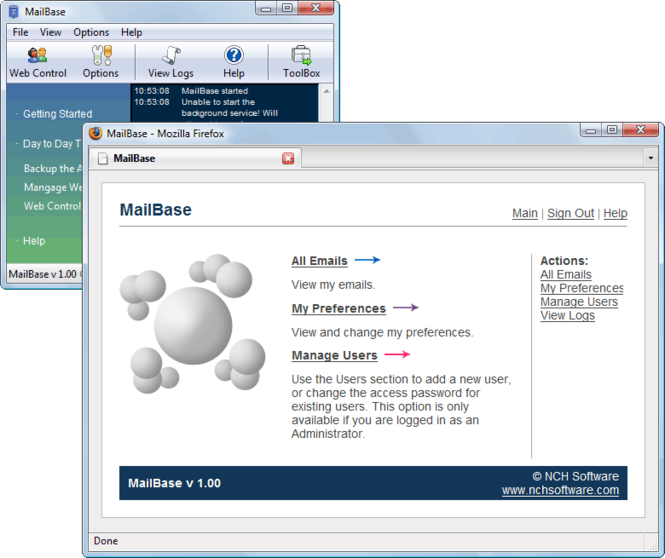
Before an email is sent or received, MailBase creates a copy of it and stores it in your desired location. Using the MailBase web control panel, you can look through and retreive these emails at any time, even if you have since deleted the email from your inbox.
Features Include:
~Stores Emails in standard formats so that they may be retrieved at a latter time.
~Email user may access their archived Emails via a simple to use Web interface from their Web browser.
~Automatically creates storage folders for each Email address being used.
~Emails are stored in folders under the Email address used to send/receive the Email.
~Runs as a service so the software can run when logged off on a server to automate transfer in the background.
~Installs in just minutes. Very easy to use for day-to-day operation.



 Windows 7 and above
 View Screenshots(3)
 Comments
 Download




 Similar Software


 Recently Searched
 Software Categories
 Trending Software

 Like Us


