Works on: Windows 10 | Windows 8.1 | Windows 8 | Windows 7 | Windows XP | Windows 2000 | Windows 2003 | Windows 2008 | Windows Vista | Windows 2012 SHA1 Hash: 3d98ced3ac00a92cdfb96b531871c488895e05a0 Size: 5.8 MB File Format: exe
Rating: 2.0
out of 5
based on 23 user ratings
Publisher Website: External Link Downloads: 1304 License: Demo / Trial Version
MAutoAlign is a demo software by Melda Production and works on Windows 10, Windows 8.1, Windows 8, Windows 7, Windows XP, Windows 2000, Windows 2003, Windows 2008, Windows Vista, Windows 2012.
You can download MAutoAlign which is 5.8 MB in size and belongs to the software category Audio CD DVD Burning. MAutoAlign was released on 2013-06-22 and last updated on our database on 2017-04-26 and is currently at version 7.1.
Thank you for downloading from SoftPaz! Your download should start any moment now. It would be great if you could rate and share:
Rate this software:
Share in your network:
MAutoAlign Description
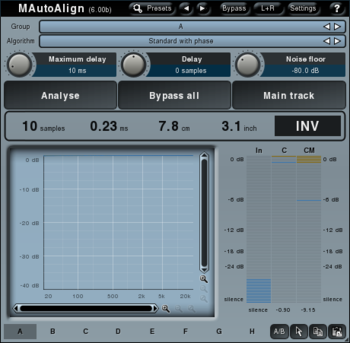
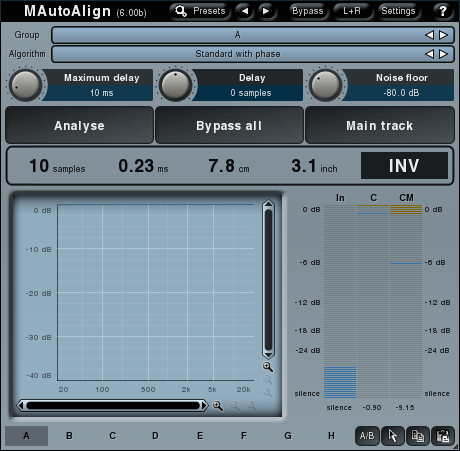
MAutoAlign solves problems with phase cancellations when recording a single instrument using multiple microphones. Normally engineers have to search for ideal delays and potentially invert phases manually. But now all you need to do is to place MAutoAlign to all tracks you want to fix, start playback and press Analyze button in one of them. The plugin will analyze all tracks and after a few seconds you are finished.
Whats new in this version:
Version 7.10 increased number of banks for multiparameter bank modes to 32.
Where to buy?
Last updated price and discount information 9 years agoupdate now



 Windows XP and above
 View Screenshots(1)
 Comments
 Download





 Similar Software


 Recently Searched
 Software Categories
 Trending Software
 Like Us

