Works on: Windows 10 | Windows 8.1 | Windows 8 | Windows 7 | Windows 2012 SHA1 Hash: 4d08f9fd43f5e687d127c199333d259946c0cc15 Size: 164.37 KB File Format: m2p
Rating: 2.0
out of 5
based on 23 user ratings
Downloads: 409 License: Free
MaxBackUp is a free software by Abc@home and works on Windows 10, Windows 8.1, Windows 8, Windows 7, Windows 2012.
You can download MaxBackUp which is 164.37 KB in size and belongs to the software category Browser Tweak. MaxBackUp was released on 2013-08-30 and last updated on our database on 2017-03-29 and is currently at version 1.
Thank you for downloading from SoftPaz! Your download should start any moment now. It would be great if you could rate and share:
Rate this software:
Share in your network:
MaxBackUp Description
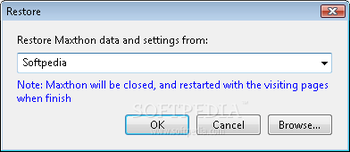
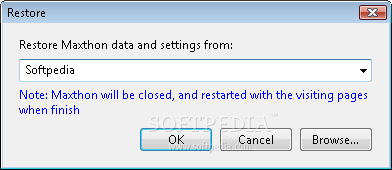
MaxBackUp is a simple, easy-to-use and effective plugin that seamlessly integrates within Maxthon and enables you to backup and restore all your data and settings.
By default, MaxBackUp will backup only specific options such as "Config", "Data", "PluginData", and "Session" subfolder inside the current users account folder.System requirementsMaxthon



 Windows 7 and above
 View Screenshots(1)
 Comments
 Download




 Similar Software


 Recently Searched
 Software Categories
 Trending Software


 Like Us


