Works on: Windows 10 | Windows 8.1 | Windows 8 | Windows 7 | Windows 2012 SHA1 Hash: 9ecd757701f7780161553836db0b13730558f2a1 Size: 2.51 MB File Format: exe
Rating: 1.9
out of 5
based on 23 user ratings
Publisher Website: External Link Downloads: 126 License: Demo / Trial Version
My Timeboxing is a demo software by Dextronet and works on Windows 10, Windows 8.1, Windows 8, Windows 7, Windows 2012.
You can download My Timeboxing which is 2.51 MB in size and belongs to the software category Personal Finance. My Timeboxing was released on 2009-08-06 and last updated on our database on 2017-03-08 and is currently at version 2.01.
Thank you for downloading from SoftPaz! Your download should start any moment now. It would be great if you could rate and share:
Rate this software:
Share in your network:
My Timeboxing Description
My Timeboxing is a timeboxing application which allows you to allocate certain amount of time to each of your tasks, and then track your progress. It is very user friendly and easy to use.
Timeboxing is a new way how to rapidly increase your productivity and reduce time wasting. Simple schedule how long you would like to work on certain projects or tasks and then track your progress. You will be finally able to accomplish your plans.
You probably know that if you just want to do some certain actions, you will often not be able to do them all as planned, due to before unknown circumstances. Timeboxing is the solution. Just commit yourself to work on something for certain amount of time. The more you do - the better!
Timeboxing is also a great tool if your motivation is low or if you tend to procrastinate. Commit yourself to work on your project for five minutes, that is all you have to do. No concrete actions, just work on it. This will help you greatly.
Reduce time wasting - keep yourself focused on your projects and tasks, that's the best solution. My Timeboxing helps here as well. If you are always working on one of your projects, how could you waste time?
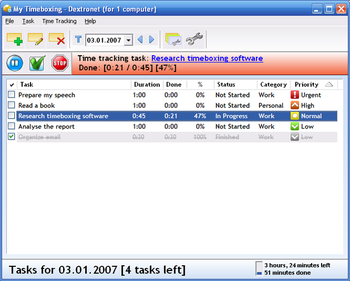
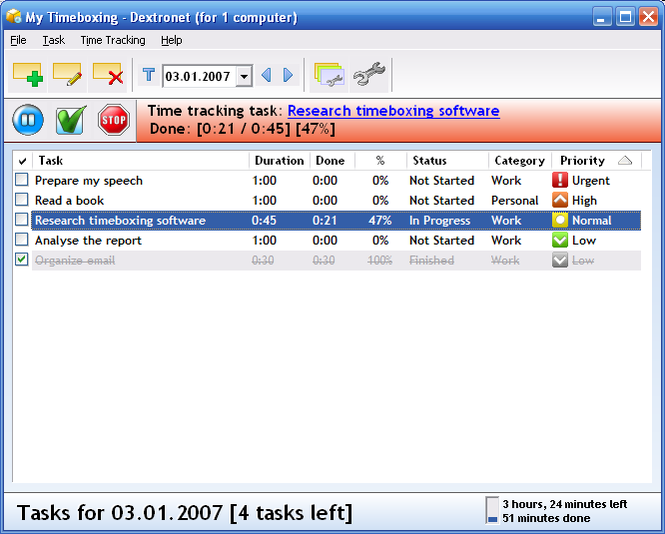
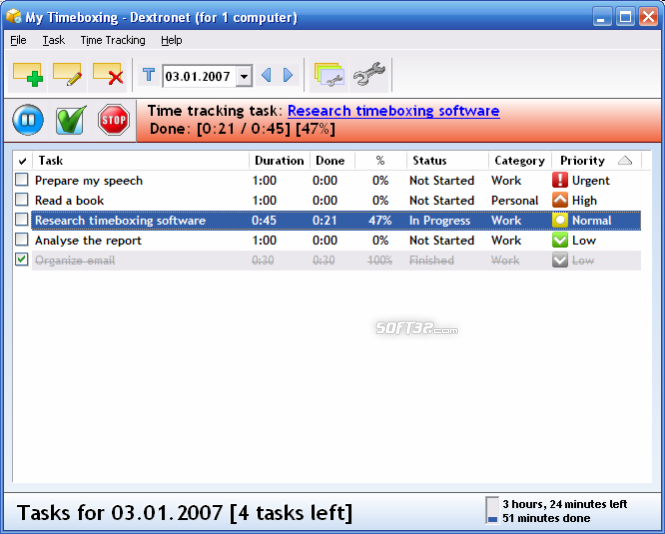
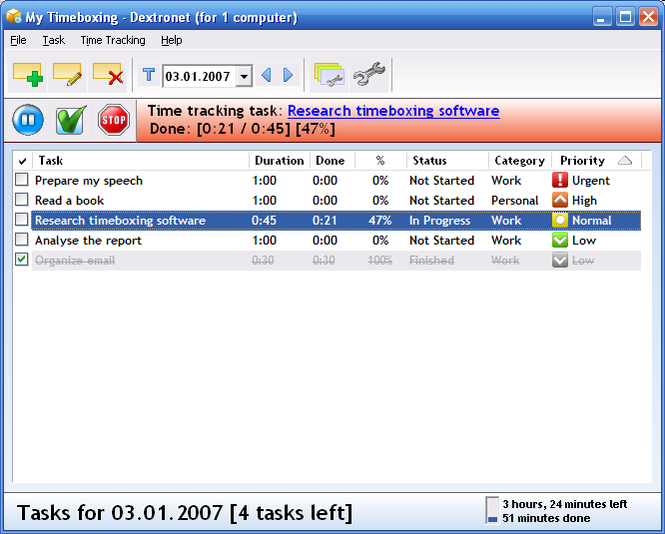
My Timeboxing keeps a task list for each day of the calendar, it can color tasks by their category. Each task can have assigned priority, time needed, category, status. It has been designed to be very easy to use, but why don't you see for yourself? Download My Timeboxing straight away, you won't regret.
Where to buy?
Last updated price and discount information 9 years agoupdate now



 Windows 7 and above
 View Screenshots(3)
 Comments
 Download





 Similar Software


 Recently Searched
 Software Categories
 Trending Software
 Like Us


