Version: 8.3 Last Updated: 14 Jun 2017 Release: 19 Sep 2013 Category: Internet
Rate this software:
1002 downloads
View Screenshots(3)
Comments
Download
Liked it? Tell others:
NetGong Details
Works on: Windows 10 | Windows 8.1 | Windows 8 | Windows 7 | Windows XP | Windows 2000 | Windows 2003 | Windows 2008 | Windows Vista | Windows 2012 SHA1 Hash: a5e9ac91a8aee32e37a847fe3bee941f598f9128 Size: 7.04 MB File Format: zip
Rating: 2.6
out of 5
based on 23 user ratings
Publisher Website: External Link Downloads: 1002 License: Demo / Trial Version
NetGong is a demo software by Tsarfin Computing Ltd and works on Windows 10, Windows 8.1, Windows 8, Windows 7, Windows XP, Windows 2000, Windows 2003, Windows 2008, Windows Vista, Windows 2012.
You can download NetGong which is 7.04 MB in size and belongs to the software category Internet. NetGong was released on 2013-09-19 and last updated on our database on 2017-06-14 and is currently at version 8.3.
Thank you for downloading from SoftPaz! Your download should start any moment now. It would be great if you could rate and share:
Rate this software:
Share in your network:
NetGong Description
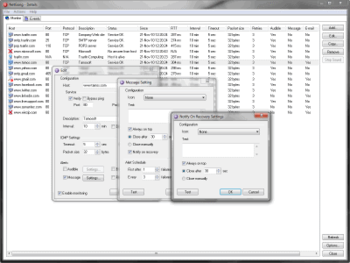
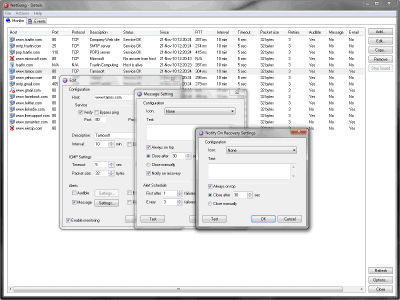
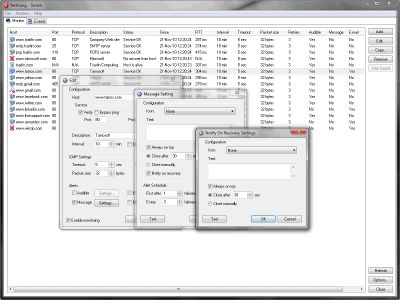
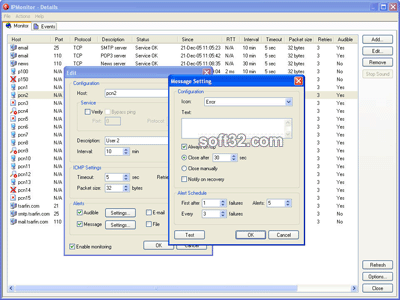
NetGong is an intuitive network monitoring tool that allows network administrators, webmasters, and Internet service providers to monitor any networked device on the Internet, corporate intranet, or TCP/IP LAN and receive alerts immediately via audible alarm, message, e-mail, or third-party software when a connection fails. It is a powerful personal monitoring product delivering low cost, simplicity of operation, and round-the-clock coverage. Main features: runs as a system service automatically on startup, allows you to monitor network devices or services without installing an agent on each machine, allows all parameters to be set independently for each network resource, permits you to temporarily disable monitoring of certain resources, alerts you to failures using a variety of techniques ranging from audible alarms to third-party software, allows you "fine tune" the alerting functions to avoid unnecessary alerting during an extended failure, alerts can be enabled for any combination of failure and recovery notices, allows custom alerts to be created for each monitored resource, each alert type can be tested in order to verify that the alert is configured correctly prior to going live, allows e-mail notification via SMTP with the server of your choice, provides significant security benefits during authentication with mail server and data communication, supports keyword values and customized message information, offers real-time and historical reporting capabilities to assist you in tracking network resources availability, provides reports in HTML format to help keep track of network resources availability in an easy to view list, provides remote access to the monitoring results using a Web browser.
Where to buy?
Last updated price and discount information 9 years agoupdate now



 Windows XP and above
 View Screenshots(3)
 Comments
 Download





 Similar Software


 Software Categories
 Trending Software


 Like Us

 Recently Searched