


 Windows NT and above
| Rate this software: | |
| 262 downloads | |
 View Screenshots(1)
 Comments
 Download




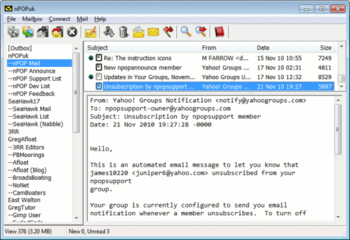
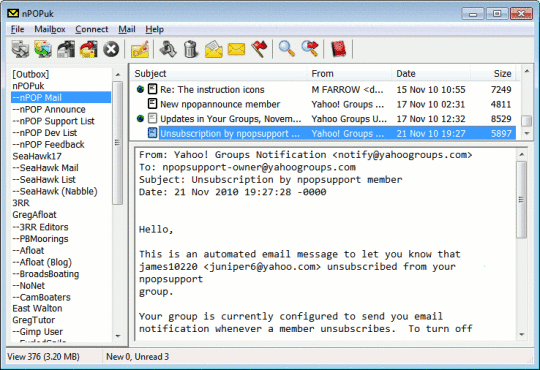
nPOPuk is an ultra-small, but comprehensive, e-mail client that runs on a wide range of Windows-based operating systems.
Added: Preview pane
Added: Per-account receive settings
Added: Ability to change toolbar buttons and icons
Updated: SSL code (to patch buffer overrun vulnerability)
Changed: Sound files should now be located in a subdirectory named Resource; SoundDirectory is ignored
Fixed: Select-all problem in Outbox
Fixed: Timezone conversion bug
Fixed: Command-line option /s
Fixed (216p1): Problem importing accounts from nPOP/nPOPQ.
Fixed (216p1): Issue with Move filter.
Program Interface Improvements:
Added: Ability to rename mailbox files from within the program
Added: Ability to sort messages by senders e-mail address only (not the full From: string) and to ignore Re: and Fwd: when sorting by subject
Changed: Reply now bypasses the Property dialog and goes directly to editing the message
Added: For WindowsMobile users, a way to disable scrollbars so that drag-select will work (dragging normally scrolls on some WM devices)
 Similar Software


 Recently Searched
 Software Categories
 Trending Software


 Like Us

Free Windows software, games, themes and wallpapers with direct download links since 2011.