Works on: Windows 10 | Windows 8.1 | Windows 8 | Windows 7 | Windows 2012 SHA1 Hash: 7d668b65c945b2e2caee1163c19616c76519f57e Size: 338.79 KB File Format: zip
Rating: 2.0
out of 5
based on 23 user ratings
Downloads: 463 License: Free
Odo is a free software by Stijn Sanders and works on Windows 10, Windows 8.1, Windows 8, Windows 7, Windows 2012.
You can download Odo which is 338.79 KB in size and belongs to the software category System Miscellaneous. Odo was released on 2012-04-15 and last updated on our database on 2017-03-04 and is currently at version 0.3.
Thank you for downloading from SoftPaz! Your download should start any moment now. It would be great if you could rate and share:
Rate this software:
Share in your network:
Odo Description
Odo is a so-called odometer, a counter of the distance one travels using the mouse-cursor on screen.
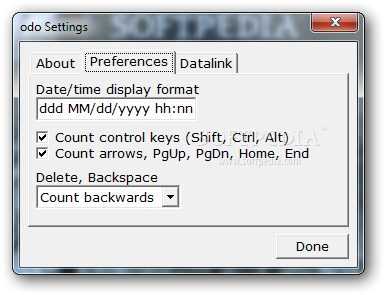
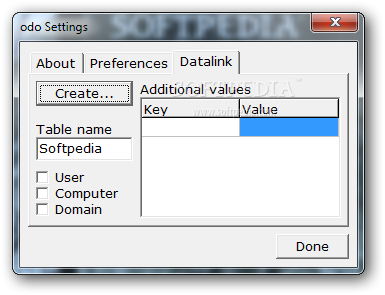
Since this kind of data takes some time to collect, users are more interested in when they did how much with the mouse. A keystroke-counter was added and a link to a local database, to be able to look up ones history of activity.
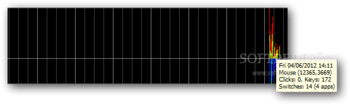
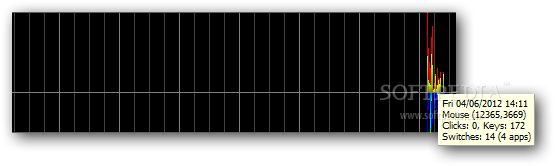
The graph displays the measured values with a combination of colors, at one minute per horizontal pixel:
Upper graph:
· Green: Horzontal mouse movement
· Red: Vertical mouse movement
Lower graph:
· Green: Keystrokes
· Red: Mouseclicks
· Blue: Application switches
Since these are the basic colors, overlapping dispay results in different colors: red and green make yellow, blue and green make light-blue (cyan), blue and red make purple (magenta), and all three make white.



 Windows 7 and above
 View Screenshots(3)
 Comments
 Download




 Similar Software


 Recently Searched
 Software Categories
 Trending Software
 Like Us


