Works on: Windows 10 | Windows 8.1 | Windows 8 | Windows 7 | Windows XP | Windows 2000 | Windows 2003 | Windows 2008 | Windows Vista | Windows 2012 SHA1 Hash: 226b25f5aa64e13d140888a776092123f3d4a293 Size: 53.65 MB File Format: zip
Rating: 2.5
out of 5
based on 23 user ratings
Publisher Website: External Link Downloads: 168 License: Free
OmmWriter DÄna I is a free software by Herraiz & Soto and works on Windows 10, Windows 8.1, Windows 8, Windows 7, Windows XP, Windows 2000, Windows 2003, Windows 2008, Windows Vista, Windows 2012.
You can download OmmWriter DÄna I which is 53.65 MB in size and belongs to the software category Other Office Tools. OmmWriter DÄna I was released on 2012-07-21 and last updated on our database on 2017-03-05 and is currently at version 0.1.
Thank you for downloading from SoftPaz! Your download should start any moment now. It would be great if you could rate and share:
Rate this software:
Share in your network:
OmmWriter DÄna I Description
The art of writing has greatly evolved even with the computer forcefully invading leisure and work activities. If at a time you had to go out in the wild to find inspiration for writing, now the suitable environment can be brought to your desktop. OmmWriter DÄna I comes as proof, with a minimalistic, calming overall interface that frees you from all distractions.
Simple visuals to help you focus
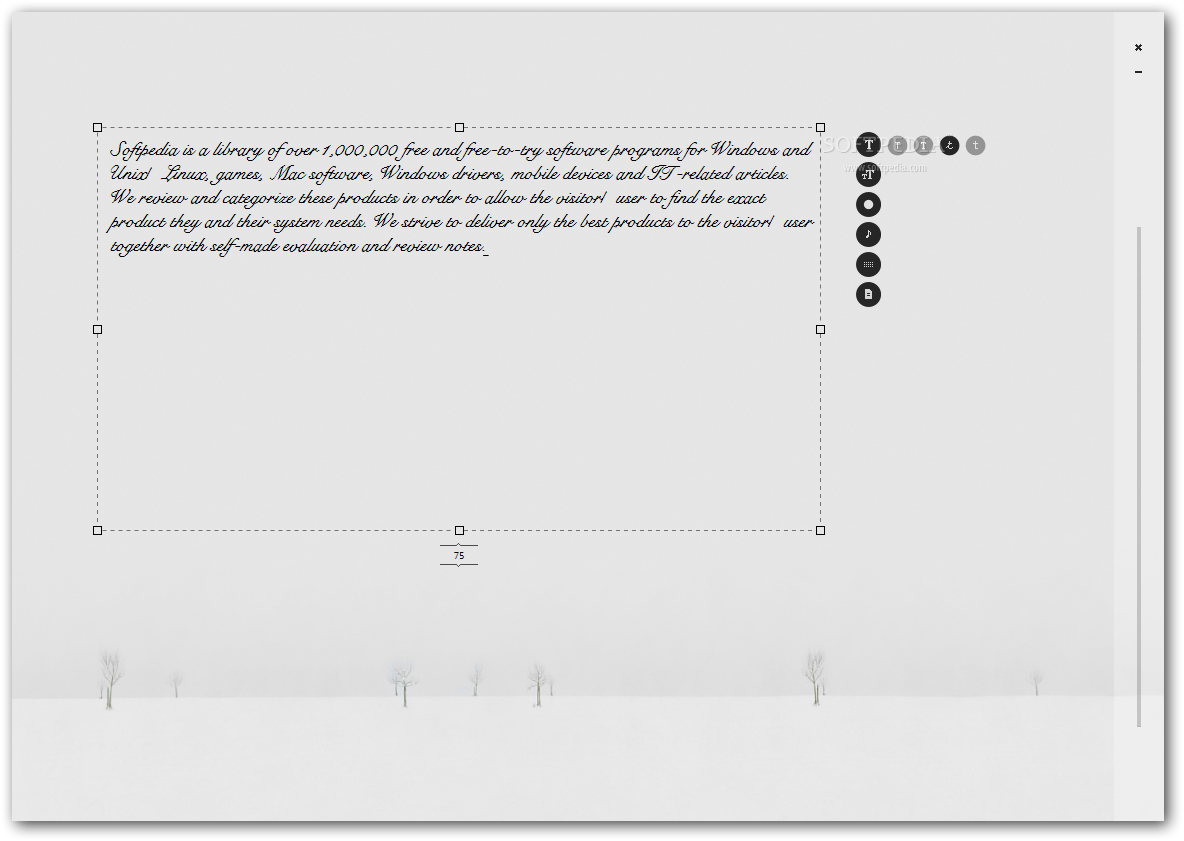
When the setup is done, prepare to leave everything on halt for a little while, because once launched, the application takes over your whole screen. This isn't bad, but on the contrary. Your screen is filled with a relaxing background, with very little color, while a calm tune accompanies you on an audio level. Pressing a button also provides feedback with pretty tones.
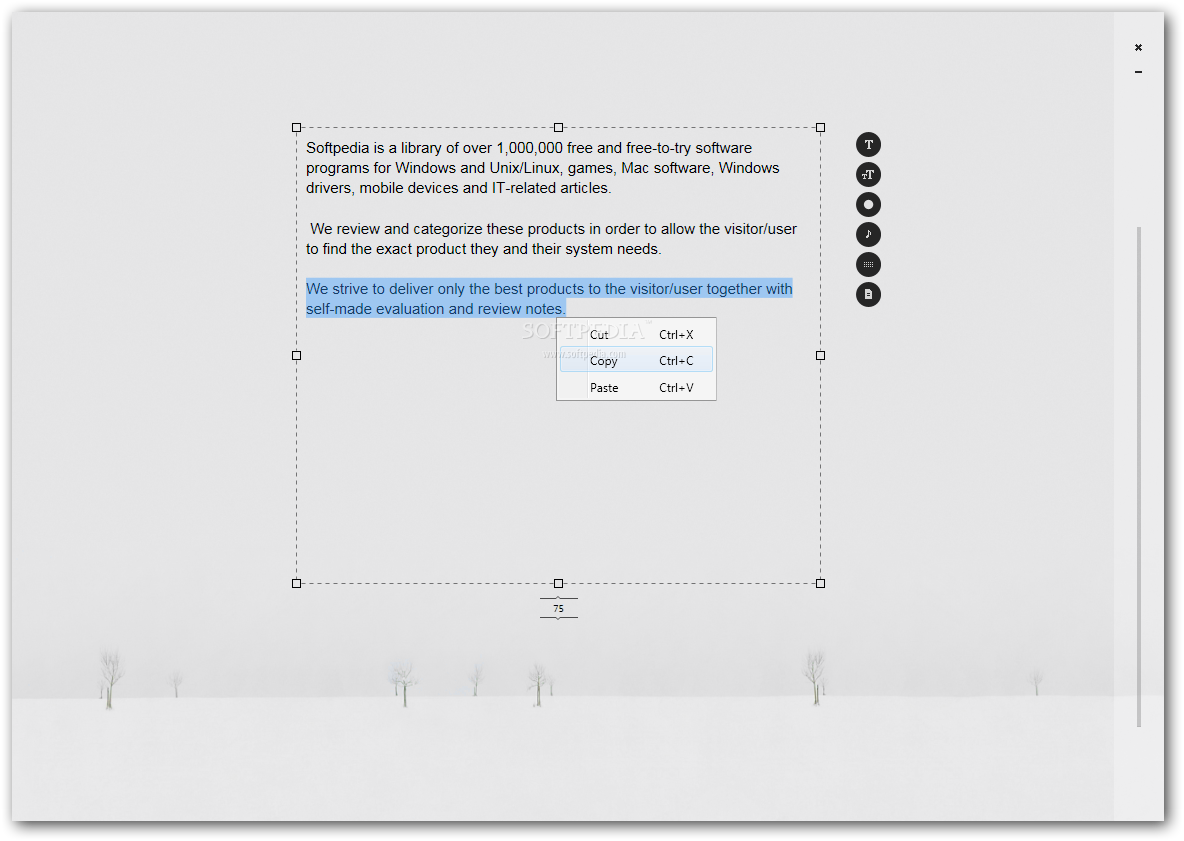
Writing is done exactly on the canvas, with no visual delimitation, or at least no constantly visible elements, keeping everything at a minimum level, just so you can focus on writing. While the mouse cursor is moved, a box appears around the text you write, which represents your canvas.
Customization and export options
It can be resized and moved by dragging the borders around, but whatever you do, it won't take up all of the screen. Sadly, you can only keep one text box active per project, but there's no limit to the document length, so you're free to write everything you feel.
Customization options seem pretty shallow, from all points of view. Background can be changed to one of the three presets, with no options to use a custom image. The same goes for background sound and button audio feedback, providing only three choices for each.
Font makes no exception, and besides four different font styles and a few size specifications, there's nothing else to use to enhance text, not even color. When you're done, the text can be saved either under the application's file format, as a plain text document, or exported to PDF.
To sum it up
All in all, OmmWriter DÄna I manages indeed to provide an impressive environment in which you can easily clear your thoughts, relax, and only focus on writing, with a neat emphasis on creativity, thanks to the calming visuals, sound effects, and export options. It can do with a bit more customization options, but would rather beat the purpose of maximum focus and simplicity.



 Windows XP and above
 View Screenshots(2)
 Comments
 Download




 Similar Software


 Recently Searched
 Software Categories
 Trending Software
 Like Us

