OpenCards icon

OpenCards

2 big stars
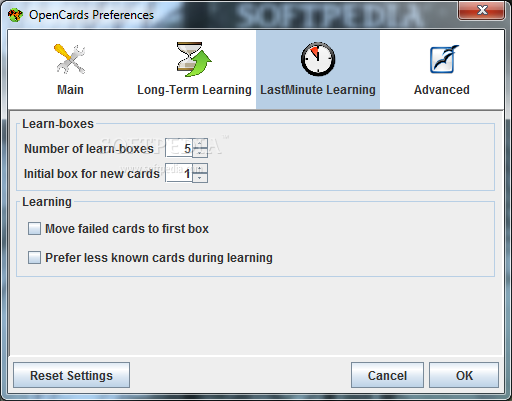
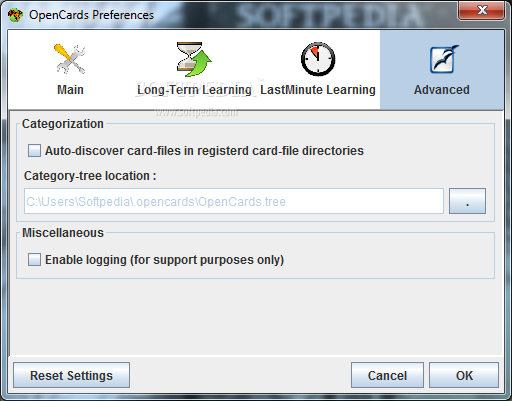
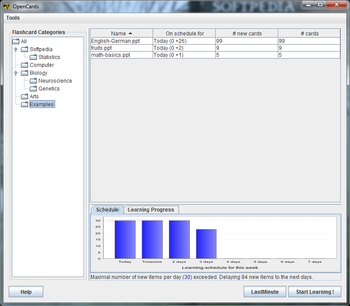
OpenCards screenshot
Name: OpenCards
Works on: windowsWindows 95 and above
Version: 0.11
Last Updated: 20 Apr 2017
Release: 01 Feb 2008
Category: Others > Home and Education
Rate this software:
222 downloads
screenshotsView Screenshots(7)
commentsComments
downloadDownload
Liked it? Tell others:
details

OpenCards Details

Works on: Windows 10 | Windows 8.1 | Windows 8 | Windows 7 | Windows XP | Windows 2000 | Windows 2003 | Windows 2008 | Windows 98 | Windows ME | Windows NT | Windows 95 | Windows Vista | Windows 2012
SHA1 Hash: 02d38a933770ba1753539a47bf10413e88d336a3
Size: 2.43 MB
File Format: oxt
Rating: 2.1 out of 5 based on 23 user ratings
Downloads: 222
License: Free
OpenCards is a free software by OpenCards Development Team and works on Windows 10, Windows 8.1, Windows 8, Windows 7, Windows XP, Windows 2000, Windows 2003, Windows 2008, Windows 98, Windows ME, Windows NT, Windows 95, Windows Vista, Windows 2012.
You can download OpenCards which is 2.43 MB in size and belongs to the software category Home and Education.
OpenCards was released on 2008-02-01 and last updated on our database on 2017-04-20 and is currently at version 0.11.
download button
Thank you for downloading from SoftPaz! Your download should start any moment now. It would be great if you could rate and share:
Rate this software:
Share in your network:
features

OpenCards Description

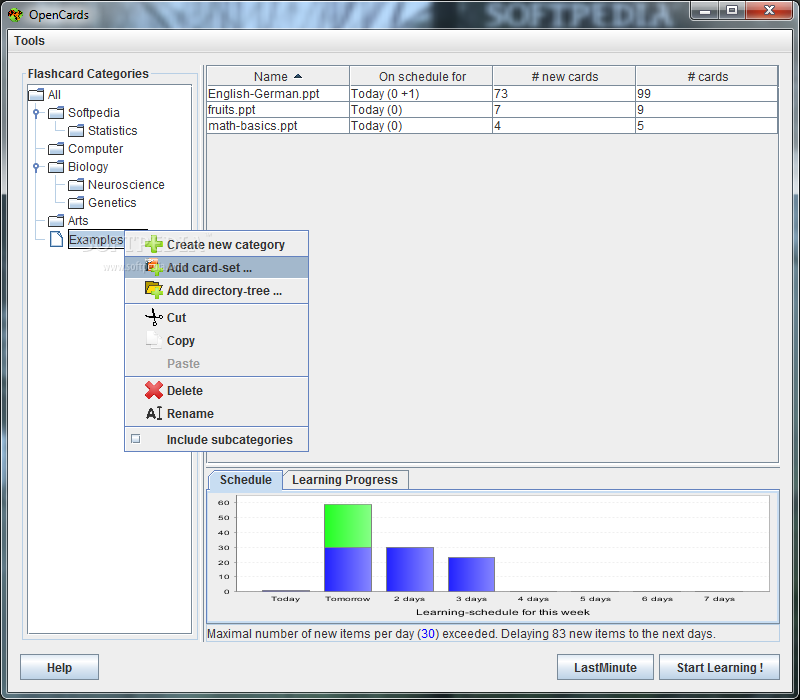
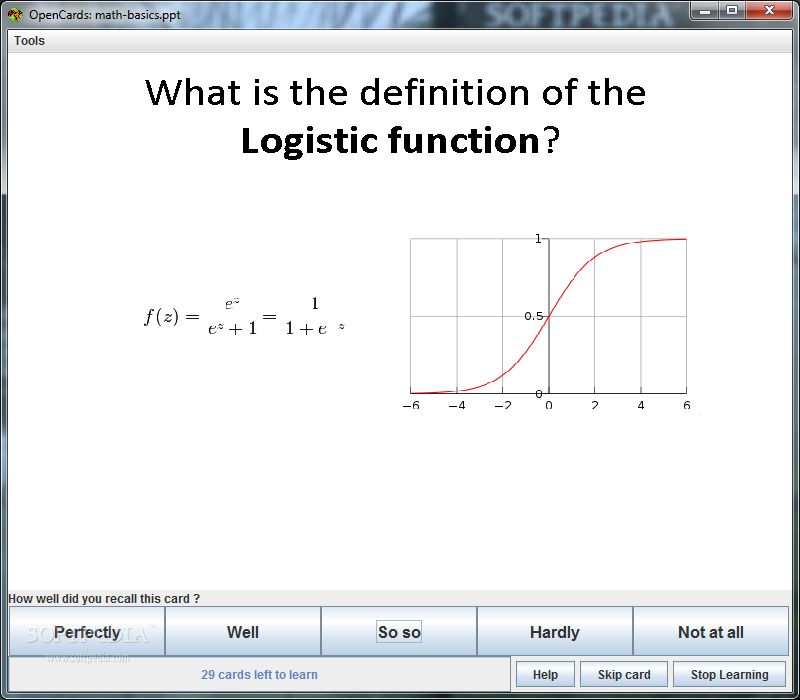
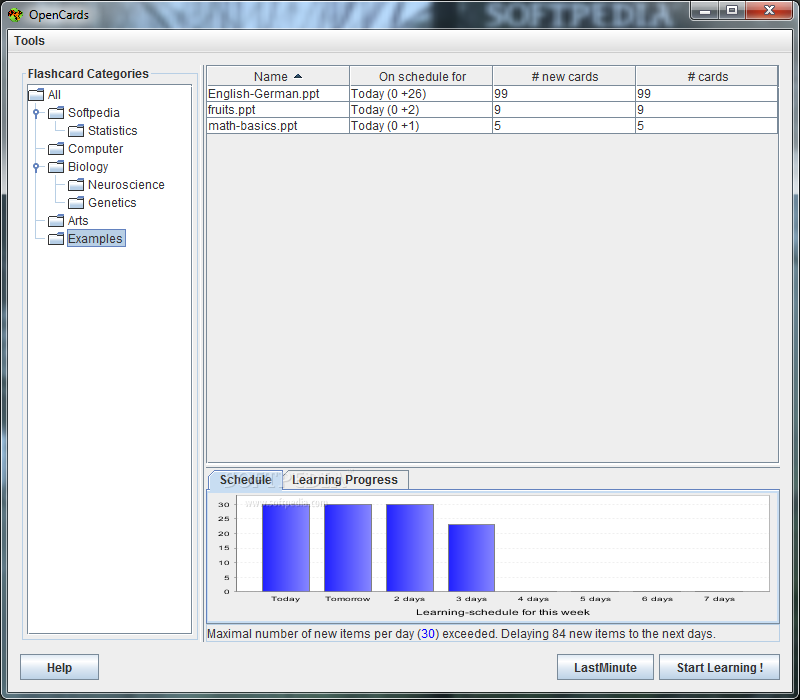
Enables you to use vocalizations, sound, animations, videos, formulas, and Unicode for your flashcards. OpenCards is a flashcard learning extension for OpenOffice Impress. The basic idea of OpenCards is to use slide-titles as flashcard fronts and the slide contents as their backs. Being based on state-of-the-art memorization and various scheduling algorithms, OpenCards will help you to learn any set of flashcards. This version is the first release on Softpaz Download.com.

Whats new in this version:

This version is the first release on Softpaz Download.com.
screenshots

OpenCards Screenshots

OpenCards screenshot 1 OpenCards screenshot 2 OpenCards screenshot 3 OpenCards screenshot 4 OpenCards screenshot 5 OpenCards screenshot 6 OpenCards screenshot 7