Works on: Windows 10 | Windows 8.1 | Windows 8 | Windows 7 | Windows XP | Windows 2000 | Windows 2003 | Windows 2008 | Windows Vista | Windows 2012 SHA1 Hash: 9422e36e333d663801044c7fe04496887395a1cb Size: 7.72 MB File Format: exe
Rating: 2.5
out of 5
based on 23 user ratings
Publisher Website: External Link Downloads: 467 License: Demo / Trial Version
PDF Composer is a demo software by Impressions Future Media e.K. and works on Windows 10, Windows 8.1, Windows 8, Windows 7, Windows XP, Windows 2000, Windows 2003, Windows 2008, Windows Vista, Windows 2012.
You can download PDF Composer which is 7.72 MB in size and belongs to the software category PDF. PDF Composer was released on 2012-11-13 and last updated on our database on 2017-03-07 and is currently at version 1.3.
Thank you for downloading from SoftPaz! Your download should start any moment now. It would be great if you could rate and share:
Rate this software:
Share in your network:
PDF Composer Description
The all in one solution to create, merge, split, arrange and protect PDF Files:
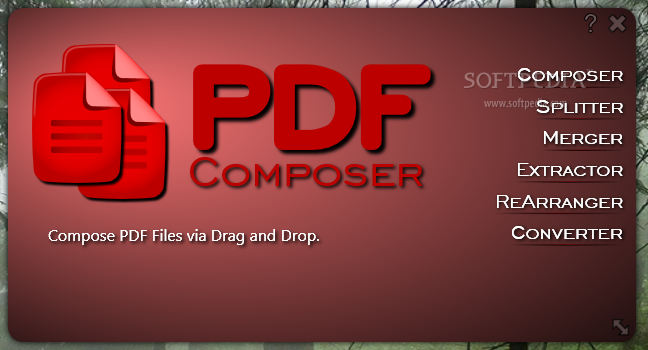
With PDF Composer you get the all in one solution to create, merge, split, arrange and protect PDF Files. The user interface is intuitive and self explanatory. You can immediately begin working even without to read a manual.
Compose your PDF files simply by drag and drop:
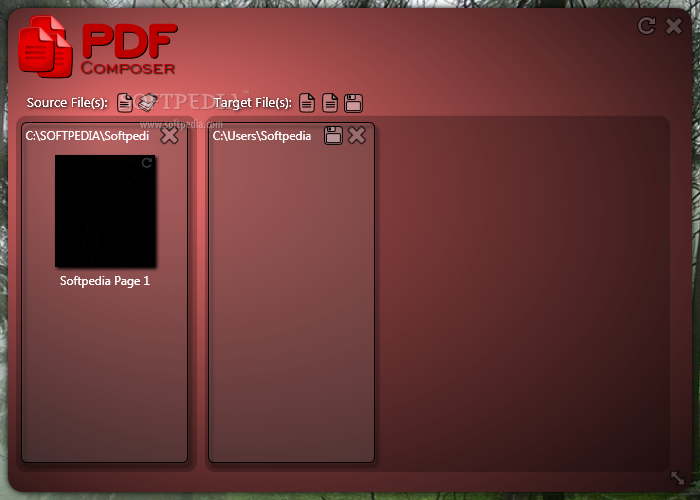
With PDF Composer you can simply create new PDF files by drag and drop single pages from existing PDF, TIFF, JPG and other supported files.
Split your multipage PDF files into single PDF files:
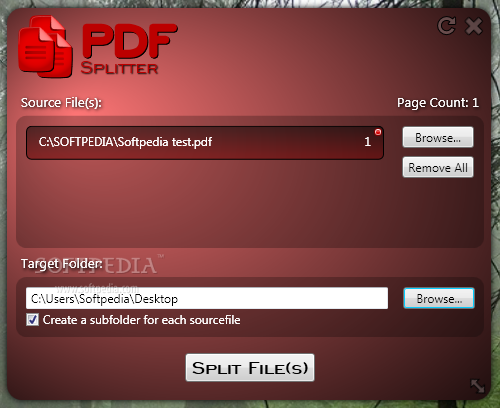
You can also split in batch processes.
Merge PDF files into one PDF file:
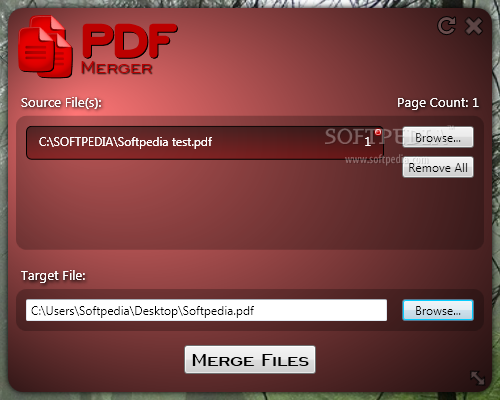
Merge as many PDF files as you want into one PDF file.
Convert your images into searchable PDF files:
PDF Composer shipps with an OCR Engine to convert your scanned documents into a searchable PDF file.
Fast processiong by multicore cpu support:
PDF Composer supports multicore cpu to process your PDF files as fast as possible to save more time.
Right-Click context menu:
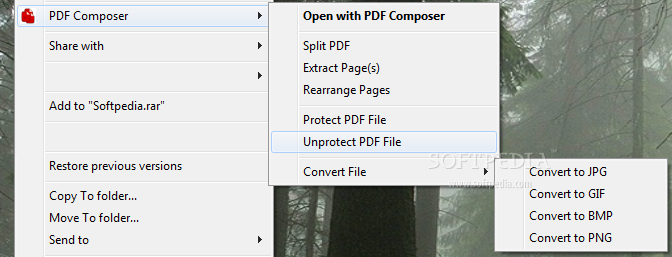
Just right-click on a file to open it into PDF Composer, split, merge, extract, convert or protect your PDF file.
Extract single pages and page ranges:
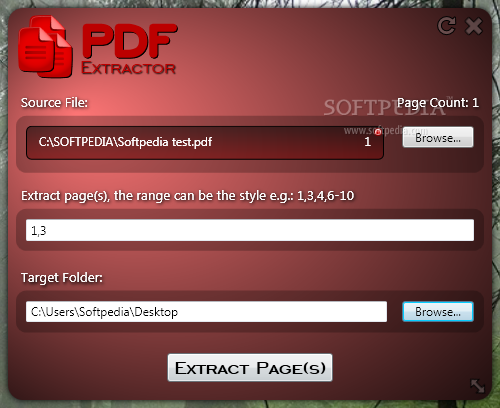
With Extractor you can extract single pages and page ranges from a PDF file.
Change page possitions and rotate pages:
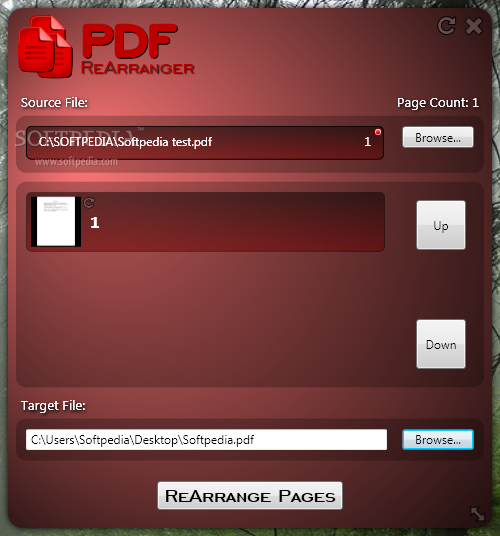
With ReArranger you can change the possition of each single page inside your PDF file. You can also rotate single pages.
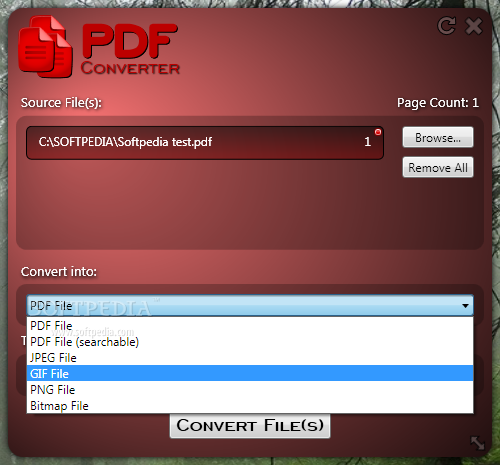
Convert image files into PDF files and PDF files into image files:
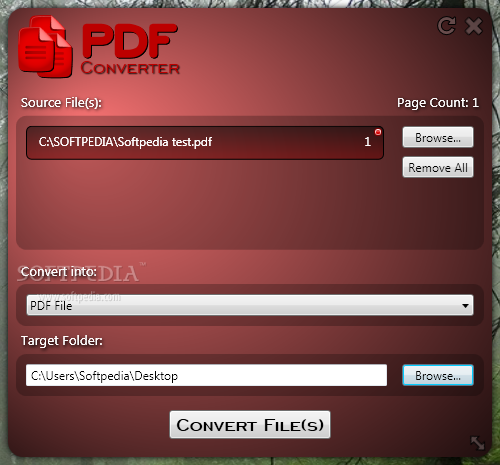
With the Converter you are able to convert TIFF, JPEG, GIF, BMP, PNG and PSD files into PDF files. You can also convert PDF files into JPEG, GIF, TIFF, BMP and PNG files.
Encrypt your PDF Files:
Secure your confidential PDF Files. You can set a 128bit secure encryption to secure your PDF Files. You can also set enhanced settings to permit usage of your PDF Files.
Where to buy?
Last updated price and discount information 9 years agoupdate now



 Windows XP and above
 View Screenshots(9)
 Comments
 Download





 Similar Software


 Recently Searched
 Software Categories
 Trending Software


 Like Us

