Works on: Windows 10 | Windows 8.1 | Windows 8 | Windows 7 | Windows XP | Windows 2000 | Windows 2003 | Windows 2008 | Windows 98 | Windows ME | Windows NT | Windows Vista | Windows 2012 SHA1 Hash: 9c3789ed74c00b5b5eb3696df842df1ddda218ef Size: 13.84 MB File Format: exe
Rating: 2.0
out of 5
based on 23 user ratings
Publisher Website: External Link Downloads: 154 License: Demo / Trial Version
Peeppa is a demo software by Flashbytes and works on Windows 10, Windows 8.1, Windows 8, Windows 7, Windows XP, Windows 2000, Windows 2003, Windows 2008, Windows 98, Windows ME, Windows NT, Windows Vista, Windows 2012.
You can download Peeppa which is 13.84 MB in size and belongs to the software category Encrypting. Peeppa was released on 2013-09-17 and last updated on our database on 2017-04-26 and is currently at version 1.1.
Thank you for downloading from SoftPaz! Your download should start any moment now. It would be great if you could rate and share:
Rate this software:
Share in your network:
Peeppa Description
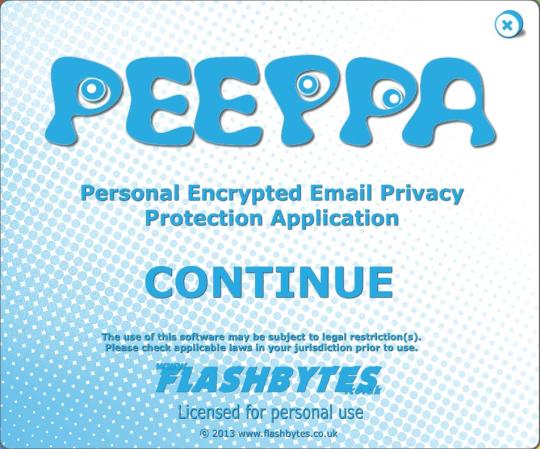
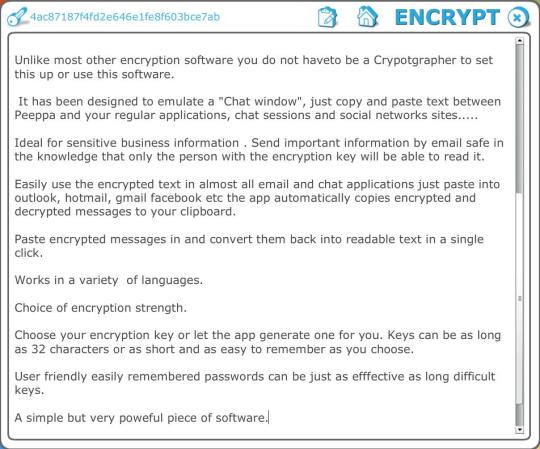
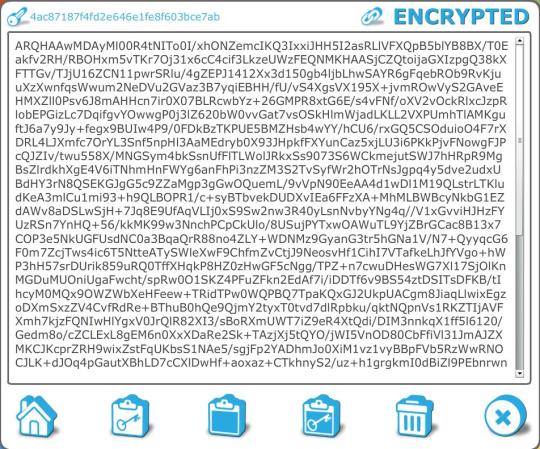
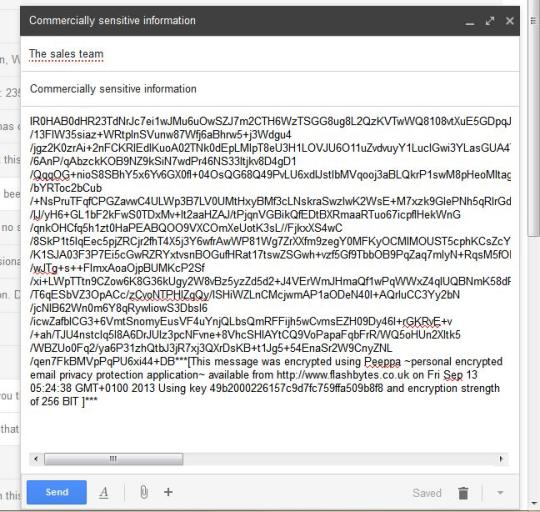
A simple application designed to keep your emails and numerous other forms of online communication private.Works with Outlook, hotmail, Gmail facebook, IM software, online document storage providers.Unlike most other encryption software you do not haveto be a Crypotgrapher to set this up or use this software. It has been designed to emulate a "Chat window", just copy and paste text between Peeppa and your regular applications, chat sessions and social networks sites.....Ideal for sensitive business information . Send important information by email safe in the knowledge that only the person with the encryption key will be able to read it.Easily use the encrypted text in almost all email and chat applications just paste into outlook, hotmail, gmail facebook etc the app automatically copies encrypted and decrypted messages to your clipboard.Paste encrypted messages in and convert them back into readable text in a single click.Works in a variety of languages.Choice of encryption strength.Choose your encryption key or let the app generate one for you. Keys can be as long as 32 characters or as short and as easy to remember as you choose.User friendly easily remembered passwords can be just as efffective as long difficult keys.A simple but very poweful piece of software.
Where to buy?
Last updated price and discount information 9 years agoupdate now



 Windows NT and above
 View Screenshots(5)
 Comments
 Download





 Similar Software


 Recently Searched
 Software Categories
 Trending Software

 Like Us

