Works on: Windows 10 | Windows 8.1 | Windows 8 | Windows 7 | Windows XP | Windows 2000 | Windows 2003 | Windows 2008 | Windows 98 | Windows ME | Windows NT | Windows Vista | Windows 2012 SHA1 Hash: 0d2243273514c0535c6c0d8f294c54769881a74a Size: 7.32 MB File Format: exe
Rating: 2.0
out of 5
based on 23 user ratings
Downloads: 116 License: Free
Qoobar is a free software by Alex Novichkov and works on Windows 10, Windows 8.1, Windows 8, Windows 7, Windows XP, Windows 2000, Windows 2003, Windows 2008, Windows 98, Windows ME, Windows NT, Windows Vista, Windows 2012.
You can download Qoobar which is 7.32 MB in size and belongs to the software category File Management. Qoobar was released on 2012-09-03 and last updated on our database on 2017-04-24 and is currently at version 1.5.
Thank you for downloading from SoftPaz! Your download should start any moment now. It would be great if you could rate and share:
Rate this software:
Share in your network:
Qoobar Description
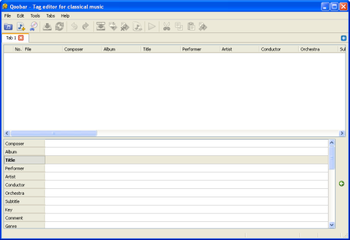
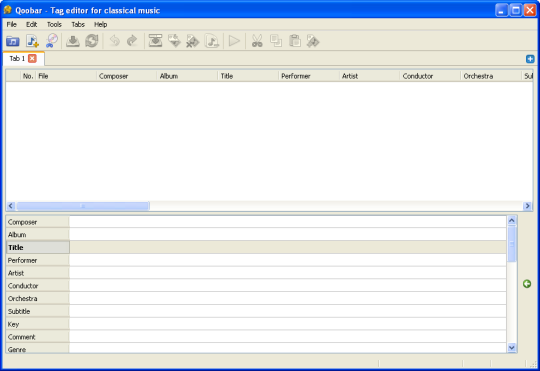
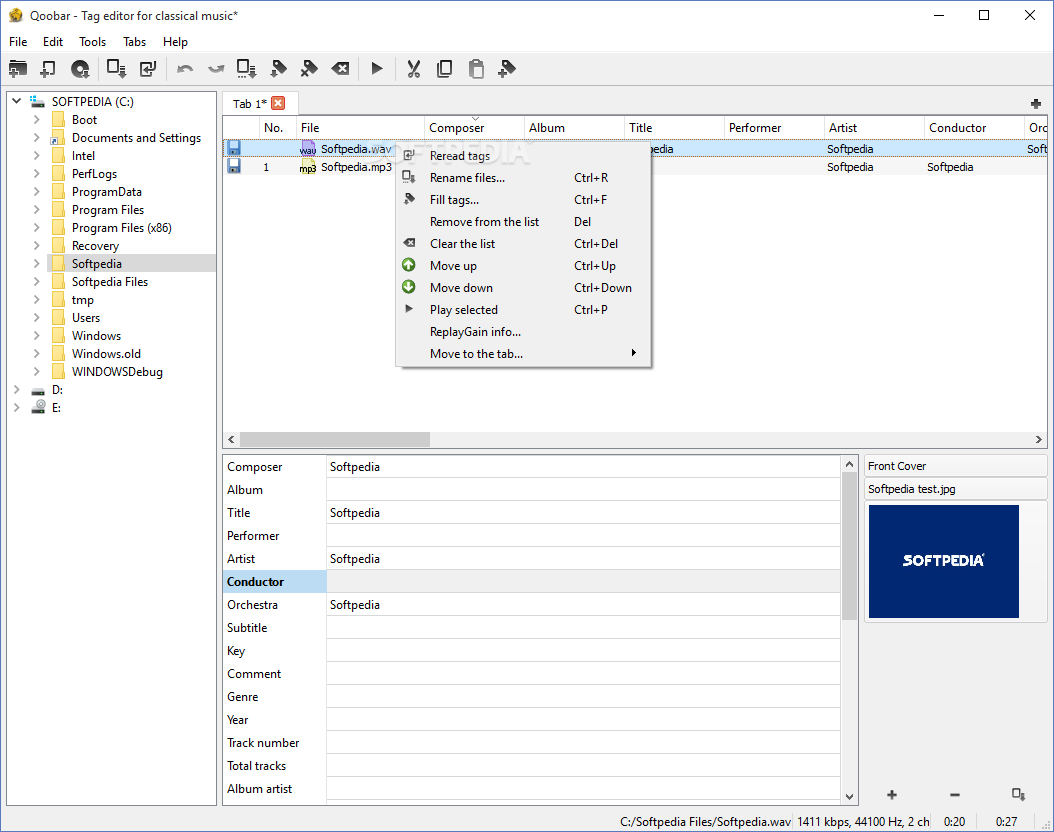
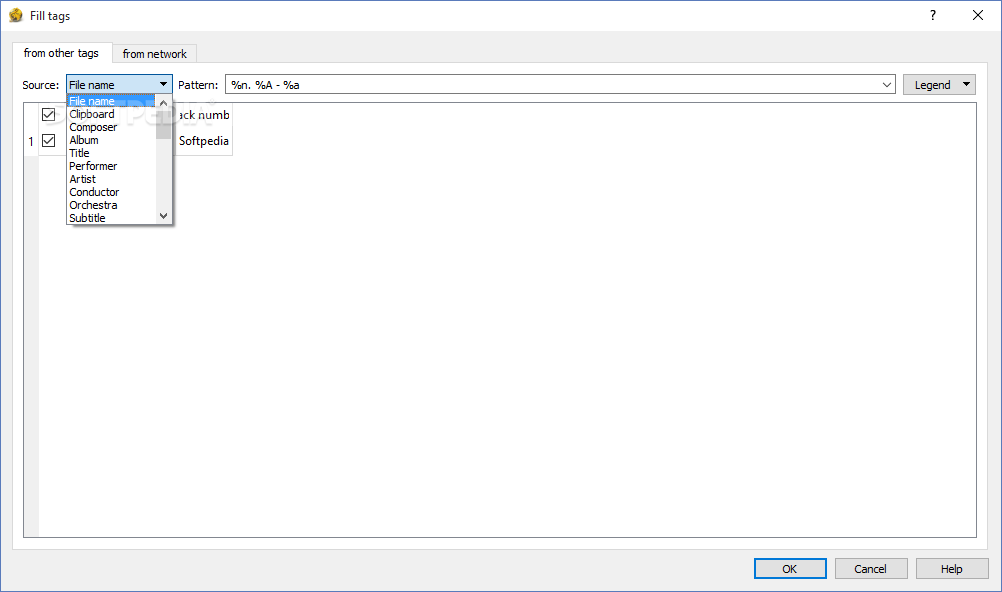
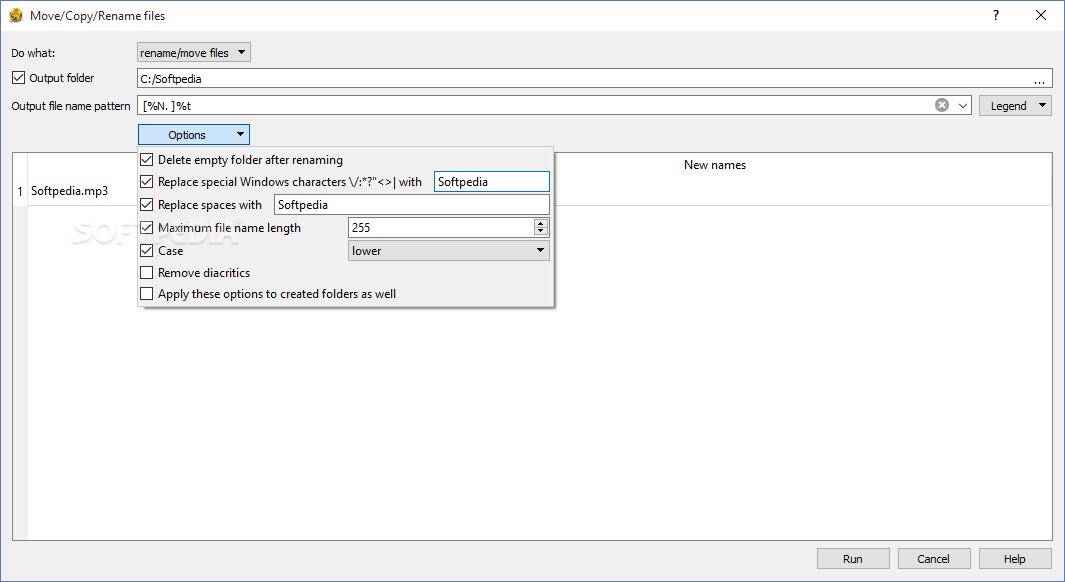
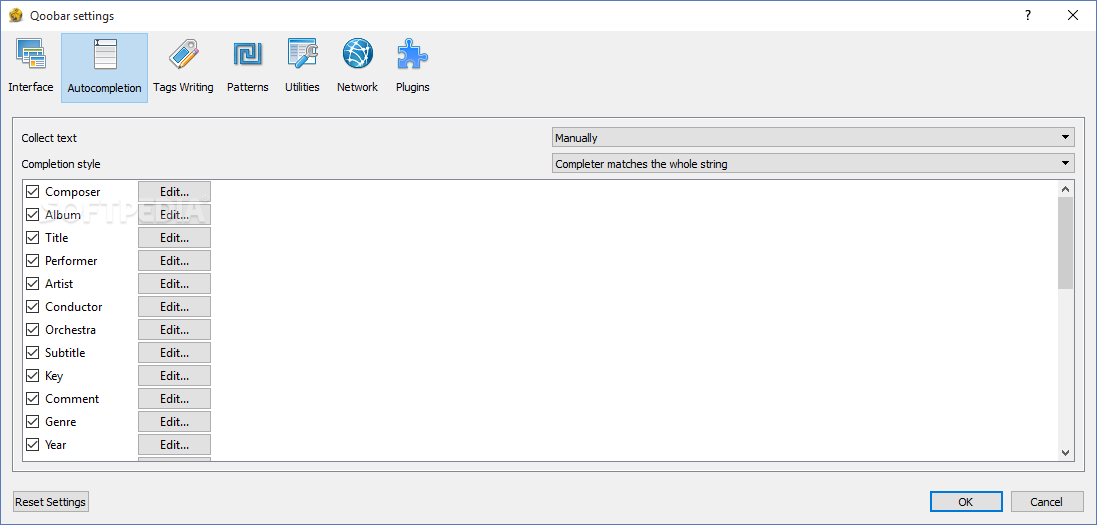
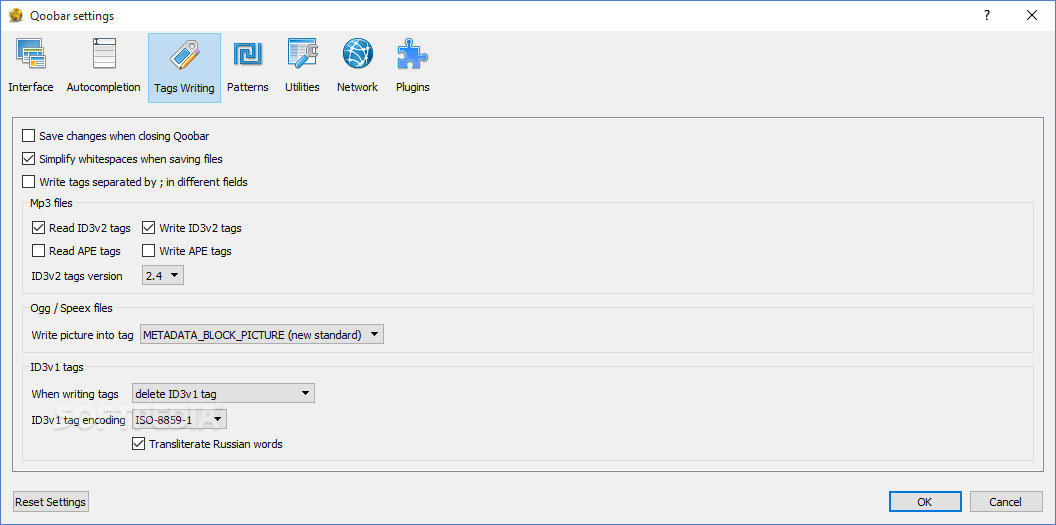
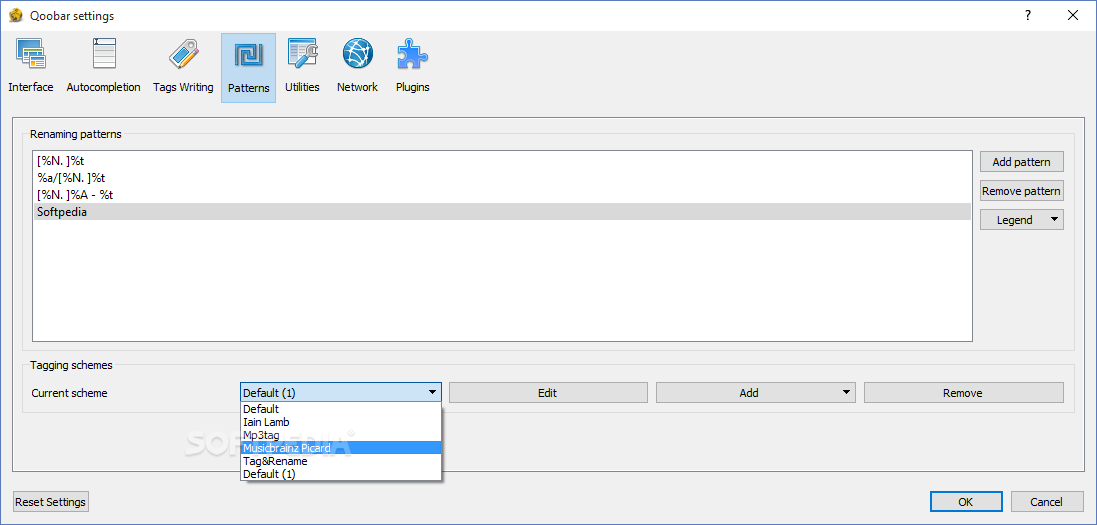
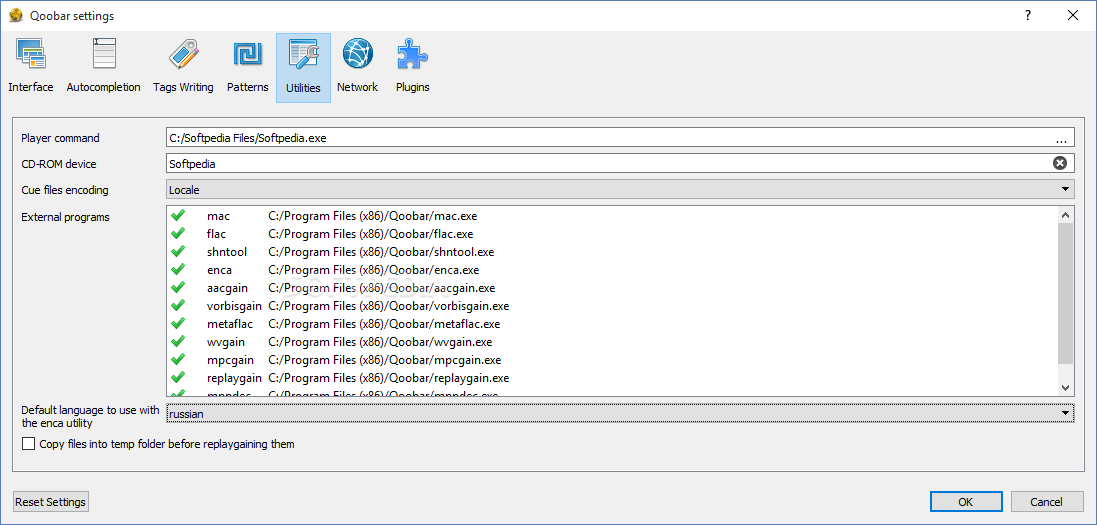
Qoobar is a simple tagger which is designed for editing tags in files of classical music.With Qoobar you can edit ID3v2.4, APE, ASF, MP4 tags, Vorbis comments,edit tags in MP3 (*.mp3), Ogg/Vorbis (*.ogg), Ogg/FLAC (*.oga), FLAC (*.flac), Musepack (*.mpc), Speex (*.spx), TrueAudio (*.tta), WavPack (*.wv), Wma/Asf (*.wma), APE (*.ape), Wav (*.wav), Aiff (*.aif, *.aiff) and MP4 (*.m4a, *.mp4) files,batch tag your files - edit any tags in group of files, giving the same value or individual values,easy copy paste any tags between groups of files, edit the following tags: Composer, Album, Title, Performer, Artist, Conductor, Orchestra, Subtitle, Key, Comment, Genre, Year, Track Number, Total Tracks, Album artist, Publisher, Mood, Beats per minute (Tempo), Original artist, Original lyricist, Lyricist, Original album, Lyrics, Music category (Grouping), Copyright, Disc number, Total discs, Remixed by, Encoded by, ISRC, URL, Rating, edit all other tags written in your music files, add your own tags and save them, generate tags from filenames and filepaths, import tags and covers from Discogs, Musicbraiz and freedb,rename / copy / move files by their tags, creating folders if necessary,convert tags from local encoding into UTF8,edit cover art pictures in all supported file types,undo any tag change, change the scheme of tags reading and writing, edit your tags using rich autocomplete capabilitiesm and add ReplayGain info into most of file types.



 Windows NT and above
 View Screenshots(9)
 Comments
 Download




 Similar Software


 Recently Searched
 Software Categories
 Trending Software
 Like Us


