


 Windows XP and above
| Rate this software: | |
| 112 downloads | |
 View Screenshots(1)
 Comments
 Download




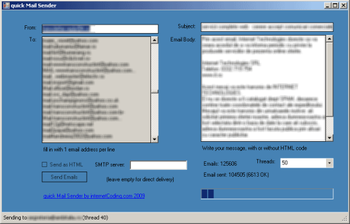
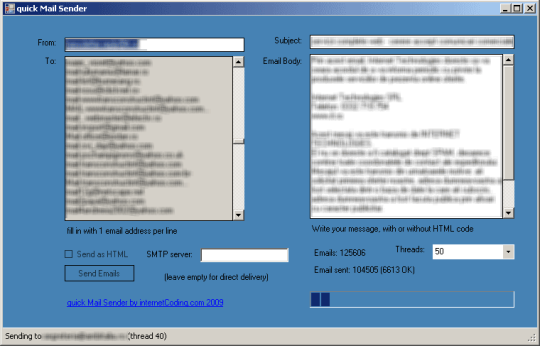
quick Mail Sender has an excellent interface, very intuitive. We did not use tons of buttons and wizards, especially to bring the usability to the extreme. All you have to do is to fill in the form and start sending emails in seconds. The fields you have to fill in are as in any email client: senders email address (From), recipient email address (copy & paste from a text file or an Excel sheet), the email subject and the body. If the body contains HTML text, simply click the "Send as HTML" checkbox.
Yes, the software has a multi-threading feature. It will deliver in parallel, as when you would have a lot of email clients open. It will automatically balance the email addresses between tasks, so you wont have to concern about the speed of each server. It is optimized to deliver all the email in the shortest time. We support now the "Direct Delivery" Method. The email will be delivered directly on recipients email server, you do not need to install one locally. Still, if you want, or you are constrained by your internet provider to use a relay SMTP server, you simply have to fill it under the "SMTP server" box. The program will still deliver with multiple parallel tasks, on you providers SMTP server.

| $19.95 | Click the link to buy | Buy |
 Similar Software


 Recently Searched
 Software Categories
 Trending Software

 Like Us

Free Windows software, games, themes and wallpapers with direct download links since 2011.

