Works on: Windows 10 | Windows 8.1 | Windows 8 | Windows 7 | Windows XP | Windows 2000 | Windows 2003 | Windows 2008 | Windows Vista | Windows 2012 SHA1 Hash: 99985a1b11fa5f73581a06ea072a43402ed1ad7a Size: 5.89 MB File Format: exe
Rating: 1.7
out of 5
based on 23 user ratings
Publisher Website: External Link Downloads: 226 License: Demo / Trial Version
Regex Password Vault is a demo software by Regex Software and works on Windows 10, Windows 8.1, Windows 8, Windows 7, Windows XP, Windows 2000, Windows 2003, Windows 2008, Windows Vista, Windows 2012.
You can download Regex Password Vault which is 5.89 MB in size and belongs to the software category Password Managers and Generators. Regex Password Vault was released on 2013-03-11 and last updated on our database on 2017-04-25 and is currently at version 5.1.
Thank you for downloading from SoftPaz! Your download should start any moment now. It would be great if you could rate and share:
Rate this software:
Share in your network:
Regex Password Vault Description
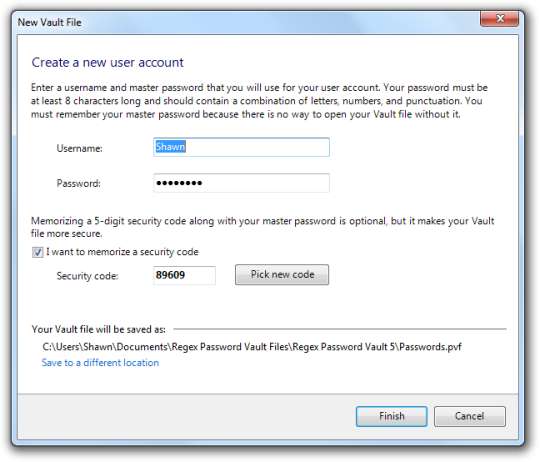
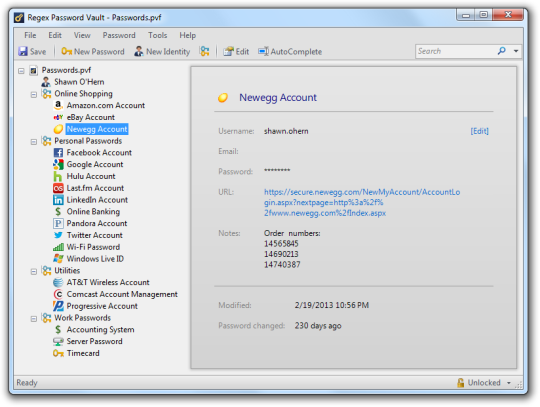
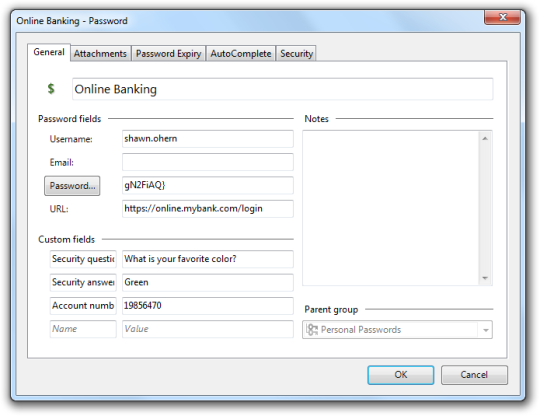
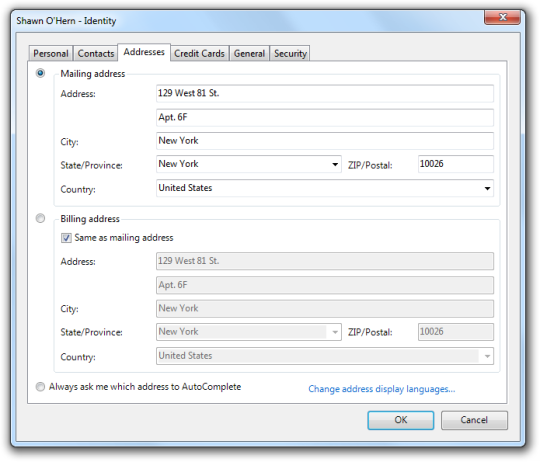
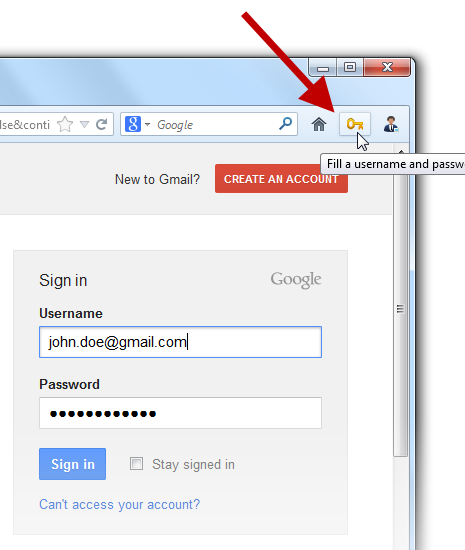
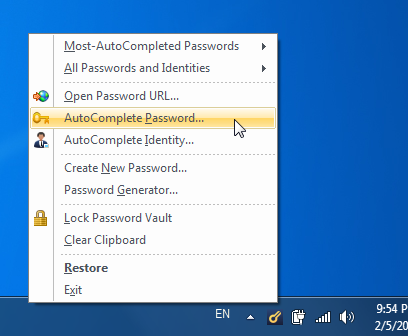
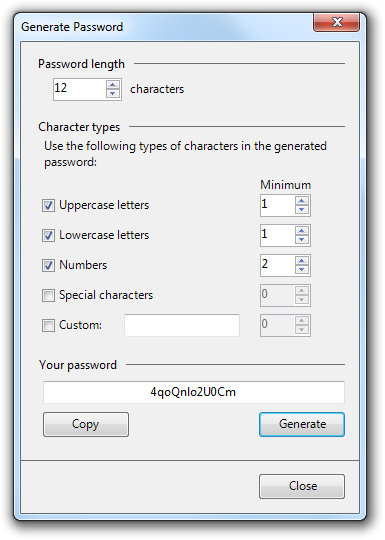
Regex Password Vault is a password manager and form filler for Windows. Securely store the usernames and passwords to the websites and accounts you use everyday. All you need to remember is a single master password. You can also store security questions and answers, web addresses, PIN numbers, software registration keys, file attachments or any other data you want to keep safe! Your data is encrypted with industry-standard RSA and AES encryption.With Regex Password Vault, you can log into any website or Windows application with a single click or keystroke. You can use the convenient browser toolbar button (for Internet Explorer, Firefox, and Chrome) or the global hotkey. Password Vault also includes a form filler so you can fill out long web forms like checkout forms and registration forms without any typing.Regex Password Vault includes a cryptographic password generator so you can easily create strong passwords that attackers cant guess. You can specify the minimum number of each type of character (uppercase letters, lowercase letters, numbers, special characters) depending on your specific password requirements.
Where to buy?
Last updated price and discount information 9 years agoupdate now



 Windows XP and above
 View Screenshots(7)
 Comments
 Download





 Similar Software


 Recently Searched
 Software Categories
 Trending Software
 Like Us


