Works on: Windows 10 | Windows 8.1 | Windows 8 | Windows 7 | Windows 2012 SHA1 Hash: a8e1afcb390e20dfcac89038fff6e1d1db88ea55 Size: 3.31 MB File Format: zip
Rating: 2.5
out of 5
based on 23 user ratings
Publisher Website: External Link Downloads: 1664 License: Demo / Trial Version
Sinatica Monitor for Firebird is a demo software by Sinatica It and works on Windows 10, Windows 8.1, Windows 8, Windows 7, Windows 2012.
You can download Sinatica Monitor for Firebird which is 3.31 MB in size and belongs to the software category Databases Tools. Sinatica Monitor for Firebird was released on 2009-08-06 and last updated on our database on 2017-06-14 and is currently at version 2.
Thank you for downloading from SoftPaz! Your download should start any moment now. It would be great if you could rate and share:
Rate this software:
Share in your network:
Sinatica Monitor for Firebird Description
Sinatica Monitor can help you increase your Firebird server's performance in various ways:
1) Eliminating Slow Statements:
Sintica Monitor makes the job of identifying slow SQL statements easy. You just set the Slow Statements Alarm, and from then on Sinatica Monitor generates an Alarm Report for each incident. This report contains the complete SQL statement identification, along with statistics that will help you understand why it is slow.
2) Decreasing Disk I/O Usage:
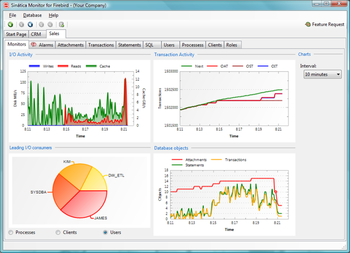
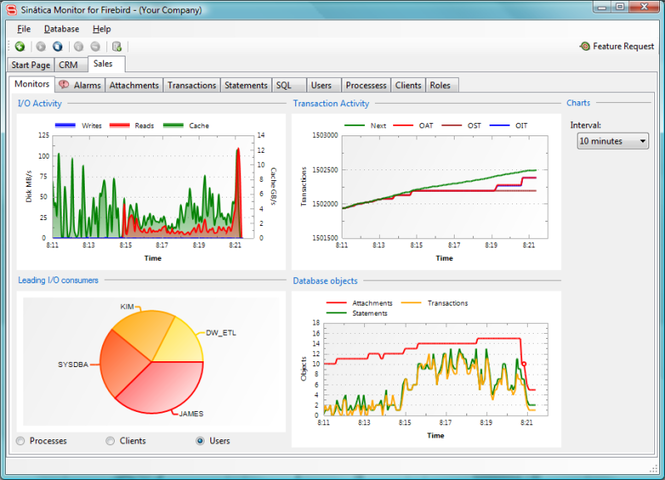
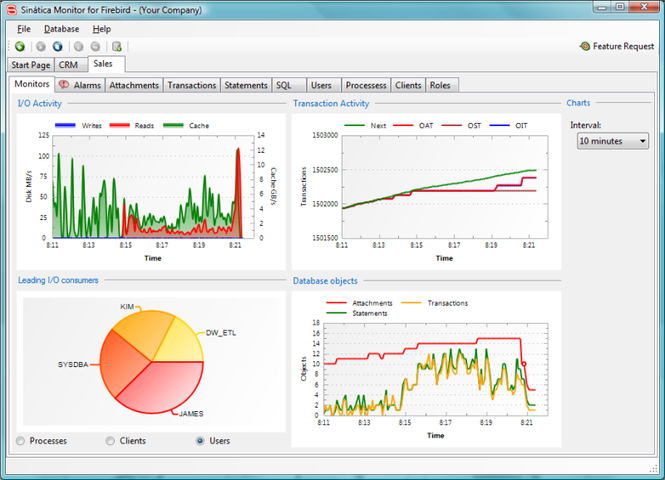
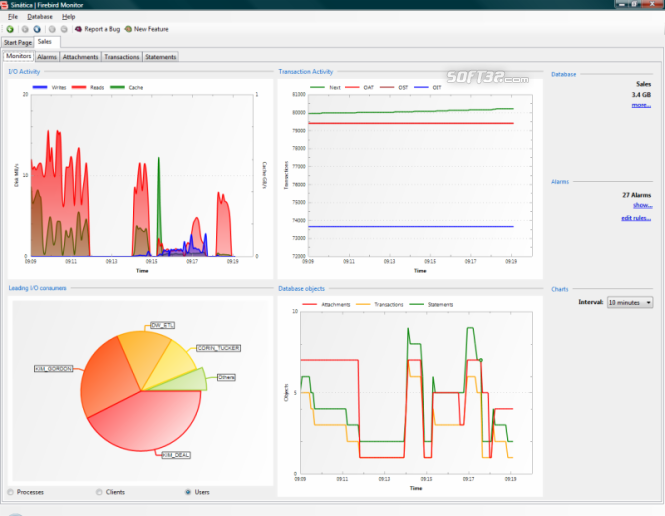
Using the Greatest I/O Consumers Chart, you watch in real-time who is consuming the largest amounts of resources from the disk subsystem - processes, users and clients. This information allows you to focus on correcting the biggest consumers and obtaining more expressive performance results in less time.
In addition, Sinatica Monitor also tracks every SQL statements' Table Scan Index. When some statement executes a Table Scan and consumes a lot of disk I/O, Sinatica Monitor generates a report that completely identifies the statement along with I/O statistics.
3) Assuring Good Transaction Flow:
Good transaction management is essential for Firebird`s optimal performance.
Sinatica Monitor identifies which transactions are open in real-time. You may also set the Transaction Alarm and be notified if any of those transactions go past a configured threshold.
4) Constant Monitoring:
In Sinatica Monitor, you have and ally monitoring your databases at all times. Don't wait until your customers complain about your Firebird server's performance. Keep monitoring actively and be alerted at the first signs of difficulty.
Where to buy?
Last updated price and discount information 9 years agoupdate now



 Windows 7 and above
 View Screenshots(3)
 Comments
 Download





 Similar Software


 Recently Searched
 Software Categories
 Trending Software


 Like Us


