Works on: Windows 10 | Windows 8.1 | Windows 8 | Windows 7 | Windows XP | Windows 2000 | Windows 2003 | Windows 2008 | Windows 98 | Windows ME | Windows Vista | Windows 2012 SHA1 Hash: 9623bde1cd697cf86e5f5f5075ff345c28574b10 Size: 35.08 MB File Format: zip
Rating: 1.8
out of 5
based on 23 user ratings
Publisher Website: External Link Downloads: 209 License: Demo / Trial Version
Spire.Doc for WPF is a demo software by E-iceblue and works on Windows 10, Windows 8.1, Windows 8, Windows 7, Windows XP, Windows 2000, Windows 2003, Windows 2008, Windows 98, Windows ME, Windows Vista, Windows 2012.
You can download Spire.Doc for WPF which is 35.08 MB in size and belongs to the software category Components Libraries. Spire.Doc for WPF was released on 2012-09-03 and last updated on our database on 2017-03-09 and is currently at version 4.4.
Thank you for downloading from SoftPaz! Your download should start any moment now. It would be great if you could rate and share:
Rate this software:
Share in your network:
Spire.Doc for WPF Description
Spire.Doc for WPF is an MS Word component which enables user to perform a wide range of Word document processing tasks, including generate, read, write and modify Word document for WPF without Microsoft Office Word Automation. Word versions Spire.Doc for WPF(with high quality and affordable price) supports are Word 97, Word 2003, Word 2007 and Word 2010.
New Feature:
Fixed:
1)File size increased a lot after converted from Doc to PDF.
2)After converted file from Doc to PDF, some original Doc files lost content of the 2nd and 3rd pages.
3)After converted file from Doc to PDF, image position right-moved
4)After converted file from Docx to PDF, page border disappeared.
Rich Functions:
1) Perform mail merge
2) Add Spire.Doc.Reporting.MailMerge.MergeGroupEventHandler which will be invoked before/after the mail merge processes the group/table.
3) Text and paragraph Formatting
4) Find and Replace with string, Regular expression
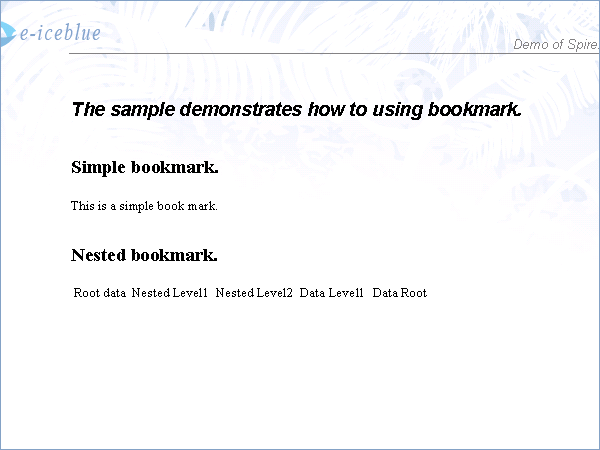
5) Insert Bookmarks
6) Insert text watermark and picture watermark in Word.
7) Insert formatted text, paragraphs, images Word.
8) Bullets and Numbered Lists
9) Page Setup
10) Track Changes
11) Encryption-Decryption
12) OLE Object Extraction
13) Cloning and Merging
High Performance
high performance for generating Word documents with huge pages. superior performance support for reading and writing Word documents.
More details,
http://www.e-iceblue.com/Introduce/word-for-wpf-introduce.html
Where to buy?
Last updated price and discount information 9 years agoupdate now



 Windows 98 and above
 View Screenshots(1)
 Comments
 Download





 Similar Software


 Recently Searched
 Software Categories
 Trending Software


 Like Us


