Works on: Windows 10 | Windows 8.1 | Windows 8 | Windows 7 | Windows XP | Windows 2000 | Windows 2003 | Windows 2008 | Windows Vista | Windows 2012 SHA1 Hash: e082994fc3c96f9edf04fa03bd0bbd63fe03cd25 Size: 1.45 MB File Format: msi
Rating: 2.3
out of 5
based on 23 user ratings
Publisher Website: External Link Downloads: 171 License: Demo / Trial Version
SQL Partition Manager is a demo software by Donwellsoft, Llc and works on Windows 10, Windows 8.1, Windows 8, Windows 7, Windows XP, Windows 2000, Windows 2003, Windows 2008, Windows Vista, Windows 2012.
You can download SQL Partition Manager which is 1.45 MB in size and belongs to the software category Applications. SQL Partition Manager was released on 2011-04-05 and last updated on our database on 2017-03-09 and is currently at version 2.
Thank you for downloading from SoftPaz! Your download should start any moment now. It would be great if you could rate and share:
Rate this software:
Share in your network:
SQL Partition Manager Description
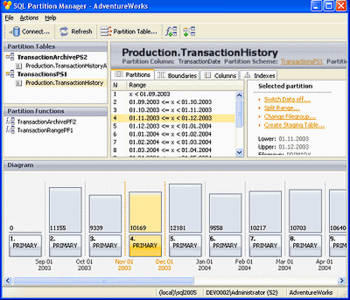
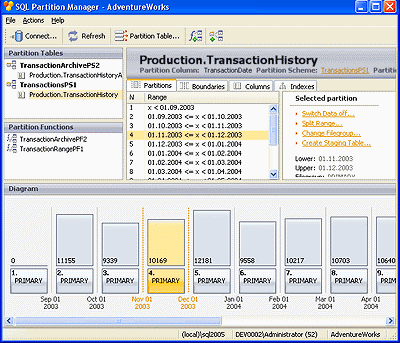
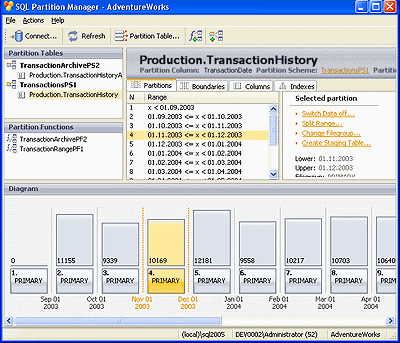
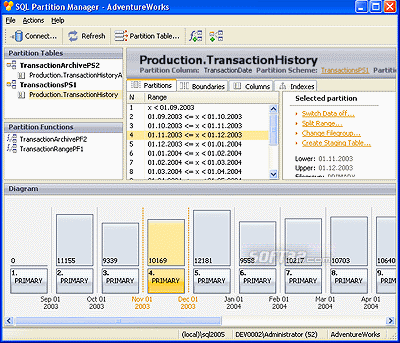
SQL Partition Manager is a solution for managing SQL Server partitioned tables. If you work with large databases, SQL Partition Manager greatly simplifies the maintenance of partitioned tables. It will help you to perform any basic or advanced partitioning operations on them. You can create new partitions, delete, split or merge them, and at the same time avoid potential partitioning errors. Besides, the tool partitions existing tables with data and turns them into manageable chunks of data to easily move them in and out.
SQL Partition Manager enables you to do the following:
- Convert existing nonpartitioned tables with data to partitioned tables
- Split and merge table partitions
- Switch partitions from one partitioned table to another
- Switch in standalone tables as new partitions
- Create and manage partition functions and partition schemes
- Review and modify the partition objects in a database
SQL Partition Manager 2.0 includes a console version that allows you to automate frequently performed operations with partitioned tables, such as merging and splitting partitions, creating staging tables and switching partition data in and out.
The new GUI version allows you to view executed SQL script when performing maintenance operations. So, you can now add generated SQL scripts to your own script and perform it together. In addition, when selecting a partition scheme or function in the main window, you can review its SQL script.
Where to buy?
Last updated price and discount information 9 years agoupdate now



 Windows 2000 and above
 View Screenshots(3)
 Comments
 Download





 Similar Software


 Recently Searched
 Software Categories
 Trending Software
 Like Us


