Version: 2012 Last Updated: 09 Mar 2017 Release: 09 Sep 2012 Category: System
Rate this software:
220 downloads
View Screenshots(6)
Comments
Download
Liked it? Tell others:
StartupStar Details
Works on: Windows 10 | Windows 8.1 | Windows 8 | Windows 7 | Windows XP | Windows 2000 | Windows 2003 | Windows 2008 | Windows ME | Windows Vista | Windows 2012 SHA1 Hash: 9a94c286bf3cf2518591e414ecaa27dfead55051 Size: 3.27 MB File Format: exe
Rating: 2.4
out of 5
based on 23 user ratings
Publisher Website: External Link Downloads: 220 License: Demo / Trial Version
StartupStar is a demo software by Abelssoft and works on Windows 10, Windows 8.1, Windows 8, Windows 7, Windows XP, Windows 2000, Windows 2003, Windows 2008, Windows ME, Windows Vista, Windows 2012.
You can download StartupStar which is 3.27 MB in size and belongs to the software category System. StartupStar was released on 2012-09-09 and last updated on our database on 2017-03-09 and is currently at version 2012.
Thank you for downloading from SoftPaz! Your download should start any moment now. It would be great if you could rate and share:
Rate this software:
Share in your network:
StartupStar Description
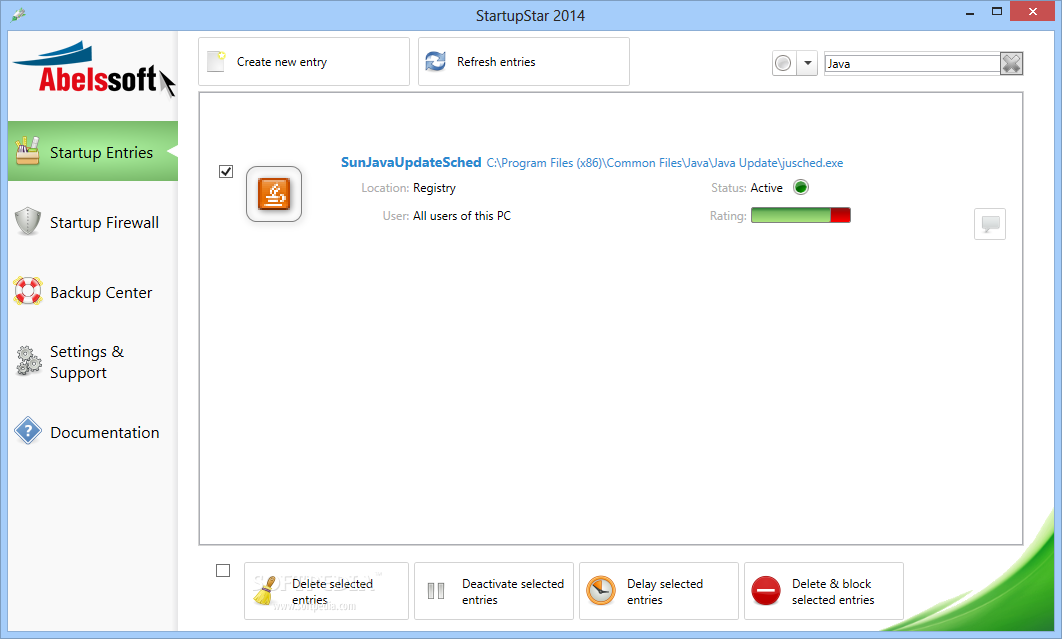
Did you know that an average PC has more than 20 different applications that are launched automatically when you start your PC? A lot of those startup entires are unnecessary and they usually slow down your PCs starting time. StartupStar can help you with this problem. It analyzes your PC and shows you those applications that are automatically launched during startup. It displays a rating for those applications showing you which of them are valuable and which may be removed. StartupStar allows you to remove startup entries, to pause them or to delay their start.
* Lists applicaitons that will be launched during startup when your system boots.
* StartupStar fully supports the Windows TaskScheduler, which is integrated in all new Windows versions and which is ignored by many other startup managers.
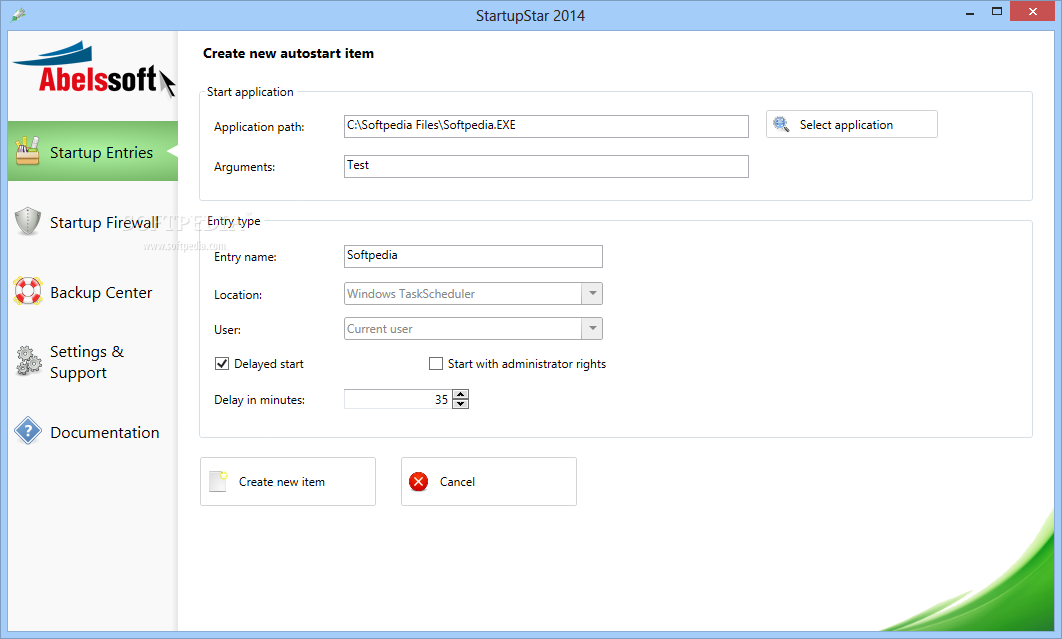
* StartupStar assists you in the creation of new startup entries.
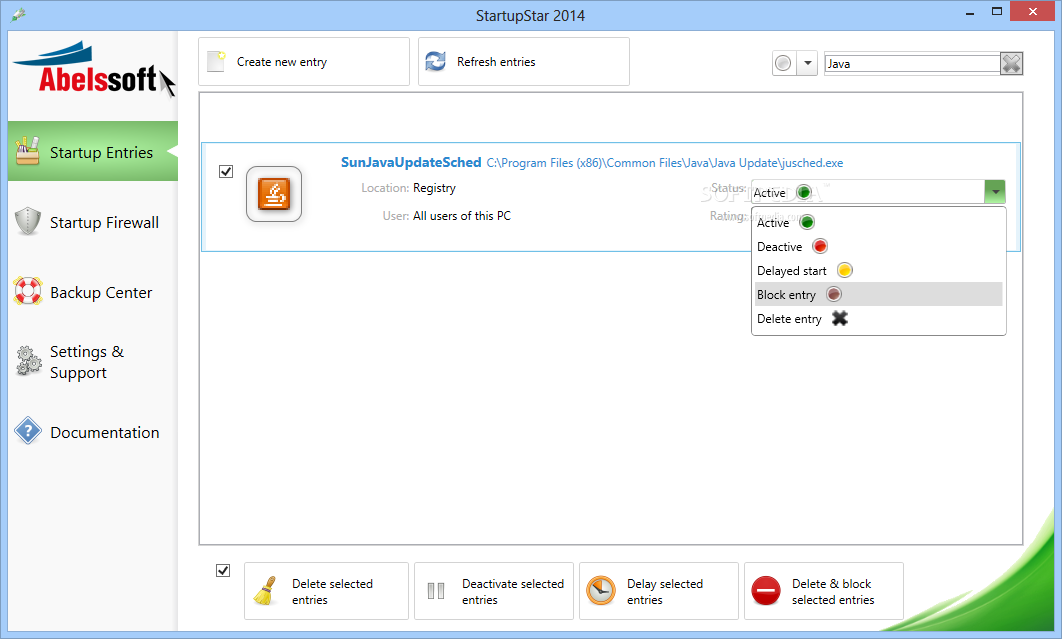
* StartupStar provides the ability to activate, deactivate or delete items.
* StartupStar allows you to delay the startup of an application. This allows you top load unimportant applications a bit later, hence allowing you to use your PC already and to launch applications as soon as the PC has a bit more CPU/time available.
Full control : You can see quick and efficient overview of all startup entries in the main screen and you can enable, disable, or delete them. With the built-in search function you can easily find applications.
Delay entries: StartupStar allows you to delay the start of applications. This reduces the number of simultaneous program starts during boot time and speeds up your boot experience.
Creation of new entries: With StartupStar you can instantly create new startup entries if you want. You can decide where when those startup entries will be launched. You have even the possibility to start programs with administrator rights without UAC (User Access Control).
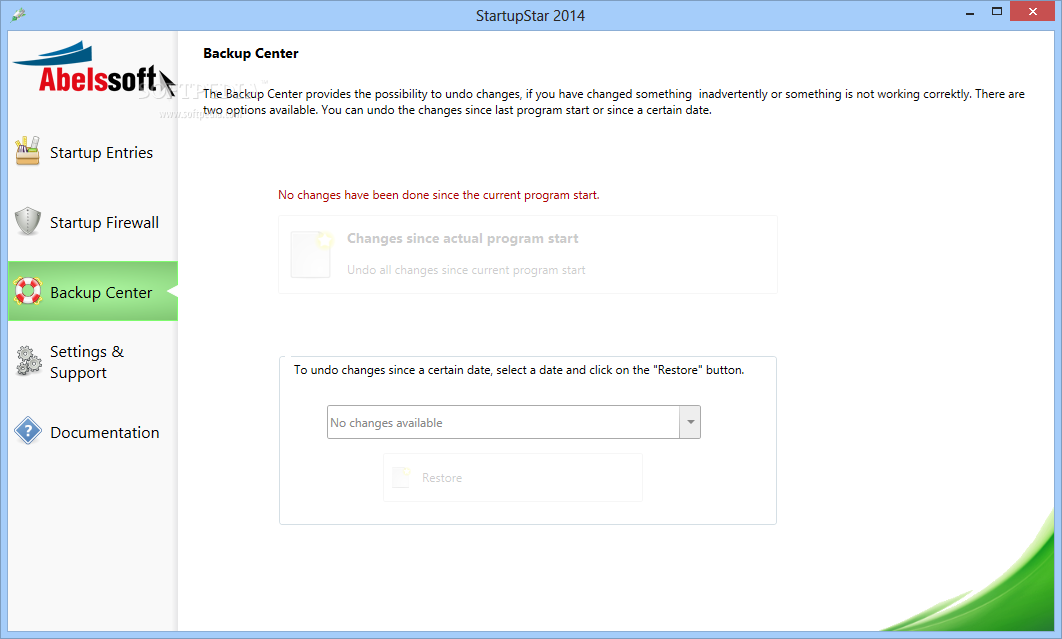
High security through backups: If you accidentally delete an entry, you can easily restore it.
Where to buy?
Last updated price and discount information 9 years agoupdate now



 View Screenshots(6)
 Comments
 Download





 Similar Software


 Recently Searched
 Software Categories
 Trending Software
 Like Us

 Windows ME and above