Version: 1 Last Updated: 27 Apr 2017 Release: 15 Dec 2014 Category: Internet > E-mail
Rate this software:
1251 downloads
View Screenshots(4)
Comments
Download
Liked it? Tell others:
SysTools MailPro Plus Details
Works on: Windows 10 | Windows 8.1 | Windows 8 | Windows 7 | Windows XP | Windows 2000 | Windows 2003 | Windows 2008 | Windows 98 | Windows ME | Windows NT | Windows Vista | Windows 2012 SHA1 Hash: 8e0a927d4f90784792478317551f3c0379ffa5f1 Size: 33.37 MB File Format: exe
Rating: 2.4
out of 5
based on 23 user ratings
Publisher Website: External Link Downloads: 1251 License: Demo / Trial Version
SysTools MailPro Plus is a demo software by SysTools and works on Windows 10, Windows 8.1, Windows 8, Windows 7, Windows XP, Windows 2000, Windows 2003, Windows 2008, Windows 98, Windows ME, Windows NT, Windows Vista, Windows 2012.
You can download SysTools MailPro Plus which is 33.37 MB in size and belongs to the software category E-mail. SysTools MailPro Plus was released on 2014-12-15 and last updated on our database on 2017-04-27 and is currently at version 1.
Thank you for downloading from SoftPaz! Your download should start any moment now. It would be great if you could rate and share:
Rate this software:
Share in your network:
SysTools MailPro Plus Description
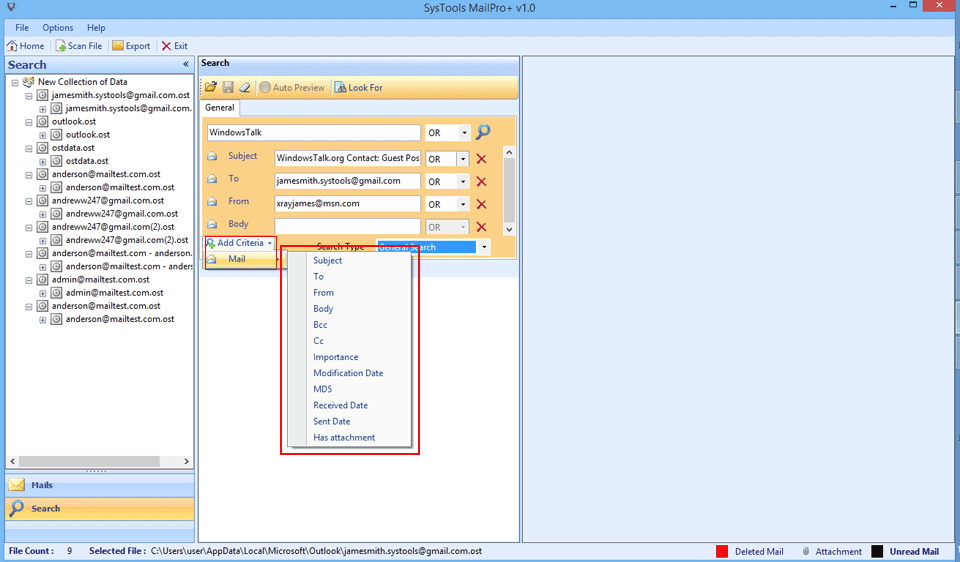
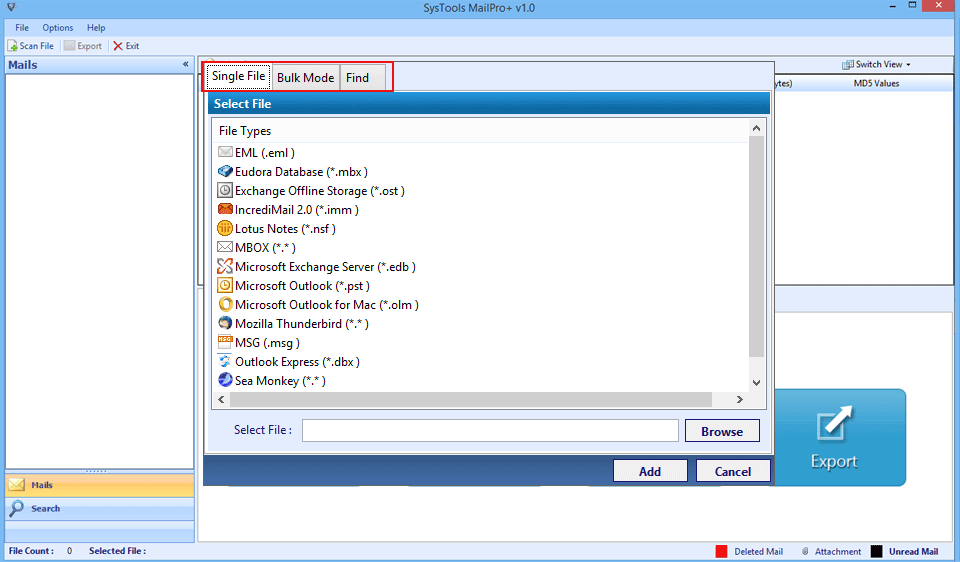
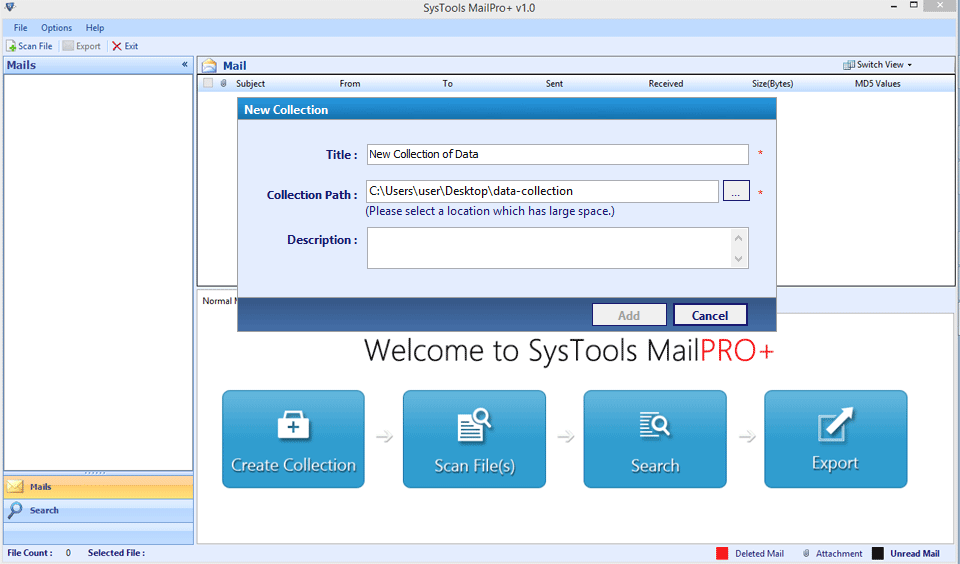
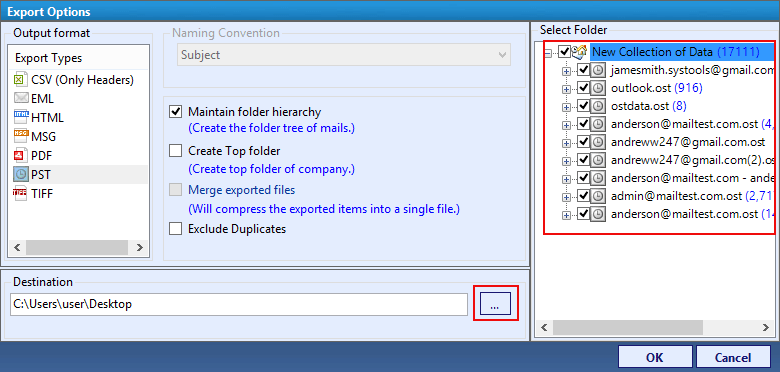
MailPro+ software is a multi-functional tool that can be an aid for forensics of email data. The tool supports the recovery of mailbox data from files like MBOX, PST, EDB, OLM, DBX, TBB that are supported by widely used email clients nowadays. Along with this, the benefit of exporting the emails into PDF, EML, MSG, PST, TIFF, HTML, and CSV (only headers) is offered in the tool. There is a facility to add single or multiple files at once in the tool using the Single File and Bulk Mode. The tool includes the choice for auto-detection of files from selected or all drives of the machine or gives the option to manually locate the file on the machine. There is provision to select corrupt or healthy files and its recovery to any of the supported file formats is possible with the tool. It provides the preview of all email folders, their mail count, and details of individual mail are provided by the software. The tool provides nine different views for each mail within its panel: normal mail, hex, header, properties, MIME, HTML, RTF, attachments, and hierarchical. Selected items and folder export is supported by the tool. With eight distinct naming conventions, the output email files can be managed properly. If the resultant file format is PDF, the software gives option to customize the file layout using the PDF Settings link. To manage the output folder and their hierarchy, there are four different options embedded in the tool: Maintain folder hierarchy, Create Top Folder, Merge exported files, and Exclude duplicates. Emails from large volume can be filtered using relevant criteria created through email fields and logical operators. The product is available with free demo version that allows testing its potential. The freeware supports analysing 2 files of each type and export 50 items to desired file format.
Where to buy?
Last updated price and discount information 9 years agoupdate now



 Windows NT and above
 View Screenshots(4)
 Comments
 Download





 Similar Software


 Recently Searched
 Software Categories
 Trending Software


 Like Us


